



Are you ready to get your 20V cordless drill back to full power quickly and safely? Knowing how to charge your drill’s battery the right way can save you time and extend the life of your tool.
Whether you’re a DIY beginner or a seasoned pro, this simple guide will walk you through the exact steps to charge your 20V cordless drill battery efficiently. Keep reading to discover tips that ensure your drill is always ready when you need it most.

Credit: www.amazon.com
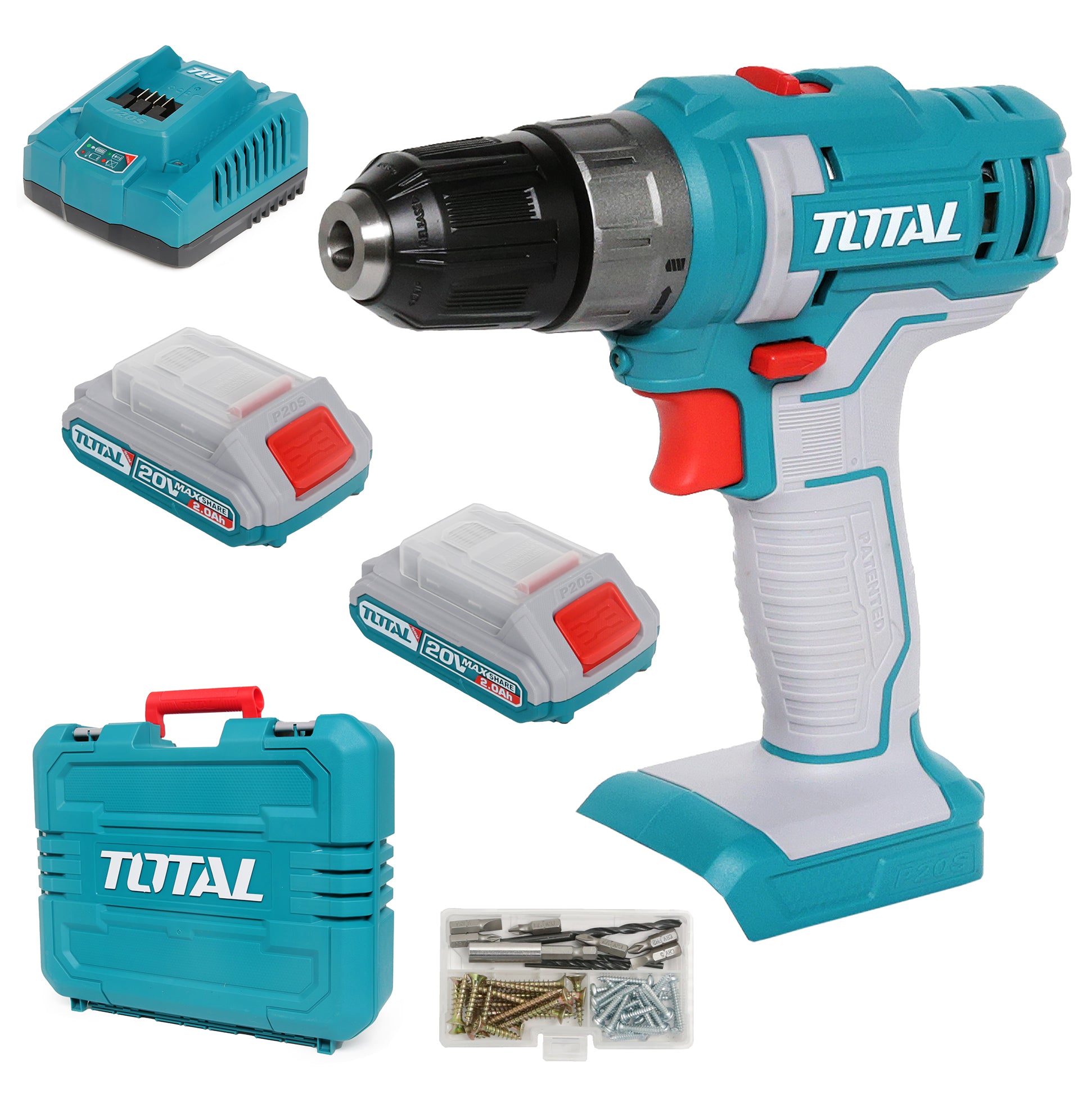
Choosing The Right Charger
Choosing the right charger is very important for your 20V cordless drill battery. The charger affects how fast and safely your battery charges. Using the wrong charger can damage the battery or reduce its life. Understanding different chargers helps you pick the best one for your needs.
Types Of Chargers
There are several types of chargers for cordless drill batteries. Standard chargers provide a steady charge but take longer. Fast chargers reduce charging time significantly. Smart chargers adjust the charging speed based on the battery’s condition. Knowing these types helps you decide which fits your routine.
Compatibility With Battery
Not every charger fits every battery. Check if the charger matches your 20V battery brand and model. Using an incompatible charger can cause poor charging or damage. Always pick chargers designed specifically for your battery type. This ensures safe and efficient charging every time.
Safety Features To Look For
Safety is key when charging lithium-ion batteries. Look for chargers with overcharge protection. This stops charging once the battery is full. Temperature control prevents overheating during charging. Short-circuit protection guards against electrical faults. These features keep you and your battery safe.
Credit: www.esseg.eu
Preparing The Battery
Preparing the battery before charging is very important. It helps the battery last longer and work better. Taking a few simple steps can make a big difference. Here is how to get your 20V cordless drill battery ready for charging.
Checking Battery Condition
Start by looking at the battery closely. Check for any cracks or leaks. If the battery looks damaged, do not charge it. A damaged battery can be unsafe. Also, check the battery’s charge level. Some chargers work best with low batteries.
Cleaning Battery Contacts
Dirty contacts can stop the battery from charging well. Use a dry cloth or soft brush to clean the metal contacts. Remove dust, dirt, or any sticky stuff. Clean contacts help the battery and charger connect properly.
Ensuring Proper Temperature
Battery works best at room temperature. Cold or hot batteries may not charge correctly. Avoid charging the battery in extreme heat or cold. Keep it in a dry, cool place before charging for best results.
Charging Process
Charging a 20V cordless drill battery is a simple process. Follow clear steps to ensure the battery charges safely and fully. Proper charging extends battery life and keeps your drill ready for work.
Connecting The Battery To Charger
First, remove the battery from the drill. Align the battery with the charger slots carefully. Push the battery in until it clicks or fits snugly. Avoid forcing the battery to prevent damage. Make sure the charger is plugged into a power outlet.
Optimal Charging Time
Most 20V batteries take about 30 to 60 minutes to charge. Check the battery manual for exact charging times. Avoid overcharging by removing the battery after it is full. Charging too long can reduce battery life. Use the charger designed for your battery type only.
Indicators And What They Mean
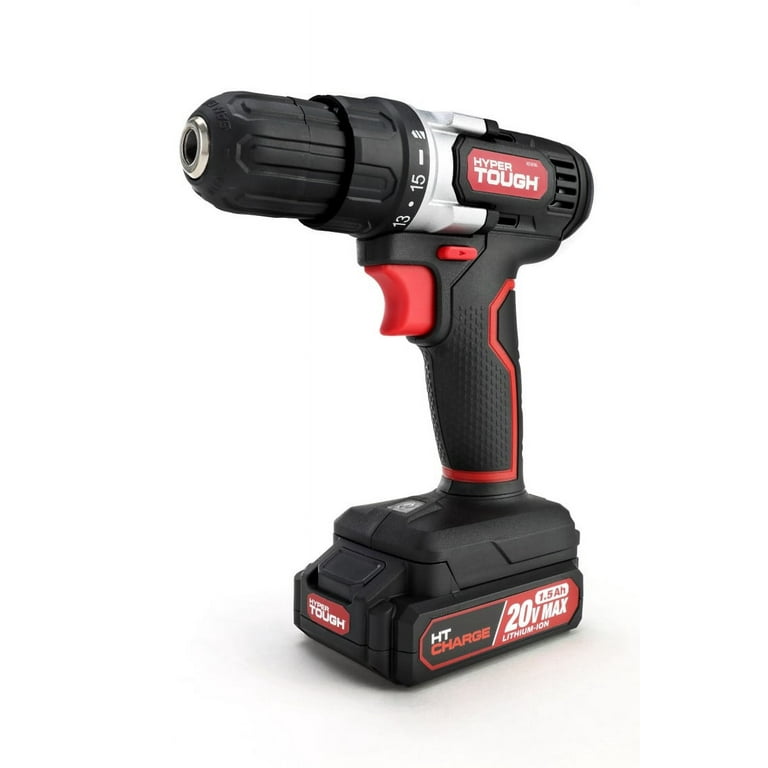
Chargers have lights to show charging status. A red light usually means charging is in progress. Green light means the battery is fully charged. Flashing lights can signal errors or battery issues. Always refer to the charger guide to understand indicator meanings.
Credit: www.walmart.com
Maintaining Battery Health
Maintaining the health of your 20V cordless drill battery helps it last longer. Proper care ensures better performance and fewer replacements. Simple steps can protect your battery from damage and keep it charged efficiently.
Avoiding Overcharging
Overcharging can reduce battery life. Always remove the battery from the charger once it is full. Use chargers with automatic shut-off features. Leaving the battery on charge for too long causes heat buildup. Heat damages battery cells and lowers capacity.
Storage Tips
Store batteries in a cool, dry place away from direct sunlight. Avoid extreme temperatures, both hot and cold. Keep batteries at about 40% to 60% charge if storing for a long time. Remove batteries from the drill before storing. This helps prevent slow discharge and damage.
Regular Usage Practices
Use your cordless drill battery regularly to keep it active. Avoid letting the battery sit unused for months. Fully charge and discharge the battery at least once a month. This practice helps maintain battery capacity. Frequent use also prevents battery cells from deteriorating.
Troubleshooting Charging Issues
Charging a 20V cordless drill battery usually goes smoothly. Sometimes, issues can stop the battery from charging properly. Troubleshooting these problems helps keep your tools ready to use.
Battery Not Charging
Check if the battery is correctly placed in the charger. Dirt or dust on the battery contacts can block charging. Clean the contacts with a dry cloth. A very old battery may lose its ability to hold a charge. Try charging another battery to see if the charger works.
Charger Not Working
Make sure the charger is plugged into a working outlet. Look for damage on the charger cord or plug. A broken charger will not charge the battery. Test the charger with a different battery to confirm it works. Sometimes, internal parts fail. Replace the charger if needed.
Battery Overheating
Charging a battery in a hot place can cause overheating. Remove the battery and let it cool down before charging again. Overheating may damage the battery permanently. Avoid charging near heat sources or in direct sunlight. If the battery gets too hot often, stop using it and get a replacement.
Frequently Asked Questions
How Long Does It Take To Charge A 20v Cordless Drill Battery?
Charging a 20V cordless drill battery typically takes 30 to 60 minutes. Fast chargers reduce this time. Always follow the manufacturer’s instructions for optimal results.
Can I Use Any Charger For My 20v Drill Battery?
No, use only the charger designed for your 20V drill battery. Using the wrong charger can damage the battery or reduce its lifespan.
How Do I Know When The Battery Is Fully Charged?
Most chargers have an indicator light that turns green when charging is complete. Always wait for the full charge before unplugging the battery.
Should I Charge The Battery Before First Use?
Yes, charging the battery fully before first use ensures maximum battery life and performance. It helps activate the battery cells properly.
Conclusion
Charging a 20V cordless drill battery is simple and safe. Always use the right charger for your battery type. Keep the battery clean and dry during charging. Avoid overcharging to protect battery life. Store batteries in a cool, dry place when not in use.
Regular charging keeps your drill ready for any job. Follow these steps to keep your tools working well. A well-charged battery means your drill stays powerful and reliable. Easy to do, and worth the effort.
