


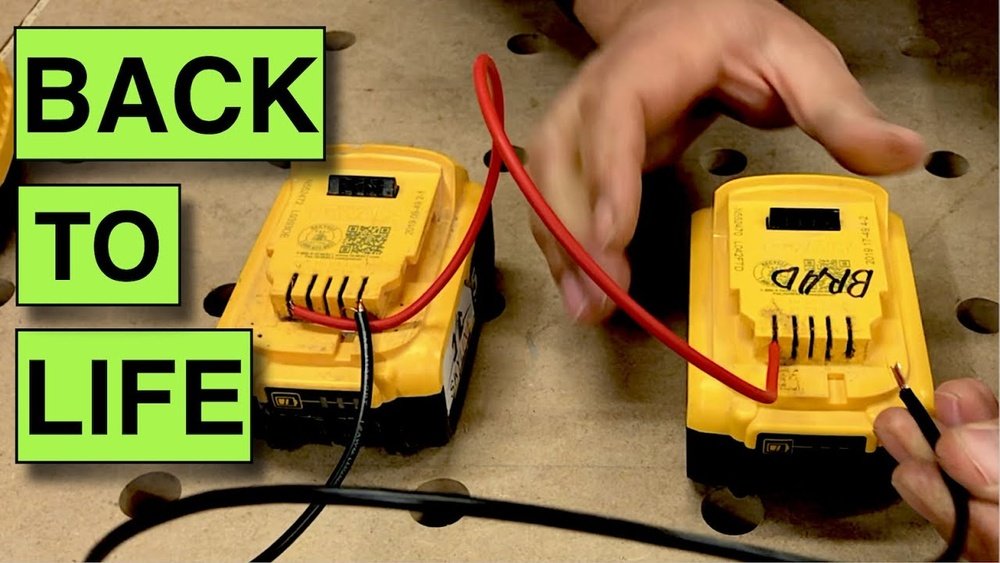
Have you ever grabbed your cordless drill, only to find the battery completely dead? It’s frustrating, especially when you’re right in the middle of a project.
But don’t worry—recharging a dead cordless drill battery is easier than you think. You’ll learn simple, step-by-step tips to bring your battery back to life quickly and safely. Keep reading, and you’ll never be stuck with a powerless drill again!
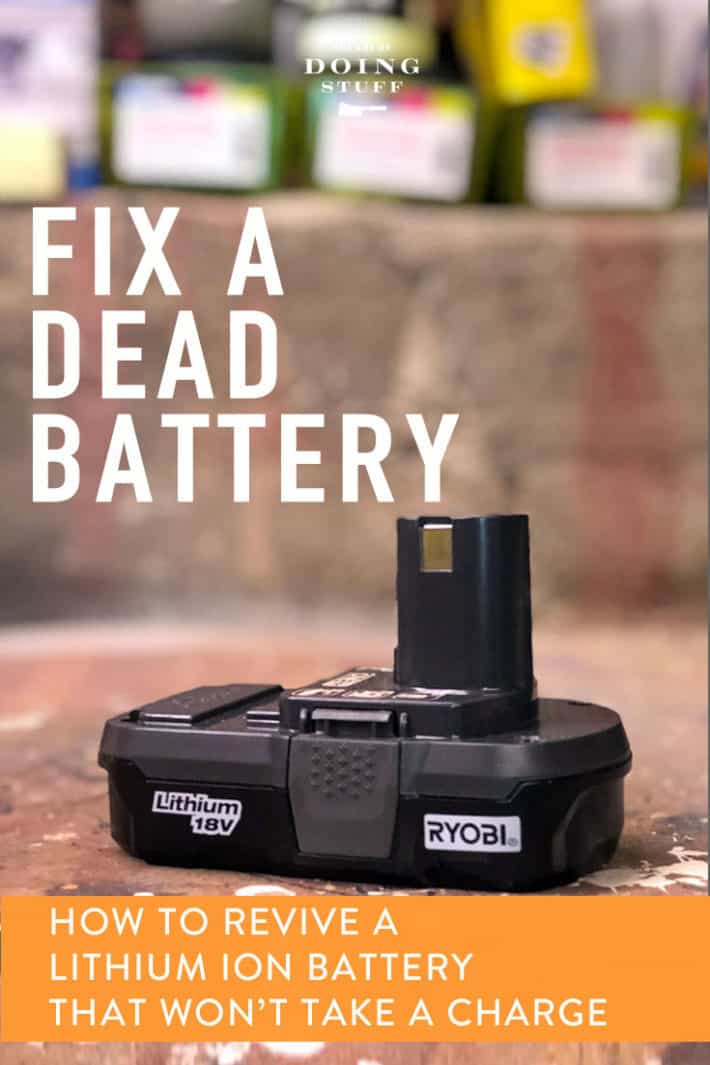
Credit: www.theartofdoingstuff.com
Signs Of A Dead Battery
Knowing the signs of a dead cordless drill battery helps save time and effort. It lets you decide if recharging or replacing the battery is needed. Recognizing these signs early keeps your drill ready for work.
No Power Or Charge
The drill does not start or run at all. The battery does not hold any charge. Even after charging, the drill stops quickly. These are clear signs of a dead battery.
Battery Overheating
The battery becomes very hot during use or charging. Overheating can damage the battery cells. This often means the battery is failing and may die soon.
Battery Age And Usage
Old batteries lose their power over time. Frequent use reduces battery life faster. If your battery is over two years old, it might be dead or weak.
Safety Precautions
Safety comes first when recharging a dead cordless drill battery. Taking simple precautions protects you and your tools. Batteries store energy that can be dangerous if handled wrongly. Follow these safety steps to avoid accidents and damage.
Wear Protective Gear
Always wear safety glasses to protect your eyes. Gloves keep your hands safe from chemicals and sparks. Long sleeves help shield your skin. Safety gear reduces risks during battery charging.
Avoid Short Circuits
Short circuits cause sparks and damage batteries. Keep metal objects like keys and coins away from battery terminals. Ensure the charger and battery contacts are clean and dry. Handle batteries carefully to prevent accidental shorts.
Work In A Well-ventilated Area
Charging batteries can release harmful gases. Use a space with fresh air flow to stay safe. Avoid enclosed or small rooms. Proper ventilation reduces breathing risks and keeps the environment safe.
Tools And Materials Needed
Before recharging a dead cordless drill battery, gather the right tools and materials. These help you check the battery’s condition and safely charge it. Having the correct items also prevents damage to the battery or charger. Below are the key tools you will need.
Charger Compatible With Battery
Use a charger made for your drill battery type. Different batteries need specific chargers. A compatible charger ensures proper charging voltage and current. This avoids overheating or battery damage. Always check the battery and charger model numbers.
Multimeter
A multimeter measures voltage and current. It helps check if the battery holds any charge. You can test the charger output too. This tool confirms the battery’s health before charging. Basic models work well and are easy to use.
Battery Analyzer
A battery analyzer gives detailed information about battery condition. It tests capacity, voltage, and internal resistance. This tool helps decide if the battery can be recharged or must be replaced. It is useful for troubleshooting battery problems.
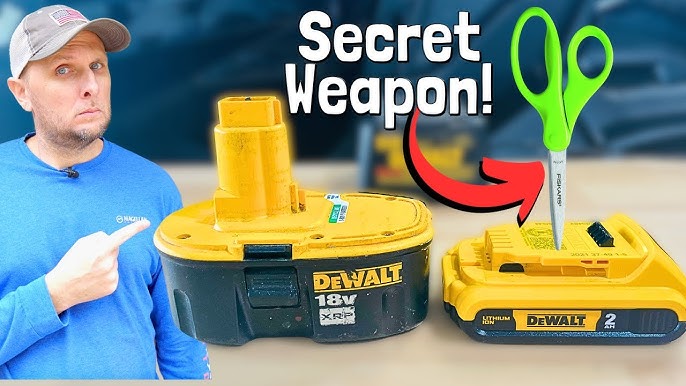
Credit: www.youtube.com
Step-by-step Recharge Process
Recharging a dead cordless drill battery is simple with the right steps. Follow this clear guide to bring your battery back to life. Each step ensures safety and better battery performance. Keep your drill ready for use anytime.
Remove Battery From Drill
First, take the battery out of the drill. Press the release buttons on the battery pack. Gently pull the battery away from the drill. Avoid using force to prevent damage.
Clean Battery Contacts
Check the battery contacts for dirt or dust. Use a dry cloth or a small brush to clean them. Clean contacts help the battery charge properly. Do not use water or liquids.
Check Battery Voltage
Use a multimeter to check the battery voltage. Compare the reading with the battery’s rated voltage. A very low voltage means the battery needs charging. This step confirms the battery’s condition.
Use The Correct Charger
Always use the charger designed for your drill battery. Using the wrong charger can damage the battery. Plug the charger into a power outlet. Connect the battery to the charger securely.
Charge Battery Fully
Let the battery charge until the indicator shows full. Charging time varies by battery type and capacity. Avoid removing the battery too soon. A full charge extends battery life.
Test Battery Performance
After charging, place the battery back into the drill. Turn on the drill and check its power. The drill should run smoothly without power drops. A good test shows the battery is ready to use.
Troubleshooting Charging Issues
Troubleshooting charging issues is key to fixing a dead cordless drill battery. Many times, the problem lies in simple faults. Checking these can save time and money. The battery, charger, or even internal cells may cause the issue.
Battery Not Charging
First, check the battery contacts. Dirt or rust can stop charging. Clean contacts gently with a dry cloth. Next, test the battery with another charger. If it still won’t charge, the battery may be faulty. Sometimes, the battery is too old to hold a charge. Consider replacing it if it shows no power.
Charger Malfunction
Examine the charger for damage. Look for broken wires or loose parts. A faulty charger will not deliver power to the battery. Test the charger with a different battery if possible. If the charger does not work, replace it. Using a damaged charger can harm the battery or drill.
Replacing Battery Cells
Some batteries allow cell replacement. This can restore power without buying a new battery. Open the battery case carefully. Identify swollen or damaged cells and remove them. Use the same type of new cells for replacement. Solder the new cells in place securely. Reassemble the battery and test it. Cell replacement requires caution and basic skills.
Extending Battery Life
Extending the life of your cordless drill battery saves money and reduces waste. Proper care helps keep the battery strong and ready for use. Small habits make a big difference in battery health. Follow simple steps to protect your battery and get more from it.
Proper Storage Tips
Store the battery in a cool, dry place. Avoid areas with high heat or cold. Extreme temperatures damage battery cells. Keep the battery away from direct sunlight. Remove the battery from the drill if not used for a long time. Store the battery with a partial charge, about 40-60%. Avoid leaving the battery fully charged or fully empty during storage.
Regular Maintenance
Clean the battery contacts regularly with a dry cloth. Dirt or dust can block power flow. Check the battery for cracks or leaks. Replace the battery if it shows damage. Use the battery often to keep it active. Batteries that sit unused lose capacity faster. Charge the battery before it is completely empty.
Avoid Overcharging
Do not leave the battery on the charger too long. Overcharging causes heat build-up and damages cells. Use a charger with an automatic shut-off feature. Remove the battery from the charger once fully charged. Frequent overcharging reduces battery life. Charge batteries at room temperature to prevent stress.
When To Replace The Battery
Knowing when to replace your cordless drill battery saves time and frustration. Some batteries lose their ability to hold a charge. Others may fail suddenly without warning. Recharging a dead battery works only if the battery is still in good condition. Identifying signs of damage helps decide if replacement is necessary. Also, weighing the cost against benefits ensures smart spending. Proper disposal of old batteries protects the environment and follows safety rules.
Signs Of Irreparable Damage
Swollen or leaking batteries are unsafe. They can damage the drill or cause injury. A battery that quickly loses charge shows internal damage. Overheating during charging or use also signals problems. Corroded or broken battery terminals stop power flow. If the battery does not charge after multiple attempts, it likely needs replacement. These signs mean the battery cannot be fixed.
Cost Vs. Replacement Benefits
Compare the price of a new battery with repair costs. Repairing may not restore full battery life or power. A new battery gives longer use and better performance. Consider how often you use the drill. Frequent use justifies investing in a new battery. A new battery also reduces downtime and work interruptions. Spending money on a fresh battery often saves more later.
Disposal Of Old Batteries
Old batteries contain harmful chemicals. Throwing them in the trash harms the environment. Take dead batteries to a recycling center or hazardous waste site. Many stores accept used batteries for safe disposal. Follow local rules for battery disposal to avoid fines. Proper disposal prevents pollution and keeps people safe. Never burn or puncture old batteries.
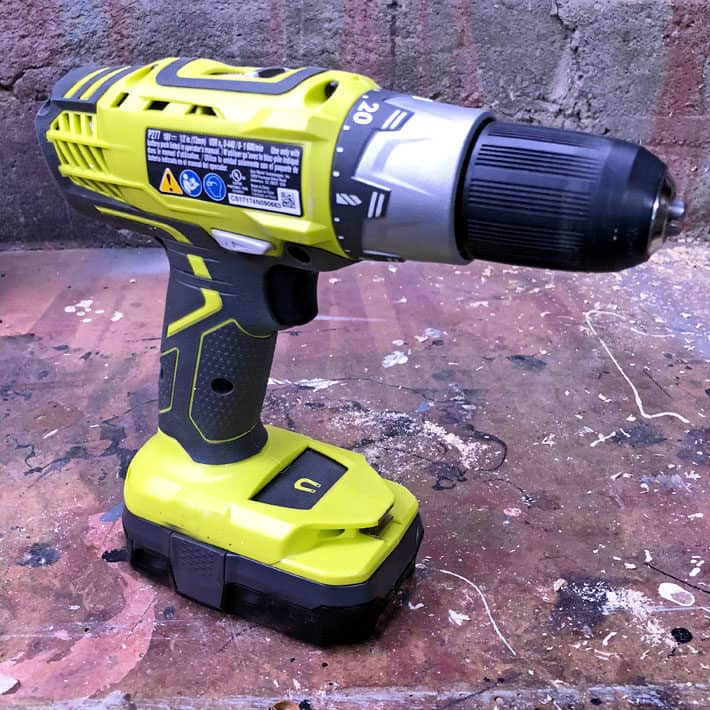
Credit: www.theartofdoingstuff.com
Frequently Asked Questions
How Can I Recharge A Dead Cordless Drill Battery?
To recharge a dead cordless drill battery, connect it to the original charger. Ensure the charger is plugged into a power source. Allow the battery to charge fully until the indicator shows 100%. Avoid using incompatible chargers to prevent damage.
How Long Does It Take To Recharge A Dead Drill Battery?
Recharging a dead cordless drill battery usually takes 1 to 3 hours. Charging time depends on battery capacity and charger type. Fast chargers reduce time but may affect battery lifespan. Always follow manufacturer guidelines for optimal charging.
Can A Dead Cordless Drill Battery Be Revived?
Yes, sometimes a dead cordless drill battery can be revived. Try fully discharging, then charging it again. If the battery is deeply discharged, use a smart charger with a recovery mode. Otherwise, replacement may be necessary.
What Are Signs Of A Dead Cordless Drill Battery?
Signs include the drill not powering on, rapid power loss, or failure to hold a charge. The battery may also feel hot or swollen. If these occur, testing or replacement is recommended to maintain safety.
Conclusion
Recharging a dead cordless drill battery is simple and saves money. Follow the right steps to bring your battery back to life. Use the correct charger and avoid overcharging to keep your battery healthy. Regular care helps your drill work longer and better.
Now, your cordless drill is ready for the next project. Keep these tips in mind for easy battery care. You can trust your drill to perform when you need it most.
