


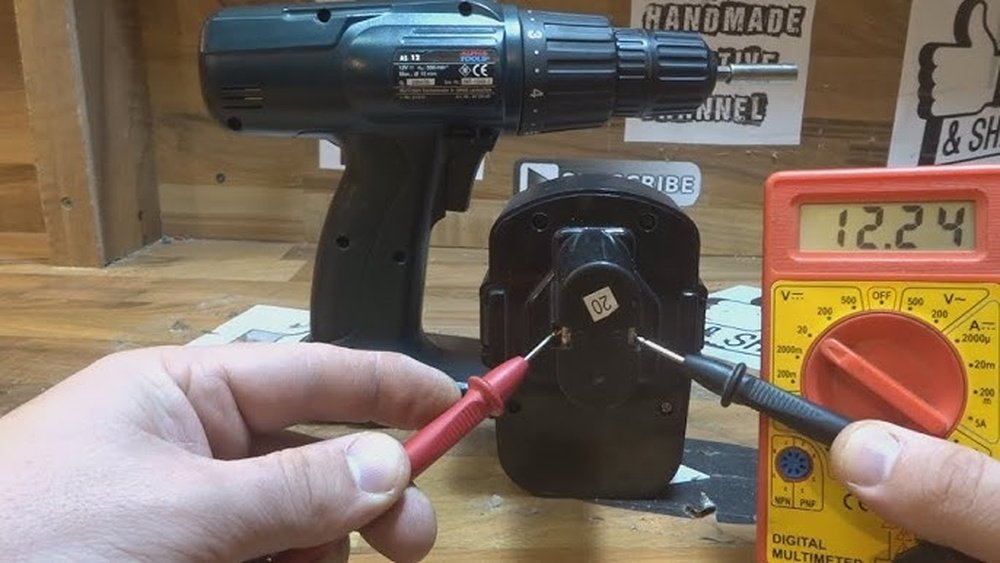
Are you struggling to get your cordless drill ready when you need it most? Knowing how to charge your cordless drill properly can save you time and keep your tools working longer.
Whether you’re a beginner or just looking for quick tips, this guide will walk you through simple steps to charge your drill safely and efficiently. Keep reading to learn how to power up your drill so it’s always ready to help you tackle your next project with ease.
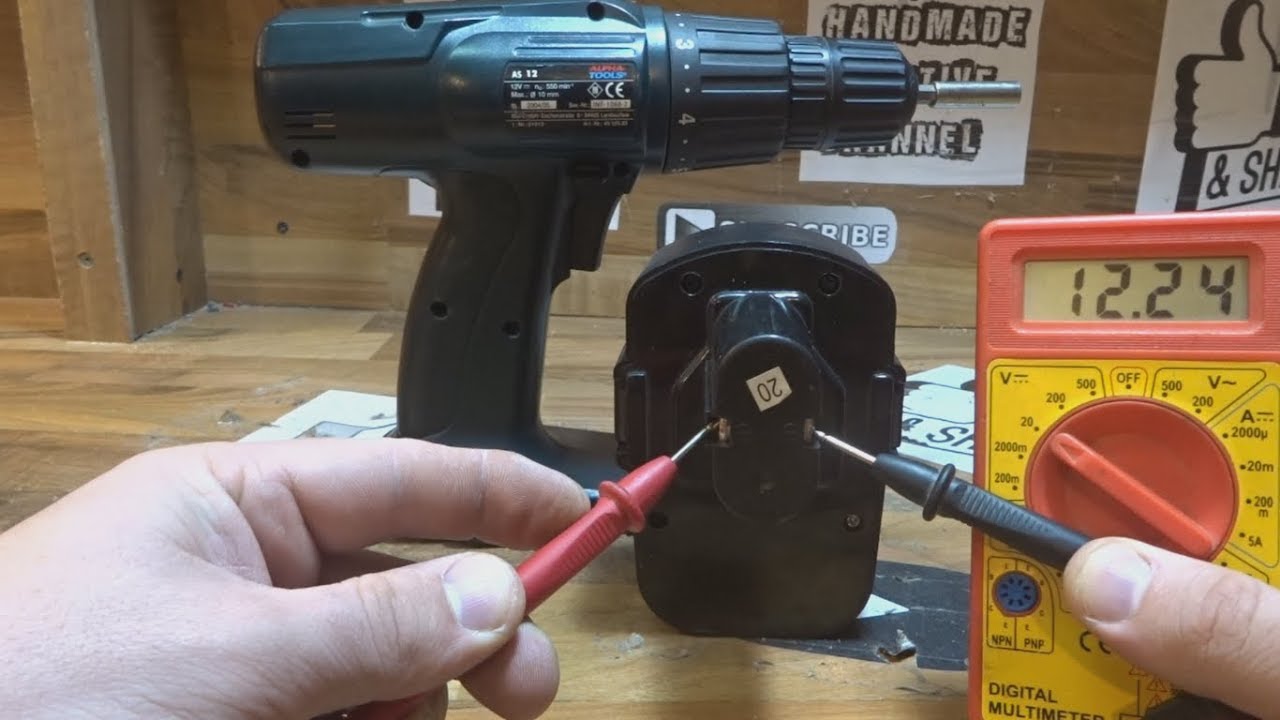
Credit: www.youtube.com
Choosing The Right Charger
Choosing the right charger for your cordless drill is key to keeping it ready for use. The charger must fit the battery type and work with your drill. Using the wrong charger can damage your battery or slow down charging. Understanding how to pick the right charger helps you save time and money.
Match Charger To Battery Type
Each cordless drill battery has a specific type. Common types include lithium-ion, nickel-cadmium, and nickel-metal hydride. The charger must be designed for your battery type. Using a charger for a different battery can cause poor performance. Always check the battery label and choose a charger made for that type.
Check Charger Compatibility
Not all chargers fit every drill model. Chargers have different connectors and voltage settings. Make sure the charger matches your drill’s model number. Check the voltage and connector style before buying. A compatible charger ensures safe and efficient charging.
Consider Fast Charging Options
Some chargers offer fast charging to save time. These chargers use higher power to fill the battery quickly. Fast charging is useful if you need your drill ready fast. Note that fast chargers can generate more heat. Choose a charger with good safety features to protect your battery.

Credit: www.reddit.com
Preparing The Drill For Charging
Preparing your cordless drill for charging is an important step. It helps keep the battery healthy and your drill working well. Taking a few simple actions can make a big difference in battery life and safety.
Start by removing the battery safely. This prevents any damage to the drill or charger. Next, clean the battery contacts to ensure good power flow. Finally, inspect the battery and drill for any damage before charging.
Remove The Battery Safely
Turn off the drill before removing the battery. Press the release button or latch. Pull the battery straight out, without forcing it. Handle the battery gently to avoid damage. Never remove the battery while charging.
Clean Battery Contacts
Check the metal contacts on the battery and drill. Use a dry cloth to wipe off dirt and dust. Avoid using water or cleaning liquids. Clean contacts help the battery charge faster and better. Dirty contacts can cause poor connection and charging issues.
Inspect For Damage
Look closely at the battery and drill for cracks or leaks. Check for swelling or unusual smells. Any damage means do not charge the battery. Damaged batteries can be unsafe. Replace or repair damaged parts before charging.
Charging Techniques For Battery Longevity
Proper charging techniques help keep your cordless drill battery healthy. They extend battery life and improve drill performance. Using the right methods saves money on replacements. Follow simple steps to protect your battery every time you charge it.
Avoid Overcharging
Leaving the battery on the charger too long can harm it. Overcharging causes heat, which reduces battery capacity. Remove the battery once it reaches full charge. Use chargers with auto shut-off features to prevent overcharging.
Charge At Room Temperature
Charge the battery in a cool, dry place. Extreme heat or cold can damage battery cells. Room temperature helps maintain battery health and efficiency. Avoid charging near heaters or in direct sunlight.
Use Partial Charging Cycles
Do not always charge the battery from zero to 100%. Partial charges keep the battery healthier over time. Charge when the battery is about 20-30% empty. Frequent, small charges work better than one full charge.
Credit: www.reddit.com
Maintaining Battery Health
Maintaining the health of your cordless drill battery keeps it working longer. Proper care helps avoid early battery failure and loss of power. Simple steps can protect your battery and save money over time.
Store Batteries Properly
Keep batteries in a cool, dry place. Avoid places with high heat or moisture. Extreme temperatures can damage battery cells. Store batteries at about 40-60% charge for best results. Use original cases or covers to prevent damage.
Regularly Use And Recharge
Use your cordless drill often to keep the battery active. Recharge the battery after each use, even if not fully empty. Regular charging avoids battery memory issues. Avoid leaving batteries unused for long periods. This keeps the battery healthy and ready.
Avoid Deep Discharges
Do not let the battery completely drain. Deep discharges reduce battery capacity and lifespan. Charge the battery before it drops below 20%. Frequent deep drains cause permanent damage. Partial discharges and timely charging extend battery life.
Troubleshooting Charging Issues
Charging problems with cordless drills can slow down your work. Knowing how to find and fix these issues saves time. This guide helps you troubleshoot common charging problems.
Identify Charging Errors
Check if the charger’s light blinks or stays off. A blinking light usually means a problem. Look for loose connections or dirt on the contacts. Make sure the battery fits well into the charger. Test the power outlet by plugging in another device. These steps help find simple errors quickly.
Replace Faulty Chargers Or Batteries
Damaged chargers or old batteries cause charging problems. Look for cracks, frayed wires, or overheating. If the battery does not hold charge, it may be dead. Use only compatible replacements for your drill model. New parts often fix charging issues fast and safe.
Seek Professional Help When Needed
Some problems need expert tools and knowledge. If troubleshooting does not work, visit a service center. Professionals can test and repair chargers and batteries. They ensure safety and extend your drill’s life. Do not try risky repairs at home.
Frequently Asked Questions
How Long Does It Take To Charge A Cordless Drill?
Charging time varies by battery type and charger. Typically, it takes 30 minutes to 3 hours for a full charge. Always refer to your drill’s manual for exact charging times to avoid overcharging and preserve battery life.
Can I Use Any Charger For My Cordless Drill?
No, use the charger specifically designed for your drill’s battery model. Using incompatible chargers can damage the battery and reduce its lifespan. Always check manufacturer recommendations to ensure safe and efficient charging.
How Do I Know When My Cordless Drill Is Fully Charged?
Most chargers have an indicator light that changes color when charging is complete. Some drills beep or display a signal. Refer to your charger’s manual to understand the specific indicator for full charge.
Is It Safe To Leave A Cordless Drill Charging Overnight?
It’s generally not recommended to leave drills charging overnight. Overcharging can shorten battery life and pose safety risks. Use a charger with auto shut-off or remove the battery once fully charged.
Conclusion
Charging your cordless drill is simple and keeps your tool ready. Always use the correct charger for safety. Avoid overcharging to protect the battery’s life. Store the drill and charger in a dry place. Regular charging helps maintain strong power for your work.
Follow these steps, and your drill will last longer. Keep your drill charged and ready for any task. Easy habits make a big difference in tool care. Stay prepared and work smoothly every time you use it.
