


Are you tired of your cordless drill running out of power right when you need it most? Keeping your drill’s batteries charged isn’t just about plugging them in—it’s about knowing the right habits that extend battery life and keep your tools ready for any job.
Imagine never having to pause your project because of a dead battery. You’ll discover simple, effective tips that help you maintain your cordless drill batteries so they stay charged longer and perform better. Ready to power up your tools and get more done?
Keep reading to learn how.
Choosing The Right Battery
Choosing the right battery for your cordless drill is very important. The battery affects how long your drill works and how powerful it feels. Not all batteries are the same. Picking the best one helps keep your drill ready for work.
Types Of Cordless Drill Batteries
There are three main types of batteries for cordless drills. Nickel-Cadmium (NiCd) batteries are older but still used. They are heavier and have less capacity. Nickel-Metal Hydride (NiMH) batteries offer better power and last longer. Lithium-Ion (Li-Ion) batteries are the newest and most popular. They are light, hold a charge longer, and charge faster.
Battery Capacity And Voltage
Battery capacity shows how long the battery lasts. It is measured in ampere-hours (Ah). A higher Ah means longer use between charges. Voltage shows the battery’s power. Higher voltage means more power for tough jobs. A 12-volt battery is good for light tasks. For heavy work, choose 18 volts or more.
Battery Compatibility
Not all batteries fit every drill. Check your drill’s model before buying a battery. Using the wrong battery can damage your drill or reduce its life. Many brands have unique battery shapes and connections. Buy batteries made for your drill brand to avoid problems.

Credit: www.woodsmithplans.com
Proper Charging Practices
Proper charging practices help extend the life of your cordless drill batteries. Charging the battery the right way keeps it healthy and ready for use. It prevents damage and improves performance. Follow these simple steps to charge your battery safely and efficiently.
Using The Correct Charger
Always use the charger made for your drill battery. Chargers differ by brand and battery type. Using the wrong charger can harm the battery or cause it not to charge. Look for the charger that matches the voltage and model of your battery. This ensures safe and efficient charging every time.
Charging Time Guidelines
Charge your battery for the recommended time only. Most batteries take between 30 minutes and a few hours to fully charge. Avoid charging for too short or too long. Short charging leaves the battery weak. Overcharging wastes electricity and may reduce battery life. Follow the instructions on your charger or manual for best results.
Avoiding Overcharging
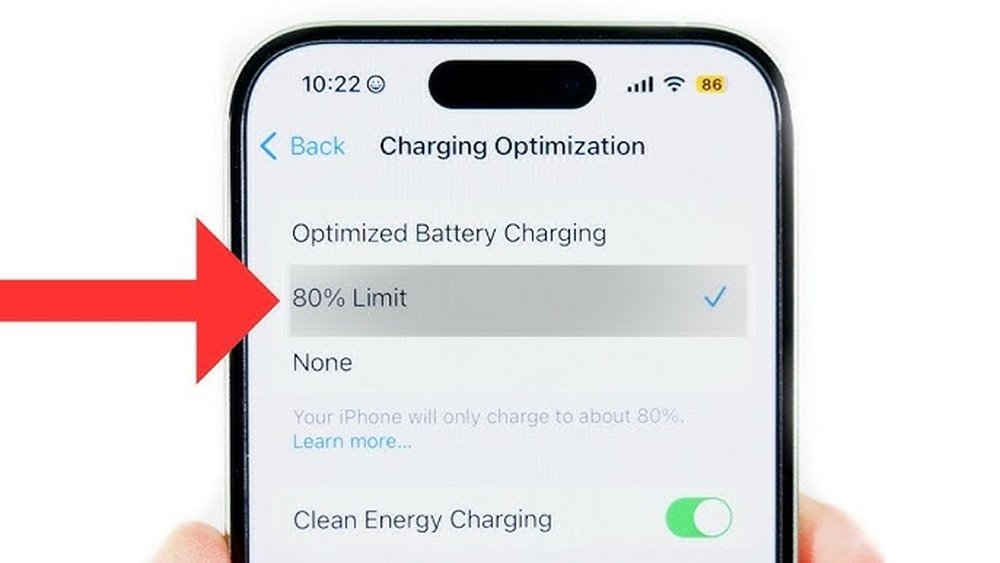
Do not leave the battery on the charger after it is full. Overcharging causes overheating and damages the battery cells. Many modern chargers stop charging automatically when full. Still, unplug the charger once the battery reaches 100%. Store the battery separately if not in use for a long time. This keeps it safe and ready for your next project.
Storage Tips For Battery Longevity
Proper storage plays a big role in keeping cordless drill batteries healthy. Batteries last longer and work better when stored the right way. Following some simple storage tips helps protect the battery’s power and life.
Optimal Storage Temperature
Batteries stay best in cool, dry places. The ideal temperature is between 50°F and 77°F (10°C to 25°C). Heat can cause damage and reduce battery life. Cold can slow down the battery’s ability to hold charge. Avoid storing batteries near heaters or in freezing areas.
Storing Batteries Partially Charged
Keep batteries at about 40% to 60% charge when storing. Fully charged or fully drained batteries can lose capacity faster. Partial charge helps keep the battery stable over time. Check and recharge the battery every few months to maintain this level.
Avoiding Moisture And Dust
Moisture and dust harm battery contacts and casing. Store batteries in clean, dry containers or bags. Avoid damp basements or places with high humidity. Keep batteries away from dirt and debris to ensure good performance and safety.
Maintaining Battery Health
Maintaining the health of your cordless drill batteries is key to keeping them charged and ready. Good care helps the battery last longer and work better. Simple habits can protect the battery from damage and loss of power. These steps make sure your drill is always ready for the next job.
Regular Use And Cycling
Use your cordless drill regularly to keep the battery active. Batteries that sit unused lose charge and capacity. Try to run the battery down before charging it again. This process is called cycling. Cycling helps keep the battery cells balanced and healthy. Avoid leaving the battery fully charged for a long time without use.
Cleaning Battery Contacts
Dirty contacts can stop your battery from charging well. Wipe the metal contacts with a dry cloth often. Remove dust and dirt gently to avoid damage. Clean contacts improve the flow of electricity. This keeps the battery charging quickly and efficiently. Check for corrosion and clean it carefully if found.
Monitoring Battery Performance
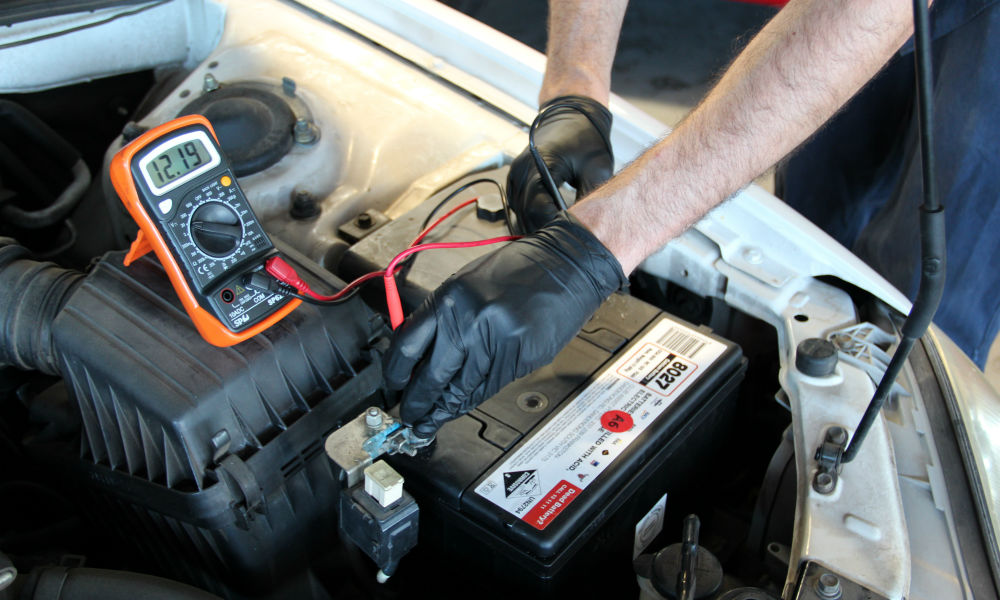
Watch how your battery holds its charge over time. If it drains fast or won’t charge fully, it may be weak. Check for swelling or unusual heat during use. These signs mean the battery needs attention or replacement. Keeping an eye on performance helps avoid unexpected failures. Replace batteries that no longer work well to keep your drill running strong.
Troubleshooting Battery Issues
Troubleshooting battery issues is key to keeping your cordless drill working well. Batteries can show problems over time. Knowing how to spot these problems helps you act fast. This saves time and money. Let’s explore common battery problems and how to fix them.
Signs Of Battery Damage
Look for swelling or cracks on the battery case. This means the battery is damaged. If the battery heats up quickly while charging, it may be faulty. Notice if the drill runs shorter than usual. A damaged battery loses power fast. Strange smells or leaks are serious signs. Stop using the battery immediately if you see these.
When To Replace Batteries
Replace batteries that do not hold a charge. If charging takes much longer than before, it may be time. Batteries that fail to power the drill properly need replacement. Frequent shut-offs or low performance indicate a weak battery. Old batteries often lose efficiency and need changing. Using damaged or old batteries can harm your drill.
Dealing With Battery Memory Effect
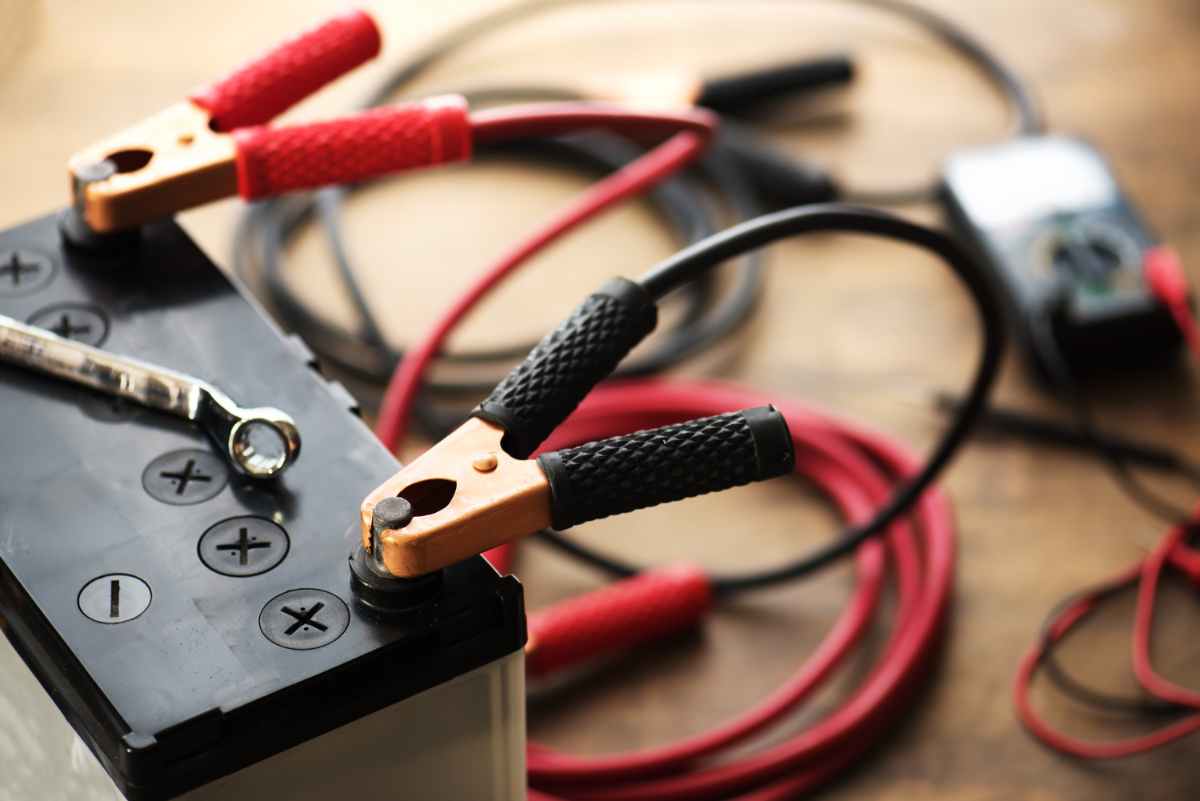
Some batteries lose capacity if not fully charged or discharged. This is called memory effect. To avoid it, charge batteries fully before use. Occasionally let the battery run down completely. Then recharge it fully. This resets the battery and improves life. Using smart chargers can help prevent memory effect.
Credit: www.mach1services.com
Advanced Power Tips
Keeping your cordless drill batteries charged saves time and keeps your tools ready. Basic charging works, but advanced tips help extend battery life and improve power. These methods focus on smarter charging and better battery use.
Using External Battery Packs
External battery packs provide extra power on the go. They connect to your drill and give additional runtime. This reduces downtime during long projects. Choose packs that match your drill’s voltage. Store packs in a cool, dry place to keep them healthy.
Upgrading To Higher Capacity Batteries
Higher capacity batteries last longer between charges. They hold more energy and support heavy work. Check if your drill supports bigger batteries before upgrading. These batteries might weigh more, but the extra power is worth it. Keep the batteries clean and dry to maintain performance.
Smart Charging Technologies
Smart chargers protect batteries from damage. They stop charging when the battery is full. This prevents overcharging and extends battery life. Some chargers balance the cells inside the battery for better health. Use the charger made for your battery brand for best results.
Credit: deepcyclebatterystore.com
Frequently Asked Questions
How Often Should I Charge Cordless Drill Batteries?
Charge cordless drill batteries after every use or when power drops below 20%. Regular charging maintains battery life and performance. Avoid letting batteries fully drain to prevent damage. Frequent charging keeps your drill ready and extends overall battery lifespan.
Can I Overcharge My Cordless Drill Battery?
Most modern chargers prevent overcharging, but avoid leaving batteries on the charger for days. Overcharging can reduce battery efficiency and shorten lifespan. Always use the charger designed for your battery type to ensure safe, optimal charging.
What Is The Best Way To Store Drill Batteries?
Store cordless drill batteries in a cool, dry place away from direct sunlight. Keep them at about 40-60% charge if not used for months. Avoid extreme temperatures to prevent battery damage and preserve longevity.
How Do I Know When My Drill Battery Needs Replacement?
If your cordless drill battery holds less charge or drains quickly, it likely needs replacement. Frequent recharging without lasting power indicates reduced capacity. Consider replacing batteries after 2-3 years or if performance noticeably declines.
Conclusion
Keeping cordless drill batteries charged takes simple habits. Charge batteries after each use. Avoid letting them drain completely. Store batteries in a cool, dry place. Use the charger that fits your battery. Regular care helps batteries last longer. This saves money and time.
Small steps make a big difference. Stay consistent with charging routines. Your drill will be ready when you need it. Easy to follow, easy to maintain. Simple tips help your tools perform well.
