


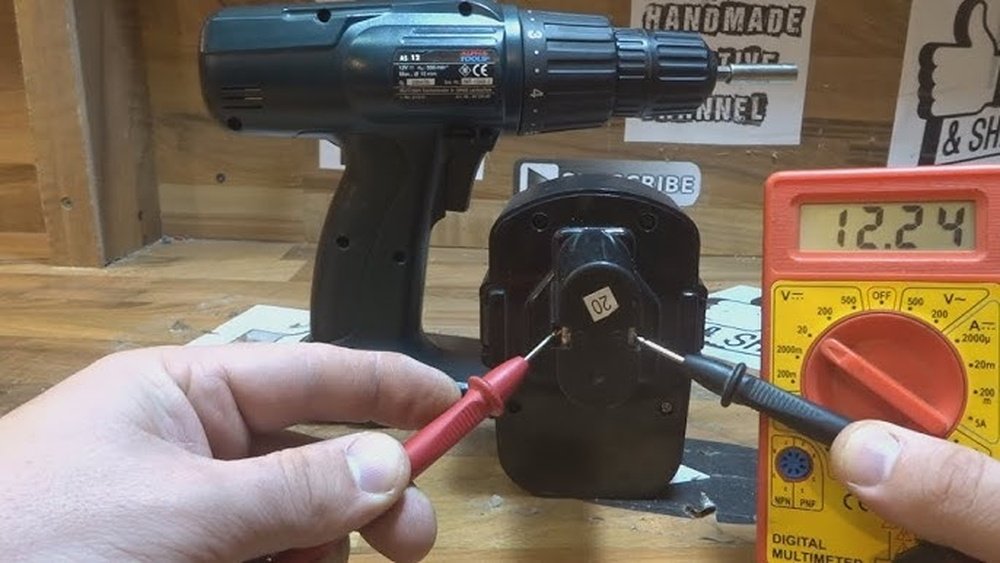
If you own a cordless drill, knowing how to charge it properly is key to keeping your tools ready when you need them most. You might think it’s simple, but getting the charging right can save you time, extend your drill’s battery life, and avoid frustrating interruptions during your projects.
In this guide, you’ll discover easy steps to charge your cordless drill safely and efficiently. Keep reading to make sure your drill stays powered up and ready to work whenever you are.
Credit: www.reddit.com
Choosing The Right Charger
Choosing the right charger is key to keeping your cordless drill ready. A proper charger ensures safety and prolongs battery life. It also helps your drill work at its best. Selecting the right charger involves understanding your battery and the charger’s features.
Match Charger To Battery Type
Batteries come in different types like lithium-ion, nickel-cadmium, or nickel-metal hydride. Each type needs a specific charger. Using the wrong charger can damage the battery or reduce its life. Always check your battery type before picking a charger.
Check Charger Compatibility
Not all chargers fit every drill or battery. Chargers vary by brand and model. Look for chargers designed for your drill’s brand and battery size. Compatibility means better charging and safer use.
Consider Fast Charging Options
Fast chargers reduce the time it takes to charge your battery. They can be handy if you need your drill quickly. However, fast charging may cause the battery to heat up. Choose a charger with safety features to protect your battery.
Preparing Your Drill For Charging
Preparing your cordless drill for charging ensures a longer battery life. It also keeps your drill working well and safely. Taking simple steps before charging helps avoid problems later. This section covers the key steps to get your drill ready.
Remove The Battery Pack
Start by taking the battery pack out of the drill. Most drills have a button or latch to release it. Removing the battery stops any power flow during cleaning. It also makes charging easier and safer.
Clean Battery Contacts
Check the metal contacts on the battery and drill. Dirt or dust can stop proper charging. Use a dry cloth or soft brush to clean these areas. Avoid water or liquids, which can damage the contacts.
Inspect For Damage
Look at the battery pack and drill for cracks or wear. Damaged parts can cause charging issues or safety risks. If you see damage, do not charge the battery. Replace damaged parts before using the drill again.
Charging Techniques For Speed
Charging a cordless drill quickly saves time and keeps your work moving. Using the right techniques helps your battery charge faster and last longer. Follow these tips to charge your drill efficiently and safely.
Use A Dedicated Charger
Always use the charger made for your drill’s battery. Other chargers may not fit well or supply the right power. A dedicated charger provides the correct voltage and current. This ensures the battery charges fast without damage.
Avoid Overcharging
Do not leave the battery on the charger too long. Overcharging can heat the battery and reduce its life. Unplug the charger once the battery is full. Many chargers have an indicator light to show when charging is done.
Charge At Optimal Temperature
Charge your drill battery in a place between 50°F and 80°F (10°C to 27°C). Extreme cold or heat slows charging and harms the battery. A steady, moderate temperature helps the battery charge quickly and safely.
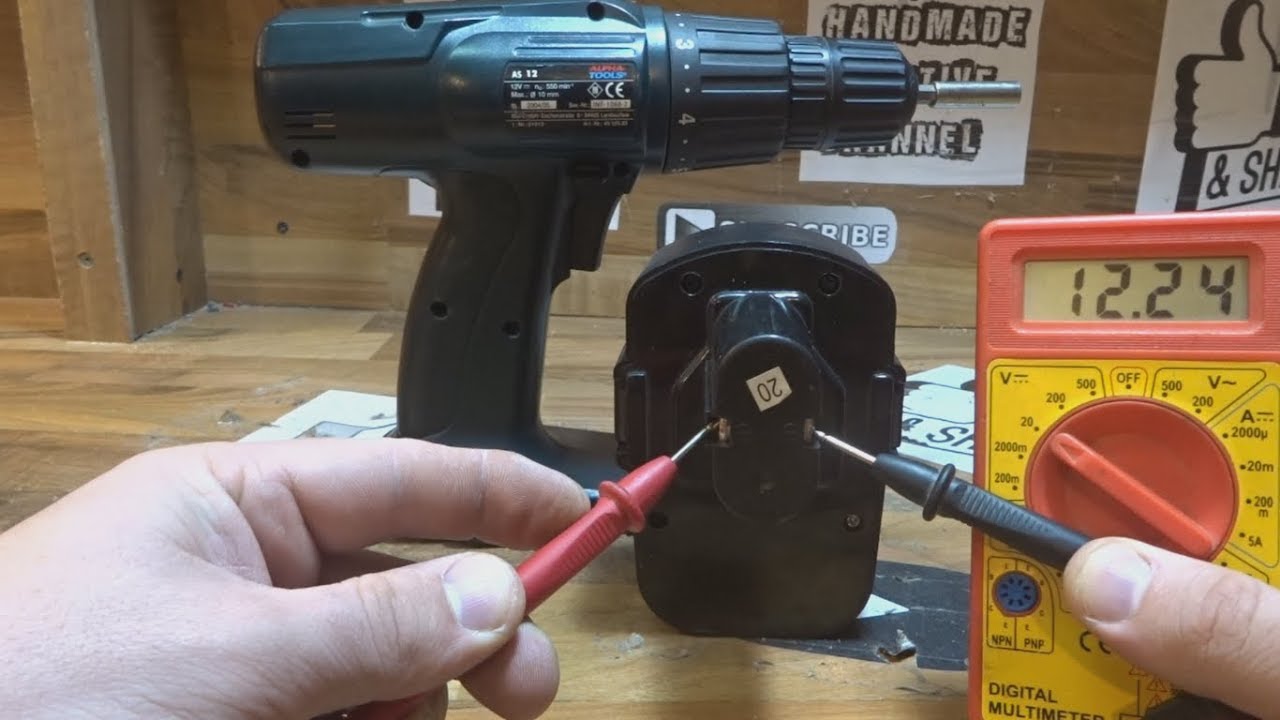
Credit: www.youtube.com
Maintaining Battery Health
Maintaining the battery health of your cordless drill helps it last longer. Good care keeps the battery strong and reliable. It saves you money by reducing the need for replacements. Simple steps can protect the battery’s power and performance over time.
Store Batteries Properly
Keep batteries in a cool, dry place away from sunlight. Avoid hot or freezing temperatures, as they damage the battery. Store batteries at about half charge to prevent over-discharge. Use the original case or a container to protect them from dust and moisture.
Avoid Deep Discharge
Do not let the battery run completely empty. Deep discharge can shorten the battery’s life. Charge the battery as soon as it reaches low power. Regular charging helps keep the battery healthy and ready to use.
Regularly Cycle The Battery
Use the battery fully and recharge it to keep it active. Cycling prevents the battery from losing its capacity. Avoid leaving the battery unused for long periods. Regular use and recharge improve battery performance and lifespan.
Troubleshooting Charging Issues
Charging a cordless drill should be simple. Sometimes, the drill does not charge properly. This can cause frustration and stop your work. Troubleshooting charging issues helps you find the problem fast. It saves time and gets your drill ready to use again.
Check Charger Indicators
Look at the charger lights. These lights tell you if the charger works. A green or red light usually means it is charging. No light or a blinking light may show a problem. Clean the charger contacts to ensure good connection. Dirt or dust can block charging.
Test With A Different Charger
Try another charger if you have one. This helps find if your charger is the problem. Using a different charger can show if your drill battery is fine. If the drill charges with a new charger, your old charger needs fixing or replacing.
Replace Old Batteries
Batteries lose power over time. Old batteries may not hold a charge well. If your drill still does not charge, the battery might be dead. Buy a new battery that fits your drill model. New batteries help your drill work longer and better.

Credit: www.reddit.com
Frequently Asked Questions
How Long Does It Take To Fully Charge A Cordless Drill?
Typically, charging a cordless drill takes between 30 minutes to 3 hours. Charging time depends on battery capacity and charger type. Fast chargers reduce waiting time, while standard chargers take longer. Always follow the manufacturer’s instructions for optimal charging.
Can I Use My Cordless Drill While Charging?
No, most cordless drills cannot be used while charging. Using the drill during charging may damage the battery or charger. Always wait until the battery is fully charged before using the drill for safety and performance.
How Do I Know When My Drill Is Fully Charged?
Most chargers have indicator lights showing charging status. A red light usually means charging, and green means fully charged. Some drills beep or show battery icons. Always refer to your drill’s manual for specific indicators.
Is It Safe To Leave A Cordless Drill On The Charger Overnight?
Yes, modern chargers often have automatic shut-off features to prevent overcharging. However, avoid leaving the drill on the charger for extended periods regularly. It’s best to remove the battery once fully charged to prolong battery life.
Conclusion
Charging a cordless drill is simple when you follow the right steps. Always use the charger made for your drill’s battery. Keep the battery clean and dry before charging. Avoid charging in very hot or cold places. Charging fully helps your drill work longer.
With proper care, your drill’s battery will last longer. Ready to tackle your next project with a charged drill? Keep these tips handy for easy charging every time.
