


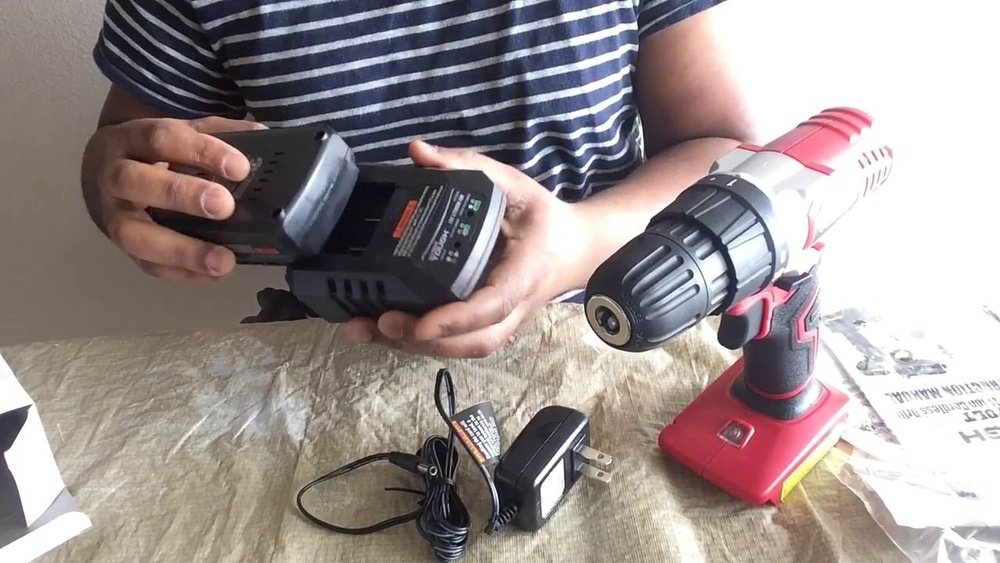
If you own a Hyper Tough cordless drill, you know how important it is to keep it charged and ready for your next project. But do you really know the best way to charge it?
Charging your drill the right way can save you time, extend the battery life, and keep your tool working at its best. You’ll learn simple, clear steps to charge your Hyper Tough cordless drill quickly and safely. By the end, you’ll feel confident and ready to power up your drill whenever you need it.
Keep reading to discover the easy tricks that make all the difference!
Credit: www.walmart.com
Choosing The Right Charger
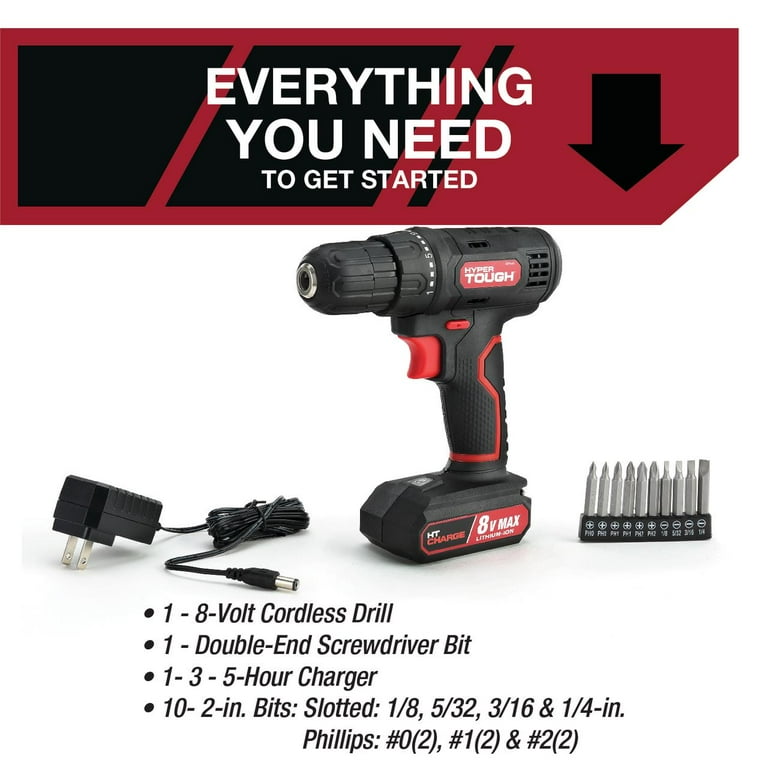
Choosing the right charger for your Hyper Tough cordless drill is important. The charger powers your drill and keeps it ready to use. Using the wrong charger can damage the battery or slow down charging. Pick a charger that fits your drill’s battery type and voltage. This helps your drill work well and last longer.
Compatible Chargers For Hyper Tough Drill
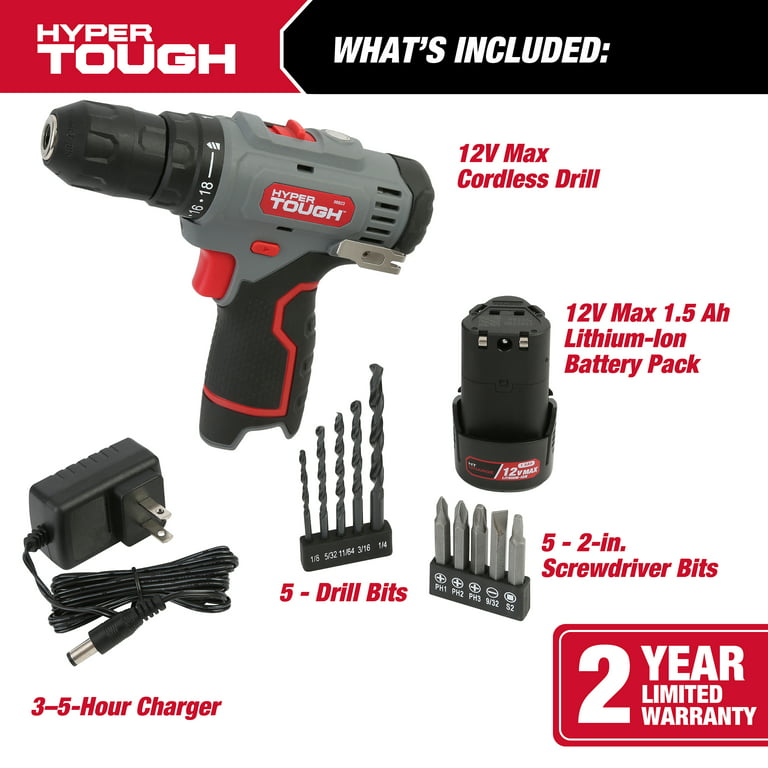
Not all chargers work with every drill. Hyper Tough drills use specific chargers designed for their batteries. Look for chargers that match the battery size and voltage of your drill. Using a compatible charger ensures safe and fast charging. Check the drill’s manual or label on the battery for charger details. Buy chargers made for Hyper Tough or those clearly listed as compatible.
Original Vs Third-party Chargers
Original chargers come from the drill’s maker. They fit perfectly and provide the right power. These chargers often last longer and keep the battery safe. Third-party chargers cost less and are easy to find. Some work well, but others may not match the drill’s needs. Using a poor-quality charger can damage the battery or cause slow charging. Choose third-party chargers carefully, and read reviews before buying.
Credit: www.walmart.com
Preparing The Drill For Charging
Preparing your Hyper Tough cordless drill for charging is an important step. It keeps the battery healthy and extends its life. Proper preparation also ensures safe and efficient charging.
Before placing the battery on the charger, follow a few simple steps. These steps help avoid damage and improve charging speed.
Removing The Battery Pack
First, turn off the drill. Press the release buttons on the battery pack. Pull the battery pack gently away from the drill body. Do not force it out. Keep the battery pack clean and dry before charging.
Inspecting Battery And Charger
Check the battery pack for cracks or leaks. Look for dirt or debris on the battery contacts. Wipe the contacts with a dry cloth if needed. Inspect the charger for damage to the cord or plug. Never use a damaged charger or battery. Safe parts ensure proper charging and avoid accidents.
Step-by-step Charging Process
Charging your Hyper Tough cordless drill is simple with the right steps. Follow this guide to ensure your drill is ready for use. Proper charging keeps the battery healthy and extends its life.
Connecting The Charger To Power Source
First, find a suitable power outlet. Plug the charger firmly into the socket. Make sure the connection is secure to avoid interruptions. Use the charger that came with your drill for best results.
Inserting The Battery Pack
Next, take the battery pack from your drill. Align it with the charger slot carefully. Slide or click it into place until it locks. Avoid forcing the battery to prevent damage.
Charging Indicators And What They Mean
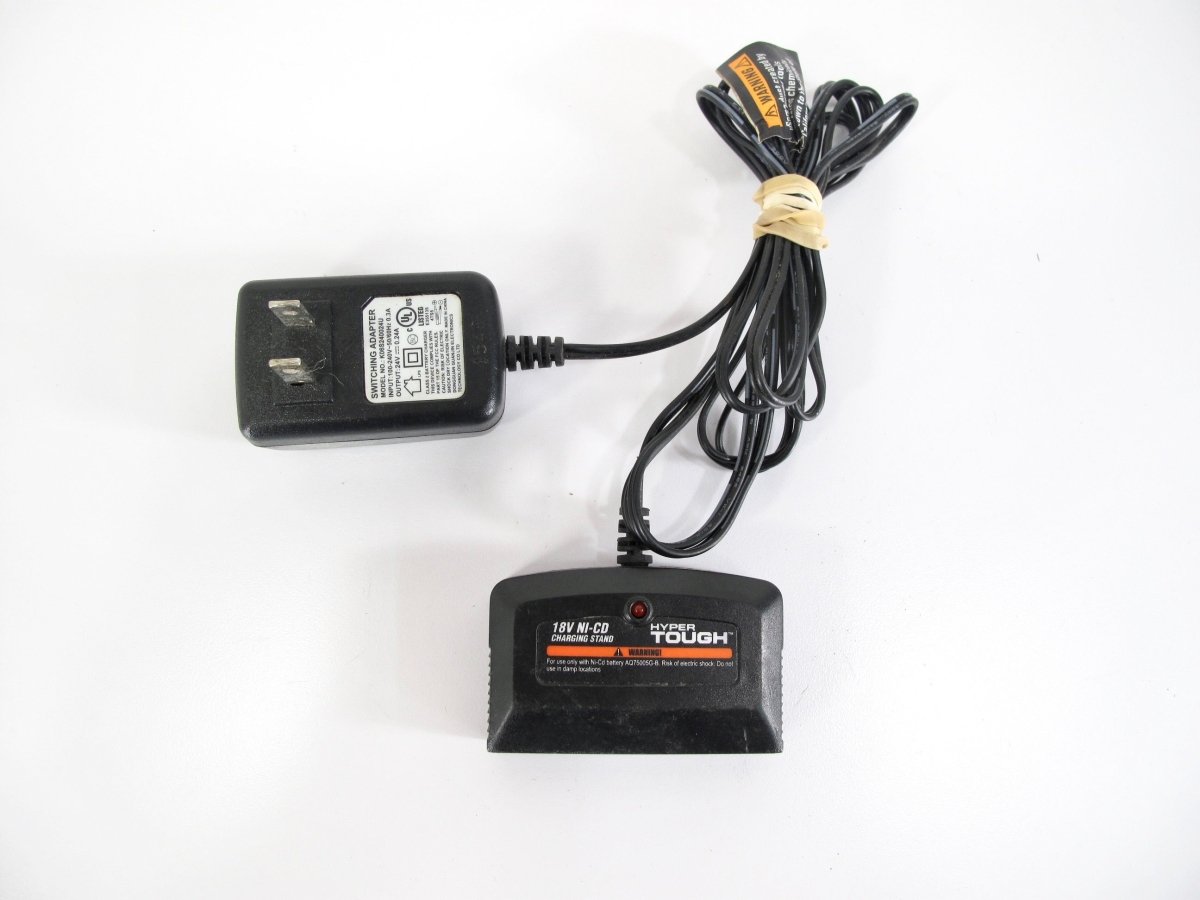
Look at the charger’s LED lights. A red light usually means charging is in progress. A green light means the battery is fully charged. If the light blinks, check the battery or charger for issues.
Charging Time And Tips
Knowing how long it takes to charge your Hyper Tough cordless drill helps you plan your work better. Proper charging also keeps the battery healthy. This section explains the average charging time and offers simple tips to keep the battery lasting longer.
Average Charging Duration
The Hyper Tough cordless drill usually needs about 3 to 5 hours to fully charge. This time depends on the charger model and battery size. Using the original charger ensures the best charging speed and safety. Avoid using fast chargers not made for this drill. Overcharging can harm the battery and reduce its lifespan.
Tips To Extend Battery Life
Charge the battery before it gets completely empty. Partial charging helps keep battery cells healthy. Store the battery in a cool, dry place when not in use. Avoid extreme heat or cold. Remove the battery from the drill if you do not plan to use it for a long time. Clean the battery contacts regularly with a dry cloth. This keeps a good connection for charging and use.
Troubleshooting Charging Issues
Charging issues with your Hyper Tough cordless drill can be frustrating. Many users face problems that stop the drill from charging properly. Knowing how to fix these problems saves time and keeps your drill ready for work.
Common Problems And Solutions
One common problem is a dirty charger or battery contacts. Dust and debris block the connection. Clean them gently with a dry cloth.
Another issue is using the wrong charger. Use only the charger made for your Hyper Tough drill. Other chargers may not fit or work well.
If the battery does not charge, check the power outlet. Try another outlet or test with a different device to confirm power supply.
Sometimes the battery gets too hot during charging. Let it cool down before trying again. Overheating can pause the charging process.
A blinking light on the charger can mean a faulty battery. Remove the battery and insert it again firmly. If the light stays blinking, the battery may be damaged.
When To Replace The Battery
Battery life decreases after many charges. If your drill runs out of power quickly, it may be time for a new battery.
Another sign is if the battery never fully charges. It might charge to 50% but stops there.
Swollen or leaking batteries are unsafe. Replace them immediately to avoid damage or injury.
Using an old battery can reduce drill performance. A fresh battery ensures better power and longer use.
Credit: www.esseg.eu
Frequently Asked Questions
How Do I Charge A Hyper Tough Cordless Drill?
To charge a Hyper Tough cordless drill, place the battery in its charger. Connect the charger to a power outlet. Charge until the indicator light shows full battery. Charging usually takes 1-3 hours.
Can I Use Any Charger For Hyper Tough Drill?
No, always use the charger designed for your Hyper Tough drill. Using other chargers may damage the battery or drill. Original chargers ensure safe and efficient charging.
How Long Does It Take To Fully Charge The Drill?
Typically, it takes 1 to 3 hours to fully charge a Hyper Tough drill battery. Charging time may vary based on battery capacity and charger type.
How Do I Know When The Drill Battery Is Fully Charged?
The charger’s indicator light usually changes color or turns off when the battery is fully charged. Check your charger manual for specific light signals.
Conclusion
Charging your Hyper Tough cordless drill is simple and quick. Always use the charger that comes with your drill. Plug it in and connect the battery correctly. Wait until the light shows full charge before unplugging. This keeps the battery healthy and ready to use.
Regular charging helps your drill work longer each time. Follow these easy steps to keep your drill powered up. Now, you can focus on your projects without battery worries.
