



If you’ve ever tried to use your cordless drill with sockets, you might have felt frustrated by how tricky it can be. What if you could easily turn your drill into a powerful tool that handles sockets just like a ratchet?
Imagine saving time and effort on your projects without buying extra tools. You’ll discover simple steps to convert your cordless drill to use sockets efficiently. Keep reading, and you’ll unlock a clever trick that makes your drill more versatile and your work much easier.
Tools And Materials Needed
To convert a cordless drill to use sockets, gather the right tools and materials first. This step helps the process go smoothly. Knowing what you need saves time and avoids frustration.
Cordless Drill Basics
A cordless drill is a power tool with a rechargeable battery. It has a chuck to hold drill bits. The chuck size is important for socket adapters. Most drills have a 3/8-inch or 1/2-inch chuck. Check your drill’s size before buying adapters.
Socket Adapter Types
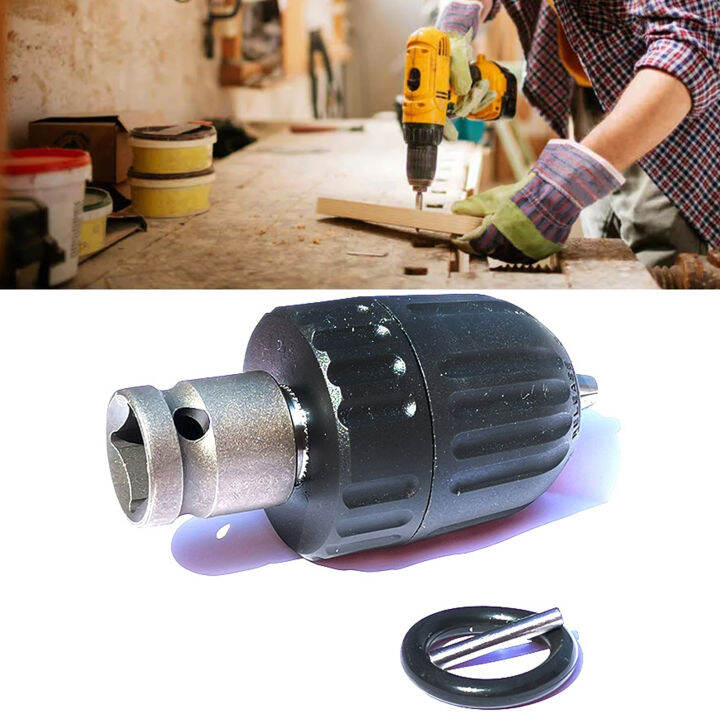
Socket adapters connect sockets to the drill. They come in various sizes, such as 1/4-inch, 3/8-inch, and 1/2-inch drives. Choose an adapter that fits your drill chuck and socket set. Some adapters have a quick-release feature for easy socket changes.
Essential Accessories
You need a set of sockets that match the adapter size. A magnetic bit holder helps keep sockets in place. Protective gloves keep hands safe during work. A small wrench may be useful for tightening the adapter in the drill chuck.
Credit: vixencomposites.com
Preparing The Drill
Before converting a cordless drill to use sockets, proper preparation is key. This step ensures safety and smooth operation. The drill must be ready to accept the socket adapter. Follow these simple steps to prepare your drill correctly.
Removing The Existing Bit
Start by removing the current drill bit. Hold the drill firmly and twist the chuck counterclockwise. This loosens the grip on the bit. Pull the bit out carefully. Keep the chuck open wide enough for the socket adapter later. Clean the chuck area to remove dust or debris.
Checking Drill Compatibility
Check if your drill can fit socket adapters. Most cordless drills have a keyless chuck. This type works well for socket conversion. Confirm the chuck size matches the adapter size. Also, check the drill’s torque. It must be strong enough to turn sockets. Avoid using drills with low power for heavy tasks. Ensure the drill battery is fully charged for best performance.
Choosing The Right Socket Adapter
Choosing the right socket adapter is key to converting a cordless drill for socket use. The adapter connects the drill to the socket, making your tool work for different jobs. Picking the wrong adapter can cause damage or make the task harder. Focus on size and type for the best fit and performance.
Adapter Sizes And Types
Socket adapters come in various sizes to match drill chucks and sockets. Common sizes include 1/4 inch, 3/8 inch, and 1/2 inch drives. Check your drill’s chuck size before buying an adapter. The adapter should fit snugly to avoid slipping or damage.
Adapters also vary by type. Some fit directly into the drill chuck, while others include a quick-release mechanism. Choose the type that suits your work style and socket needs. Simple adapters work well for light jobs. Heavy-duty adapters handle tougher tasks better.
Magnetic Vs Non-magnetic Adapters
Magnetic adapters hold sockets firmly using a magnet. This helps keep the socket in place during use. Magnetic adapters reduce the risk of the socket falling off. They are handy for working in tight spaces or at awkward angles.
Non-magnetic adapters rely on friction or locking pins. They work well but need more care to keep sockets secure. Choose magnetic adapters for convenience and better socket grip. Non-magnetic ones suit jobs where magnetism may cause issues.
Attaching The Socket Adapter
Attaching the socket adapter to your cordless drill is a simple but important step. This adapter lets you use sockets instead of drill bits. It expands your drill’s use for tasks like tightening bolts and nuts.
Follow these steps carefully to attach the adapter correctly. A secure fit ensures safe and effective work with sockets.
Inserting The Adapter Into The Chuck
First, open the drill chuck by twisting it counterclockwise. This creates space for the adapter’s shank. Push the adapter firmly into the chuck. Make sure it sits straight and goes in all the way. A loose adapter can slip during use. Keep your hand steady to avoid misalignment.
Securing The Adapter Properly
Next, tighten the chuck by turning it clockwise. Use your hand or the drill’s chuck key if it has one. Tighten until the adapter does not move. Check by trying to wiggle it gently. A tight adapter stays secure under pressure. This step protects your drill and prevents accidents.
Using Sockets With The Drill
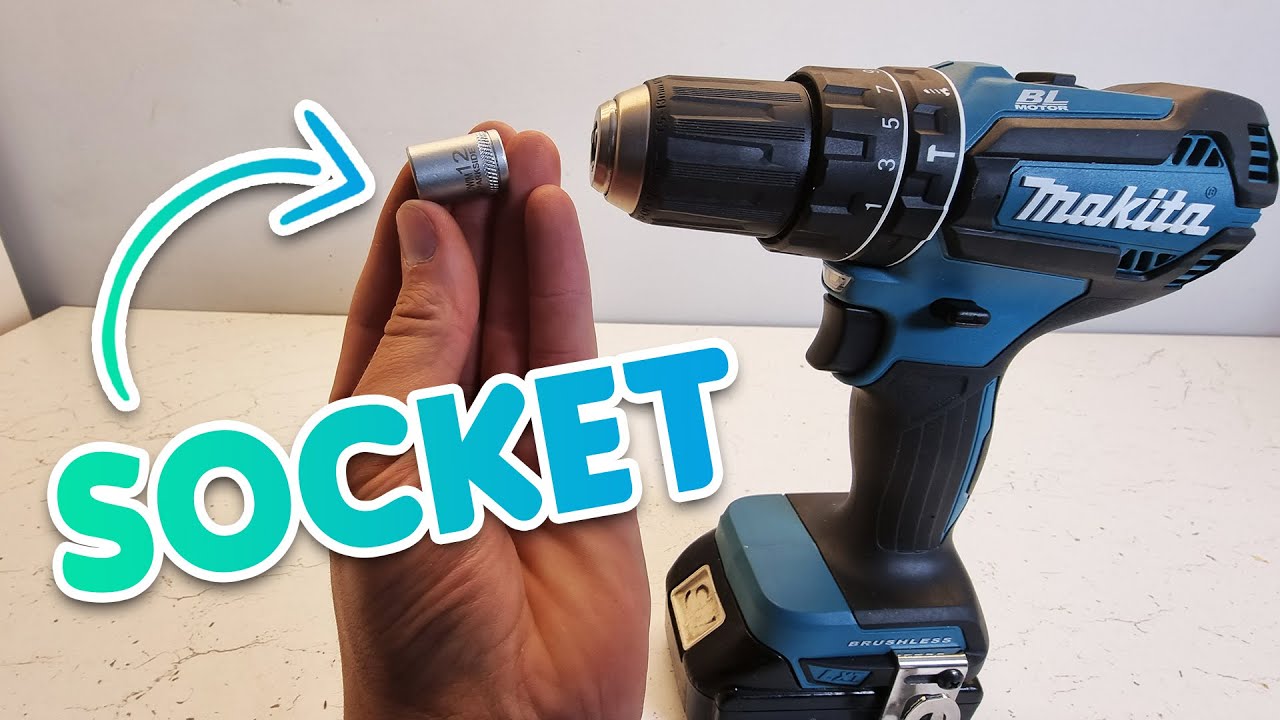
Using sockets with a cordless drill makes many tasks easier. It turns the drill into a tool for tightening or loosening bolts and nuts. This method saves time and effort compared to using a manual wrench. Before starting, choose the right socket and follow some simple tips for smooth work.
Selecting The Correct Socket
Pick a socket that fits the bolt or nut tightly. A loose socket can slip and damage the fastener. Check the size marked on the socket and match it to the hardware. Use metric or standard sockets based on the bolt type. Choose impact-rated sockets for better durability with drills. Avoid cheap sockets that break easily. Keep a set of various socket sizes for different jobs.
Tips For Efficient Operation
Attach the socket firmly to the drill’s chuck or adapter. Start at a low drill speed to avoid slipping. Hold the drill steady and apply even pressure. Use short bursts instead of continuous running to control torque. Reverse the drill direction to remove fasteners. Wear safety glasses to protect your eyes from flying debris. Check the socket and drill often for wear or damage. Stop if the socket slips or the drill struggles.
Credit: www.youtube.com
Safety Precautions
Safety is the top priority when converting a cordless drill to use sockets. This process involves tools and parts that can cause injury if handled carelessly. Taking proper safety steps helps prevent accidents and damage. Focus on protecting yourself and using the drill correctly.
Wearing Protective Gear
Always wear safety glasses to protect your eyes from flying debris. Gloves help guard your hands from cuts and scrapes. Use ear protection if the drill noise feels too loud. Dress in close-fitting clothes to avoid getting caught in moving parts. Proper gear reduces risks while working.
Avoiding Common Mistakes
Do not force the drill or socket; this can cause slipping. Check the socket fits tightly before starting work. Avoid using damaged or worn sockets as they can break easily. Keep your hands away from the drill’s moving parts. Always disconnect the battery before changing sockets or making adjustments.
Maintaining Your Drill And Sockets
Maintaining your cordless drill and sockets helps them last longer. Proper care keeps tools working smoothly. It prevents damage and saves money on repairs or replacements. Simple steps can protect your investment and improve tool safety.
Cleaning And Storage
After each use, clean your drill and sockets carefully. Remove dirt, dust, and grease with a dry cloth. Avoid water or harsh chemicals that may cause rust. Store tools in a dry place to stop moisture damage. Use a toolbox or case to keep parts organized and safe.
Regular Inspection And Care
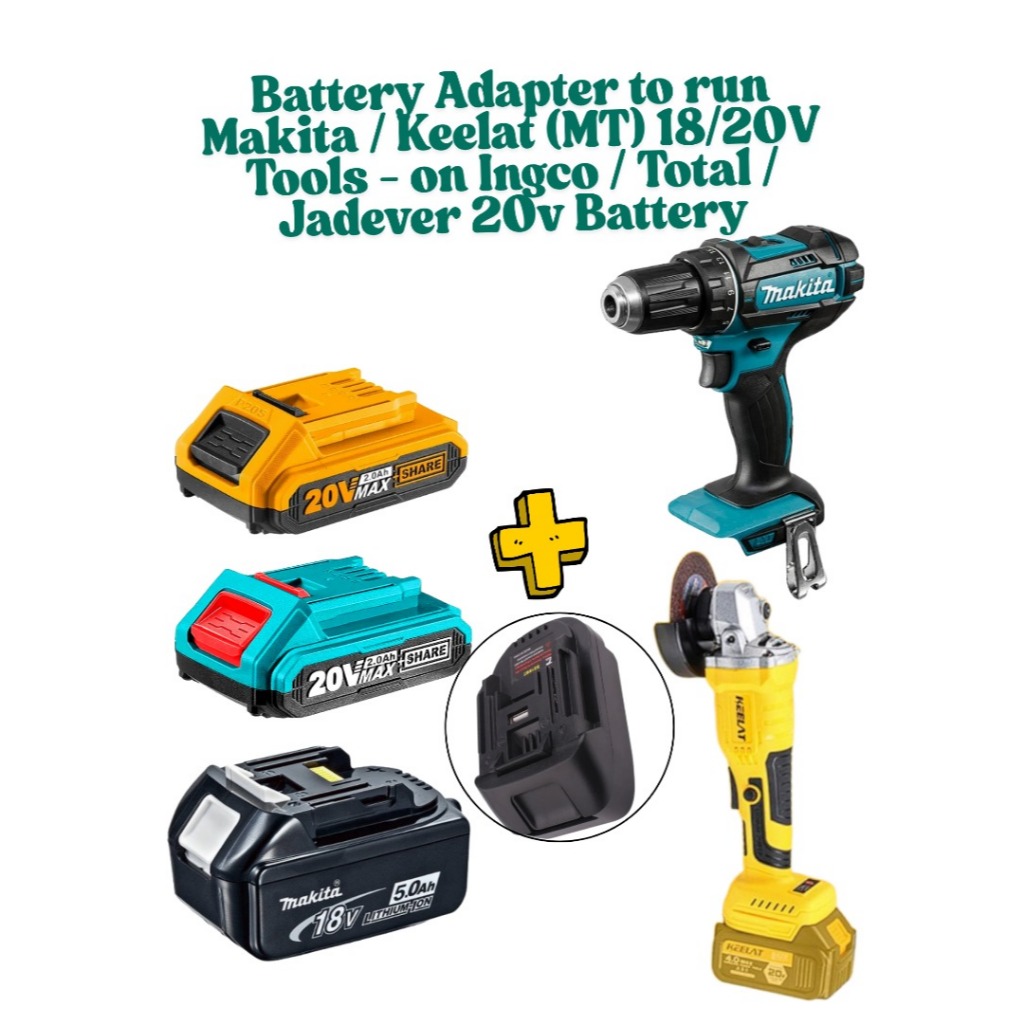
Check your drill and sockets often for signs of wear. Look for cracks, rust, or loose parts. Tighten any screws or fittings before use. Replace damaged sockets to avoid injury or tool failure. Keep batteries charged but do not overcharge. Regular care keeps tools ready and reliable.
Credit: garinfobahn.com
Frequently Asked Questions
How Do I Convert A Cordless Drill To Use Sockets?
To convert a cordless drill for sockets, use a drill-to-socket adapter. Attach the adapter to the drill chuck, then connect the socket. This setup allows your drill to drive nuts and bolts efficiently.
What Adapter Is Needed For Drill Socket Conversion?
A 1/4″ or 3/8″ drill-to-socket adapter is needed. Choose the adapter size based on your socket set. These adapters fit securely in the drill chuck for smooth operation.
Can A Cordless Drill Replace A Socket Wrench?
Yes, with the right adapter, a cordless drill can replace a socket wrench. It saves time and effort on fastening tasks. However, avoid high-torque jobs to prevent drill damage.
Are Cordless Drills Powerful Enough For Socket Use?
Most cordless drills provide enough torque for light to medium socket tasks. Heavy-duty jobs may require a dedicated impact wrench. Always check your drill’s torque rating before use.
Conclusion
Converting a cordless drill to use sockets saves time and money. It lets you handle many tasks with one tool. The process is simple and does not need special skills. Just follow the steps carefully and use the right parts.
This change makes your drill more useful around the house or workshop. Keep safety in mind while working. Now, you can enjoy the convenience of a versatile tool every day. Give it a try and see the difference it makes!
