


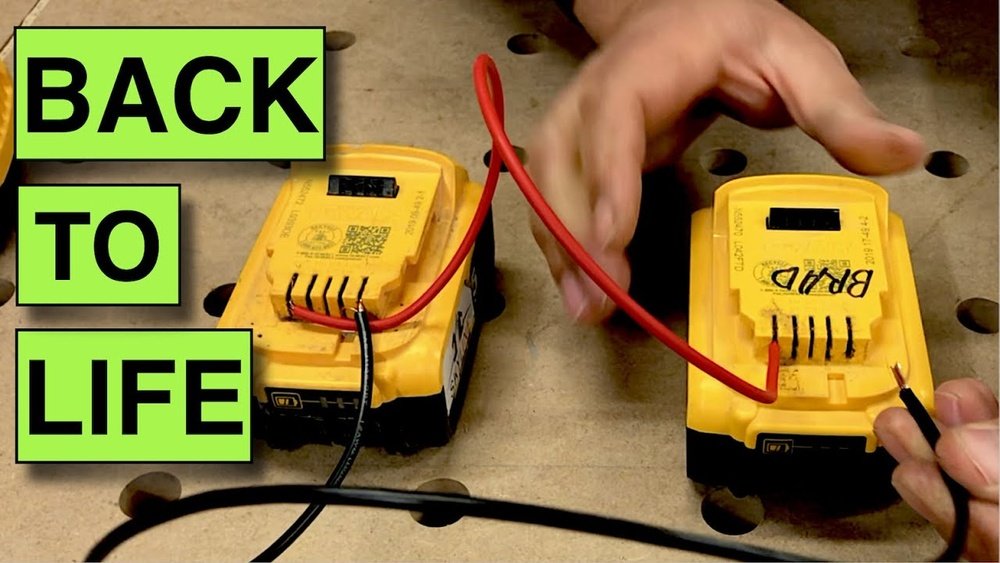
Is your cordless drill battery dead and leaving you stuck in the middle of a project? It’s frustrating when your trusted tool suddenly won’t power up.
But before you rush out to buy a new battery, there are simple fixes you can try right now. Imagine saving money and getting your drill back to work quickly. You’ll discover easy steps to diagnose and fix your dead cordless drill battery.
Keep reading, and you’ll be ready to tackle your next project without delay.
Common Causes Of Dead Batteries
Dead cordless drill batteries often stop working due to common problems. Knowing these causes helps you fix or avoid battery issues. Batteries need care and proper use to last longer.
Battery Age And Wear
Batteries lose power over time. Each charge cycle reduces battery life. Old batteries may fail to hold a charge. Regular use wears out the battery cells. Replacing old batteries can restore drill performance.
Overcharging Issues
Leaving the battery on the charger too long can harm it. Overcharging causes heat, which damages the battery cells. Some chargers lack automatic shut-off features. Always remove the battery once fully charged to avoid damage.
Improper Storage
Storing batteries in extreme temperatures shortens their life. Heat or cold can cause battery failure. Keep batteries in a cool, dry place. Avoid leaving batteries inside the drill when not used for long periods.
Internal Cell Damage
Dropping or rough handling can damage battery cells. Damaged cells reduce battery capacity or stop charging. Internal damage is hard to fix at home. Consider professional repair or battery replacement.
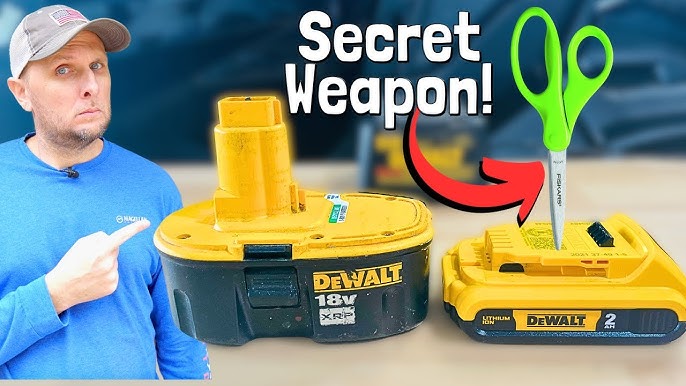
Credit: www.youtube.com
Tools Needed For Repair
Fixing a dead cordless drill battery requires some basic tools. These tools help you check, open, and repair the battery safely. Having the right tools makes the repair process easier and more effective.
Here are the main tools you will need for the repair.
Multimeter
A multimeter measures voltage and current inside the battery. It helps find which cells are dead or weak. This tool shows if the battery still holds power or not. Multimeters are easy to use and very important for diagnosis.
Screwdrivers
Screwdrivers open the battery case. Most cordless drill batteries have screws to secure the cover. Use the correct size and type to avoid damage. A set with different heads is useful for various battery models.
Soldering Kit
A soldering kit joins wires and cells inside the battery. It helps replace bad cells by attaching new ones firmly. The kit usually includes a soldering iron, solder wire, and a stand. Proper soldering ensures good electrical connection.
Replacement Cells
Replacement cells restore the battery’s power. Use the same type and size as the original cells. Quality cells improve battery life and performance. Buying cells in a pack is often cheaper and more reliable.
Safety Precautions
Fixing a dead cordless drill battery requires careful attention to safety. Batteries store power that can cause harm if handled poorly. Taking precautions protects you and your tools from damage. Follow these safety steps before you start any repair work.
Handling Lithium-ion Batteries
Lithium-ion batteries are common in cordless drills. They can be dangerous if punctured or crushed. Always wear gloves to protect your hands. Avoid dropping or striking the battery. Do not expose it to heat or water. Store batteries in a cool, dry place away from metal objects.
Avoiding Short Circuits
Short circuits happen when battery terminals touch metal. This causes sparks or fire. Never place the battery on metal surfaces. Use insulated tools to avoid accidental contact. Keep the battery terminals covered with tape if needed. Check for damaged wires before handling the battery.
Proper Workspace Setup
Work in a clean, well-lit area free from clutter. Use a non-conductive surface like wood or plastic. Keep a fire extinguisher nearby for emergencies. Ensure good ventilation to avoid fumes. Keep children and pets away from your workspace. Organize tools and parts before starting the repair.
Testing The Battery
Testing the battery is the first step to fix a dead cordless drill battery. It helps find the problem before trying to repair or replace parts. Checking the battery gives clear information about its health and power.
Checking Voltage Levels
Use a multimeter to check the battery’s voltage. Set the multimeter to the correct voltage range. Touch the probes to the battery terminals carefully. A healthy battery shows voltage close to its rated level. A low voltage means the battery is weak or dead.
Inspecting Battery Pack
Look at the battery pack for damage or dirt. Check for cracks, corrosion, or loose connections. Clean any dirt with a dry cloth. Damaged parts can stop the battery from working properly. Tighten loose connections to improve contact.
Identifying Faulty Cells
Open the battery pack to see the individual cells inside. Test each cell with a multimeter for voltage. A faulty cell has much lower voltage than others. Replace or remove bad cells to fix the battery. Matching cell voltage keeps the battery safe and working well.
Reviving The Battery
Reviving a dead cordless drill battery can save money and reduce waste. Many batteries die because of improper charging or long storage. Careful steps can bring them back to life. This section explains simple ways to revive your battery safely.
Jump-starting With A Power Supply
Jump-starting uses a power supply to give the battery a quick boost. First, check the battery voltage with a multimeter. Connect the battery terminals to a low-voltage DC power supply. Set the voltage close to the battery’s rated voltage. Charge for a few minutes to wake up the cells. Do not exceed the recommended voltage to avoid damage. After jump-starting, try charging the battery normally.
Balancing Cell Voltage
Batteries have multiple cells inside that must stay balanced. Uneven cells cause poor performance and shorter life. Use a battery analyzer or charger with a balancing feature. This tool checks each cell’s voltage and evens them out. Balancing keeps cells at the same voltage level. It improves battery efficiency and extends life. Check the battery regularly to maintain balance.
Charging Techniques
Proper charging is key to reviving a dead battery. Use the charger designed for your battery type. Avoid fast charging as it can heat and damage cells. Charge in a cool, dry place to prevent overheating. Disconnect the charger once fully charged to stop overcharging. If the battery is very old, try several charge and discharge cycles. This can help restore some capacity and improve battery health.
Replacing Faulty Cells
Replacing faulty cells is key to fixing a dead cordless drill battery. Batteries lose power because some cells fail. Changing these cells can bring the battery back to life. This process needs care and the right tools.
Opening The Battery Pack
Start by removing the screws or clips holding the battery case. Use a small screwdriver or prying tool. Open the case gently to avoid damage. Inside, you will see the battery cells connected with wires.
Removing Damaged Cells
Look closely for swollen or leaking cells. These cells cause the battery to fail. Use a soldering iron to remove the wires from bad cells. Take out the damaged cells carefully. Dispose of them safely, following local rules.
Soldering New Cells
Get new cells that match the old ones in size and voltage. Place the new cells in the same position. Heat the soldering iron and attach wires to the new cells. Make strong, clean connections to ensure good power flow.
Reassembling The Pack
After installing new cells, check all connections again. Place the battery pack cover back on. Secure it with screws or clips. Test the battery by charging and using the drill. The battery should work like new.
Maintaining Battery Health
Maintaining your cordless drill battery is key to keeping it alive longer. Batteries lose power faster if not cared for properly. Small habits can make a big difference in battery life. Follow simple steps to keep your battery healthy and working well.
Proper Charging Habits
Charge the battery fully before using it. Avoid charging it for too long after it reaches 100%. Use the charger that came with your drill. Do not charge in very hot or cold places. These habits protect the battery’s cells and extend its life.
Storage Tips
Store the battery in a cool, dry place. Avoid leaving it in the drill if you won’t use it soon. Keep the battery away from metal objects to prevent short circuits. If storing for a long time, charge it halfway before putting it away. This keeps the battery ready for use later.
Regular Testing
Test the battery often by using the drill. Notice if it runs out faster than usual. Use a multimeter to check the voltage if possible. Replace the battery if it no longer holds a good charge. Regular checks help you avoid surprises on the job.
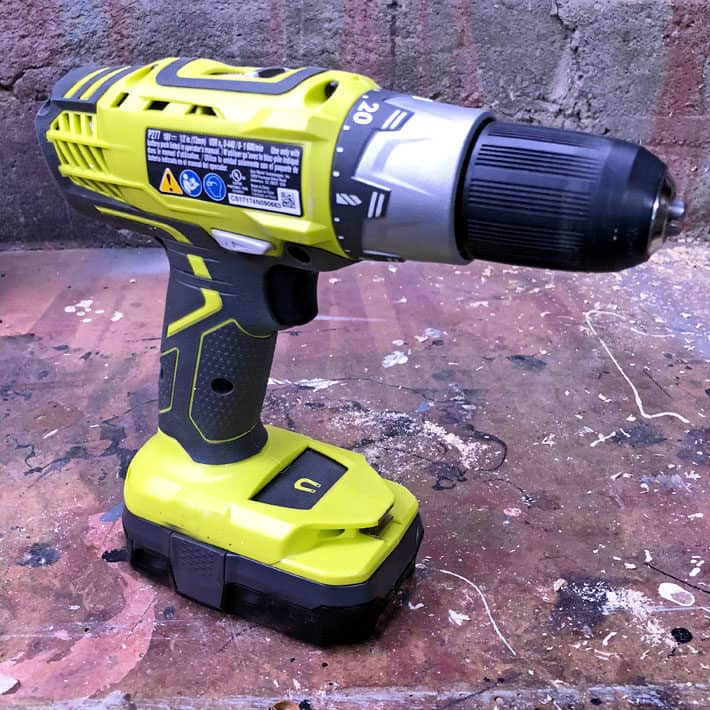
Credit: www.theartofdoingstuff.com
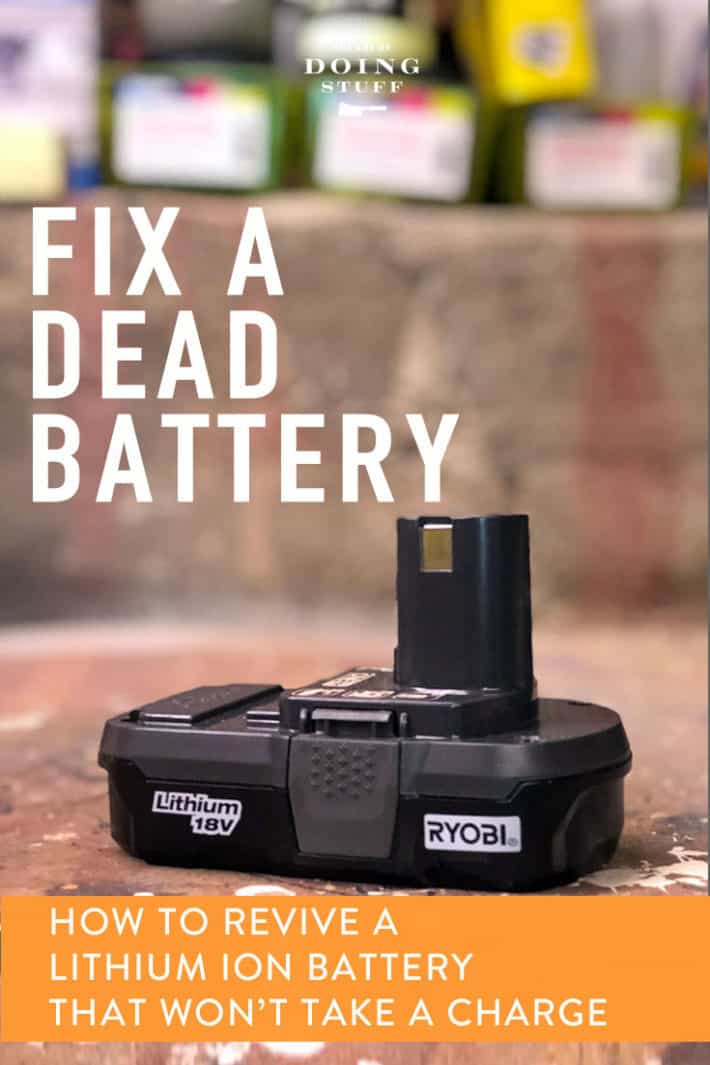
Credit: www.theartofdoingstuff.com
Frequently Asked Questions
How Can I Revive A Dead Cordless Drill Battery?
You can revive it by fully charging and discharging the battery multiple times. Use a battery analyzer if available. Avoid over-discharging and store it properly to extend life.
What Causes Cordless Drill Batteries To Die Quickly?
Batteries die quickly due to age, frequent use, overcharging, or improper storage. Heat and cold also reduce battery life significantly.
Is It Safe To Fix A Dead Drill Battery At Home?
Yes, if you follow safety guidelines. Avoid short circuits, use proper tools, and never open sealed battery packs without expertise.
Can I Replace Cells Inside My Cordless Drill Battery?
Yes, replacing faulty cells is possible but requires matching voltage and capacity. This can extend battery life but needs technical knowledge.
Conclusion
Fixing a dead cordless drill battery can save time and money. Simple steps like cleaning contacts or using a charger help. Sometimes, replacing the battery is the best choice. Taking care of your battery extends its life. Regular checks keep your drill ready for work.
Small efforts prevent bigger problems later. Now, you can handle a dead battery with confidence. Keep your tools working and projects moving smoothly. Easy fixes make a big difference. Stay prepared and avoid downtime on your tasks.
