


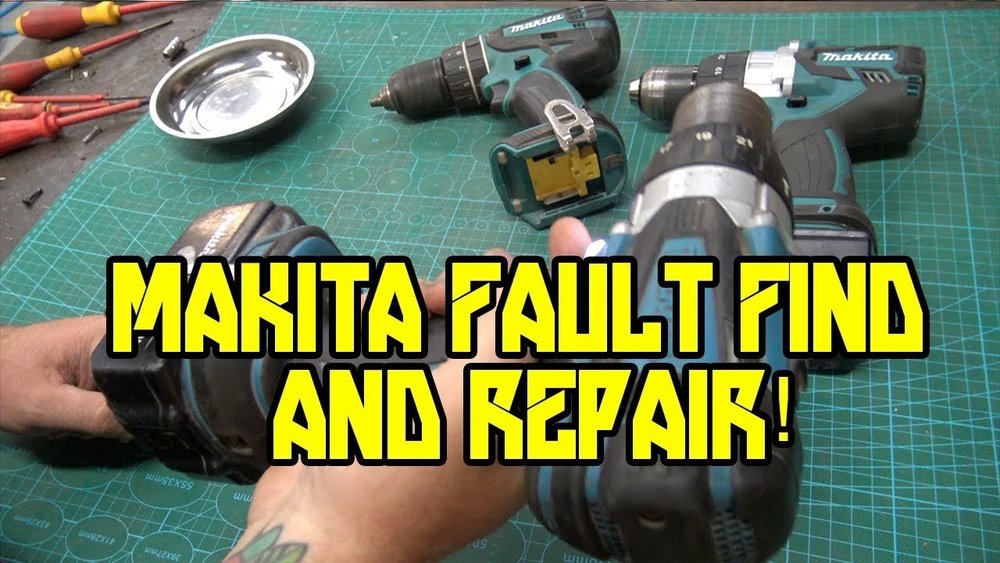
Is your Makita cordless drill acting up just when you need it most? You’re not alone.
A drill that won’t start, won’t hold a charge, or stops working mid-job can be frustrating and costly. But before you rush out to buy a new one, there’s good news—you can often fix these problems yourself. In this guide, you’ll discover simple, step-by-step solutions to get your drill back in working order quickly.
Ready to save time and money? Let’s dive in and bring your Makita cordless drill back to life.
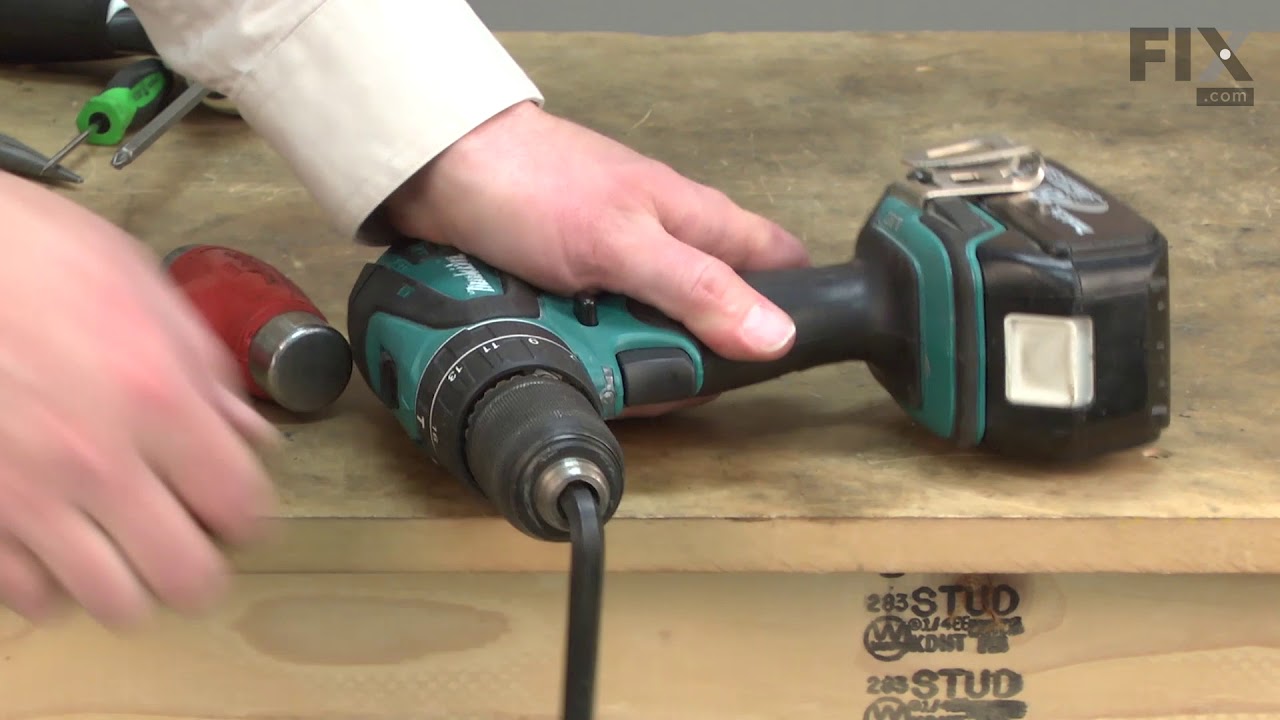
Credit: www.fix.com
Common Makita Drill Issues
Makita cordless drills are strong tools. Still, they can face some common problems. Knowing these issues helps you fix the drill faster. It saves time and money. Here are the typical problems users report.
Battery Problems
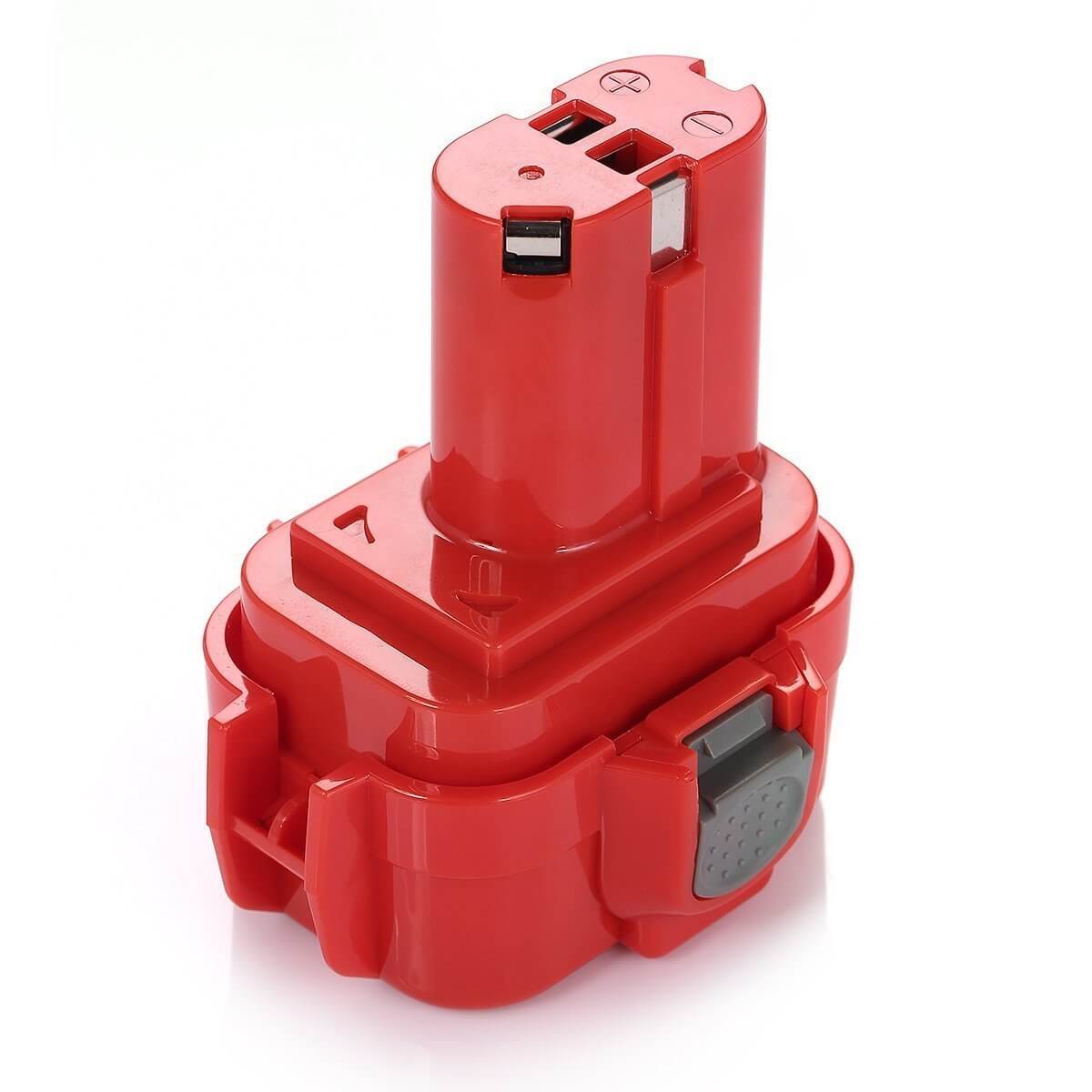
The battery is the drill’s power source. It can lose charge quickly or not charge at all. Sometimes, the battery won’t fit or connect properly. Dirt on the contacts can cause this. Replace old batteries and clean contacts regularly for better performance.
Chuck Jamming
The chuck holds the drill bit in place. It can get stuck or jammed. Dust and debris inside the chuck cause this issue. Tightening or loosening with too much force can also damage it. Clean the chuck and apply light oil to free it up.
Motor Failure
The motor moves the drill bit. It may stop working or run weakly. Overheating or worn brushes often cause motor failure. Avoid using the drill for long times without breaks. Replace brushes and check wiring if the motor fails.
Trigger Malfunction
The trigger controls the drill speed. It can become unresponsive or stuck. Dirt, moisture, or worn parts may cause trigger problems. Clean the trigger area and test the switch. Replace the trigger switch if needed to fix the issue.

Credit: www.youtube.com
Basic Tools Needed
Fixing a Makita cordless drill needs some basic tools. Having the right tools makes the repair easier and safer.
These tools help you open the drill, test its parts, and replace broken pieces. Prepare them before you start.
Screwdrivers And Wrenches
Screwdrivers and wrenches help you open the drill case. Use a set with different sizes. A Phillips screwdriver is common for screws on the drill. A small wrench or pliers help remove nuts and bolts. These tools let you reach inside the drill without damage.
Multimeter
A multimeter checks electrical parts inside the drill. It measures voltage, current, and resistance. This tool finds battery or motor problems. Use it to test the battery charge and wiring. A working multimeter is key for electrical diagnosis.
Lubricants
Lubricants keep moving parts smooth and quiet. Use light machine oil or spray lubricant. Apply it to gears and the chuck. Lubricants reduce wear and prevent rust. This step improves drill performance and life.
Replacement Parts
Replacement parts fix broken or worn components. Common parts include batteries, brushes, switches, and gears. Buy parts made for Makita drills. Using the right parts ensures the drill works well again. Keep spare parts handy for quick fixes.
Battery Troubleshooting
The battery is the heart of your Makita cordless drill. If the drill stops working or loses power fast, the battery likely needs attention. Battery troubleshooting can help you find and fix common issues. Follow these simple steps to keep your drill running smoothly.
Checking Battery Charge
Start by checking the battery charge level. Place the battery in the charger and see if the indicator light turns on. A green light means the battery is charged. A red or blinking light shows a problem. If the battery does not charge, try a different charger or power outlet. Sometimes the charger may be the issue, not the battery itself.
Cleaning Battery Contacts
Dirty or corroded contacts can stop the battery from working. Remove the battery from the drill and charger. Use a soft cloth or a small brush to clean the metal contacts. Avoid water or liquid cleaners, which can damage the battery. Clean contacts improve the connection between the battery and drill. This simple step often solves power problems.
Replacing Battery Cells
Old batteries lose their ability to hold charge. If your battery drains quickly, it may need new cells. Open the battery case carefully with a screwdriver. Identify and remove the damaged cells. Replace them with new cells of the same type and voltage. Reassemble the battery and test it. Replacing cells can extend battery life and save money compared to buying a new battery.
Fixing Chuck Issues
The chuck is the part of your Makita cordless drill that holds the drill bit. Problems with the chuck can stop your drill from working well. Fixing these issues can save you money and time. This guide helps you solve common chuck problems easily.
Removing A Stuck Chuck
A stuck chuck stops the drill bit from changing. To remove it, first unplug the battery. Hold the chuck firmly and try to turn it counterclockwise. If it does not move, use a wrench on the chuck’s flat edges. Tap gently with a hammer to loosen it. Once loose, you can open the chuck fully to remove the bit.
Lubricating The Chuck
Lubrication helps the chuck work smoothly. Use a light machine oil for this task. Open the chuck fully and apply a few drops inside. Turn the chuck back and forth to spread the oil evenly. Wipe off any extra oil on the outside. This stops rust and keeps the chuck tight on the bit.
Replacing The Chuck
Sometimes the chuck is too damaged to fix. To replace it, remove the stuck chuck first. Find a new chuck that fits your Makita drill model. Screw the new chuck onto the drill spindle by hand. Tighten it with a wrench if needed. Test the new chuck by inserting and locking a drill bit. Make sure it holds the bit firmly in place.
Motor Repair Tips
The motor is the heart of your Makita cordless drill. Fixing motor problems can bring your drill back to life. Basic motor repair needs some care and simple tools. Follow these tips to check and repair your drill’s motor safely.
Inspecting Motor Brushes
Motor brushes wear out over time. Remove the brush covers to check them. Look for cracks or worn edges. Replace brushes if they are short or damaged. Clean the brush holders to avoid poor contact.
Cleaning The Motor
Dust and debris can block the motor’s parts. Use compressed air to blow out dirt. Wipe the motor parts gently with a dry cloth. Avoid using water or liquids that can cause damage. Clean contacts and connectors for good electrical flow.
Replacing Worn Parts
Look for worn bearings and armatures. These parts wear down and cause poor performance. Remove damaged parts carefully. Use exact replacements from Makita or trusted suppliers. Assemble the motor back with care to avoid damage.
Credit: www.mtobattery.com
Trigger And Switch Fixes
The trigger and switch are key parts of a Makita cordless drill. They control the power and speed of the drill. Problems in these parts can stop the drill from working well or at all. Fixing these parts can bring your drill back to life quickly.
This section shows simple steps to test, clean, and replace the trigger and switch. These steps help save money and avoid buying a new drill.
Testing The Trigger
Start by removing the battery from the drill. Press the trigger and listen for a clicking sound. No click means the trigger might be faulty. Use a multimeter to check the trigger’s electrical flow. Set the multimeter to continuity mode. Press the trigger and watch for a beep or low resistance. No beep or high resistance means the trigger needs repair or replacement.
Cleaning Switch Contacts
Dirty contacts can stop the switch from working. Open the drill carefully to reach the switch. Use a small brush or compressed air to remove dust and dirt. Apply a contact cleaner spray to the switch contacts. Let it dry for a few minutes. Press the trigger several times to spread the cleaner. This can restore the switch’s function and make the drill work smoothly.
Replacing The Trigger Assembly
When cleaning and testing do not help, replace the trigger assembly. Remove the drill’s outer casing with a screwdriver. Disconnect the old trigger assembly wires gently. Install the new trigger assembly in the same place. Reconnect the wires to the correct terminals. Tighten all screws and close the casing. Insert the battery and test the drill for proper function.
Preventive Maintenance
Preventive maintenance keeps your Makita cordless drill working well. It stops small problems from turning into big repairs. Simple steps help your drill last longer and perform better.
Regular Cleaning
Clean your drill after each use. Remove dust and dirt with a dry cloth. Avoid water or harsh cleaners. Clean air vents carefully to stop overheating. A clean drill runs cooler and lasts longer.
Proper Storage
Store your drill in a dry, cool place. Avoid damp or hot areas. Use the original case or a sturdy box. Keep the battery separate if not using the drill for a long time. Proper storage protects the drill and battery.
Routine Inspection
Check your drill often for damage. Look at the chuck, battery, and trigger. Tighten loose parts. Replace worn or broken pieces quickly. Routine checks catch problems early before they grow worse.
Frequently Asked Questions
How Do I Reset My Makita Cordless Drill?
To reset your Makita cordless drill, remove the battery and wait 10 minutes. Reinsert the battery and press the trigger. This can clear minor electronic glitches and restore normal function.
Why Is My Makita Drill Not Charging Properly?
Poor charging often occurs due to dirty battery contacts or a faulty charger. Clean contacts with a dry cloth and test with another charger to identify the issue.
How Can I Fix A Makita Drill That Won’t Start?
Check the battery charge level first. If charged, inspect the trigger switch and motor connections. Replace any damaged parts to restore operation.
What Causes A Makita Cordless Drill To Overheat?
Overheating happens from prolonged use or a blocked ventilation system. Allow the drill to cool down and clean vents regularly to prevent damage.
Conclusion
Fixing your Makita cordless drill can save time and money. Start with basic checks like battery charge and connections. Clean parts gently and replace worn components carefully. Use the right tools and follow safety steps always. Small fixes often restore drill power and function quickly.
Keep your drill in good shape with regular care. This helps avoid future problems and extends its life. Trust yourself to handle simple repairs confidently. Your drill will work well again with patience and effort.
