


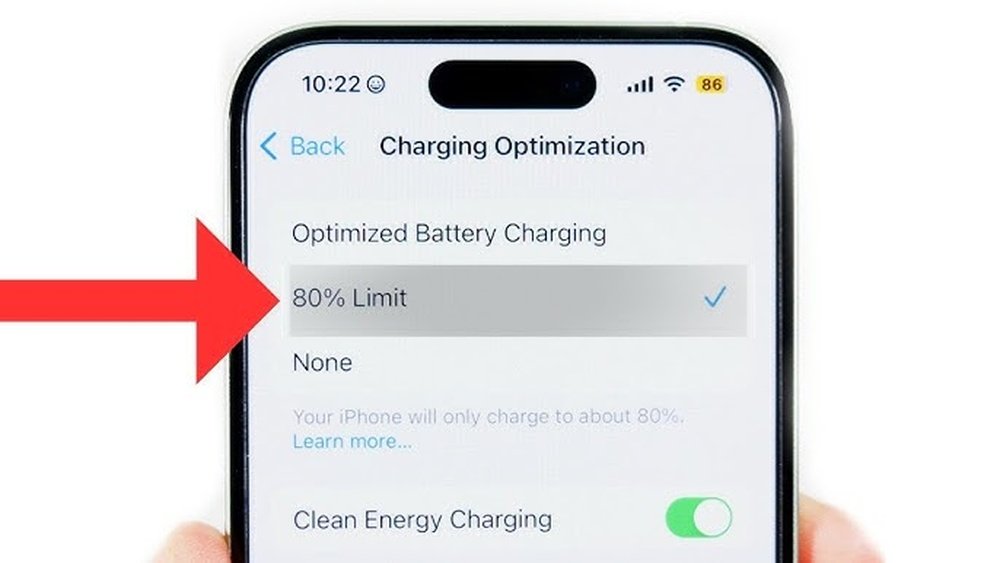
Are you tired of your cordless drill running out of power just when you need it most? Keeping your drill’s batteries charged and ready can save you time, frustration, and money.
You’ll discover simple, effective tips to make sure your batteries stay healthy and fully charged. Whether you’re a DIY enthusiast or a professional, mastering these easy steps will keep your tools working smoothly whenever you need them. Keep reading, and never face a dead battery again!

Credit: www.woodsmithplans.com
Choosing The Right Battery Type
Choosing the right battery type is key to keeping your cordless drill powered. Different batteries have different strengths. Picking the right one helps your drill last longer and work better. Understanding the types and what they offer will guide your choice.
Lithium-ion Vs Nimh Batteries
Lithium-ion batteries are light and hold charge well. They last longer and charge faster. These batteries do not lose power when not in use. NiMH batteries are heavier and take longer to charge. They can lose power if left unused. Lithium-ion is often better for daily use.
Battery Capacity And Voltage
Battery capacity shows how long the drill runs. Higher capacity means longer work time before recharge. Voltage affects the drill’s power and speed. Higher voltage gives more torque and faster drilling. Choose a battery with enough capacity and voltage for your tasks.
Credit: www.mach1services.com
Best Charging Practices
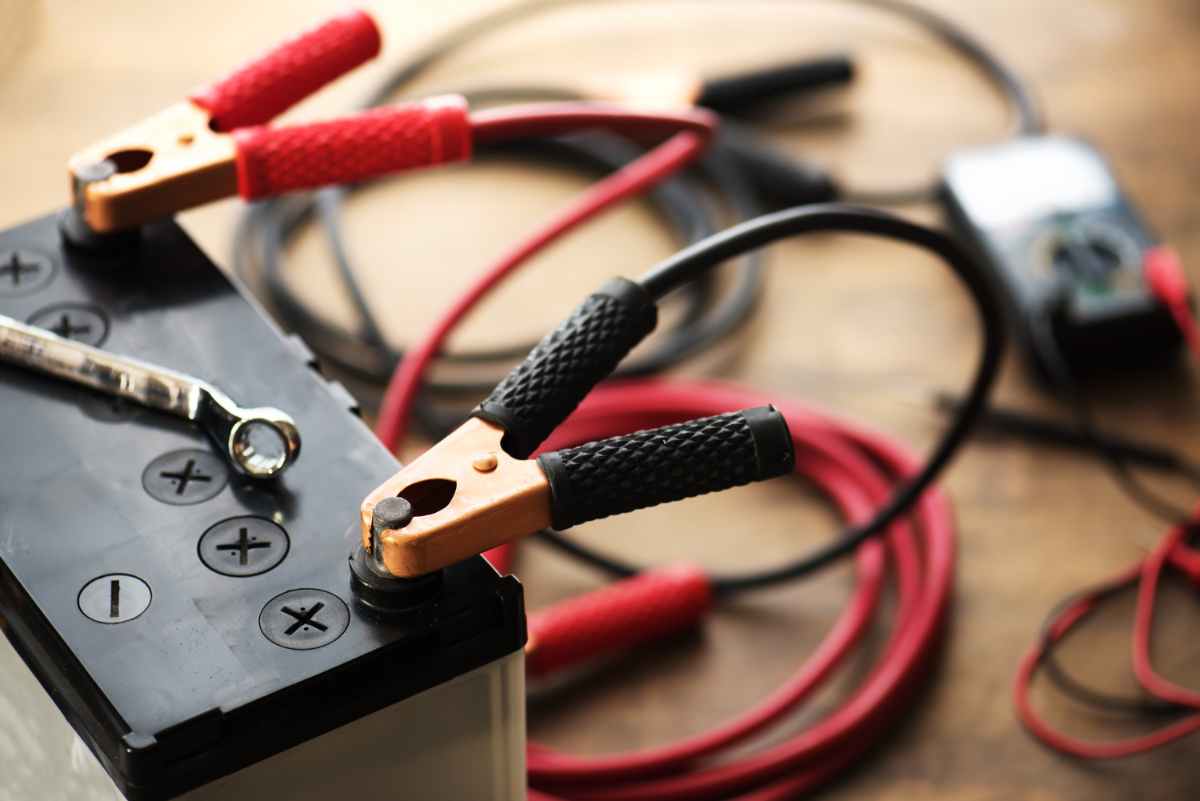
Keeping cordless drill batteries charged correctly extends their life and improves performance. Using the best charging practices helps you avoid common problems like battery damage or reduced power. Simple habits make a big difference in battery health and readiness.
Optimal Charging Times
Charge your battery after use, not before it is fully empty. Short, frequent charges keep the battery in good shape. Avoid leaving the battery plugged in for days at a time. Most batteries take 1 to 3 hours for a full charge. Follow the manufacturer’s suggested charging time for best results.
Avoiding Overcharging
Overcharging can cause the battery to overheat and lose capacity. Use a charger with an automatic shut-off feature to stop charging once full. Never leave batteries on the charger overnight or unattended. Remove the battery promptly after charging finishes to protect its lifespan.
Using The Correct Charger
Always use the charger designed for your cordless drill model. Chargers vary by brand, voltage, and battery type. Using the wrong charger risks damage or unsafe charging. Check the charger’s label for compatibility before use. A proper charger ensures safe and effective battery charging every time.
Storage Tips For Batteries
Proper storage of cordless drill batteries keeps them healthy and ready to use. Batteries can lose power or get damaged if stored incorrectly. Follow simple tips to keep them charged and extend their life.
Storing batteries the right way saves money and avoids frustration. It only takes a few easy steps to protect your investment.
Ideal Temperature Conditions
Batteries last longer in cool, dry places. Aim for temperatures between 50°F and 77°F (10°C to 25°C). Avoid extreme heat or cold. Heat can cause batteries to overheat and lose charge fast. Cold can slow down the battery’s chemical reactions. Keep batteries away from direct sunlight and heaters.
Storing Partially Charged Batteries
Store batteries with about 40% to 60% charge. Fully charged or fully drained batteries can lose capacity faster. A partial charge keeps the battery balanced and healthy. Check the charge level before storing and recharge if needed. This practice helps batteries keep their power longer.
Long-term Storage Guidelines
For storage longer than a month, remove batteries from the drill. Place them in a plastic container or a battery case. Check the battery charge every three months. Recharge to 40%-60% if the battery drops low. Avoid storing batteries on metal surfaces to prevent short circuits.
Maintaining Battery Health
Maintaining the health of your cordless drill batteries is key to their long life and strong performance. Good care helps batteries hold charge longer and saves money on replacements. Simple habits can keep batteries working well for years.
Regular Usage Patterns
Use your cordless drill regularly to keep the battery active. Batteries that sit unused for a long time lose capacity. Try to use and recharge the battery at least once a month. This keeps the chemical parts inside balanced and healthy.
Preventing Deep Discharge
Avoid letting the battery drain completely before charging. Deep discharge can damage the battery cells. Charge the battery as soon as you notice it losing power. Keeping charge above 20% extends battery life and performance.
Cleaning Battery Contacts
Dirty contacts stop the battery from charging well. Clean the metal parts on the battery and drill with a dry cloth. Do this often to remove dust and grime. Good contact means better charging and longer battery life.
Signs Of Battery Wear And Replacement
Knowing the signs of battery wear helps keep your cordless drill ready. Batteries lose power over time. This affects your work and tool performance. Spotting early signs can save time and money. It also avoids frustration during projects.
Decreased Run Time
One clear sign is shorter run time. Your drill stops working sooner than before. It may need frequent recharging. This means the battery holds less charge. Tasks take longer and may pause unexpectedly. Check how long the battery lasts regularly.
Physical Damage Indicators
Look closely for cracks or leaks on the battery case. Bulging or swelling also signals damage. These signs show the battery is unsafe to use. Damaged batteries risk overheating or failure. Always inspect batteries before and after use. Replace any with visible damage.
When To Replace Batteries
Replace batteries if they fail to hold charge. Also swap if they show physical damage. Frequent recharge needs mean the battery is aging. If your drill performance drops, check the battery. New batteries restore power and efficiency fast.
Troubleshooting Charging Issues
Charging problems with cordless drill batteries can be frustrating. They stop you from finishing your projects on time. Understanding how to troubleshoot these issues helps save time and money. This section explains common problems, connection fixes, and when to get expert help.
Common Charging Problems
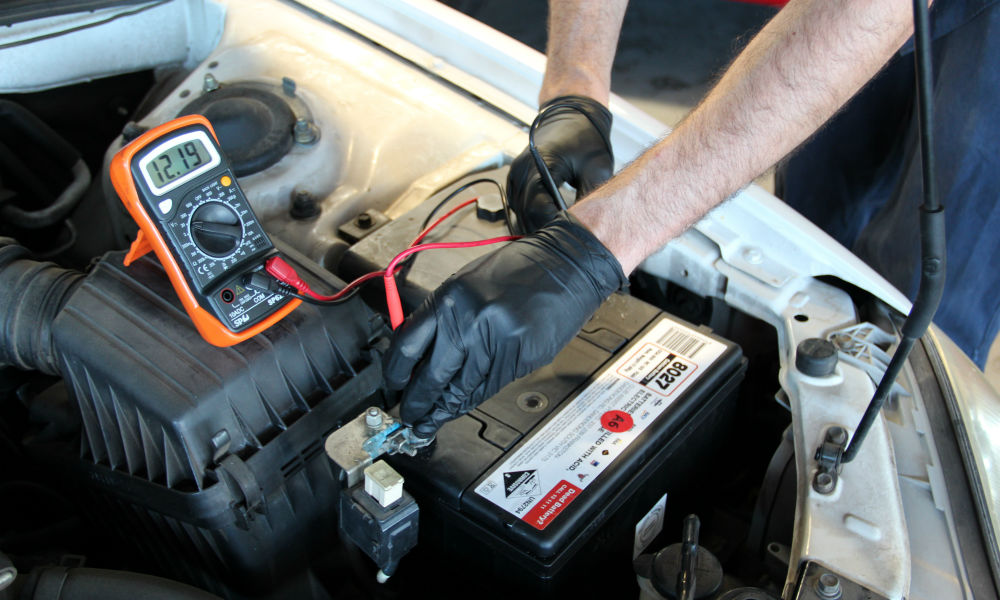
Batteries may not charge because of dirty contacts. Dust and debris block the flow of electricity. Another issue is the charger itself. Sometimes, it stops working or delivers low power. Old batteries also lose their ability to hold a charge. Overheating during charging can cause damage too. Watch for blinking lights or no lights on the charger. These signs show a problem that needs attention.
Fixing Connection Issues
Check the battery and charger contacts first. Clean them gently with a dry cloth or soft brush. Make sure the battery fits snugly in the charger. Loose connections prevent proper charging. Try a different power outlet to rule out socket issues. Inspect the charger cable for cuts or damage. Replace it if you see any wear. Allow the battery to cool down before charging again. This helps fix overheating problems.
When To Seek Professional Help
Try basic fixes first. If the battery still won’t charge, call a professional. Avoid opening the battery or charger yourself. Experts have tools to test and repair safely. They can replace damaged parts or the battery. Seek help if the battery swells or leaks. These are signs of serious faults that need quick attention. Professional service ensures safety and extends your tool’s life.
Credit: deepcyclebatterystore.com
Frequently Asked Questions
How Often Should I Charge Cordless Drill Batteries?
Charge cordless drill batteries after each use or when power drops below 20%. Avoid letting them fully drain to extend battery life.
Can Overcharging Damage Cordless Drill Batteries?
Modern batteries have protection circuits to prevent overcharging. However, unplug chargers once fully charged to maintain battery health.
What Is The Best Way To Store Drill Batteries?
Store batteries in a cool, dry place away from direct sunlight. Keep them partially charged (around 50%) for long-term storage.
How Do I Know When My Drill Battery Needs Replacing?
If your battery holds less charge or drains quickly despite charging, it’s time to replace it for optimal performance.
Conclusion
Keeping your cordless drill batteries charged is simple with good habits. Store batteries in a cool, dry place. Charge them fully before use and avoid letting them drain completely. Use the charger that came with your drill. Regular charging helps your batteries last longer and work better.
Small steps make a big difference in battery life. Stay consistent, and your drill will always be ready when you need it. Easy care saves money and time. Batteries will stay healthy and powerful for many projects ahead.
