


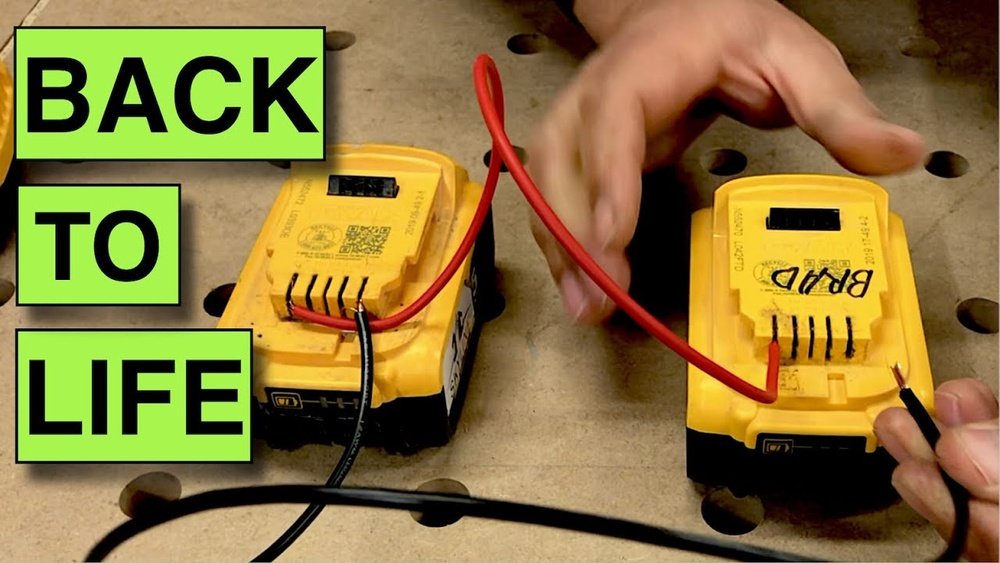
Have you ever picked up your cordless drill, only to find the battery completely dead? It’s frustrating when your tool won’t work just when you need it most.
But don’t worry—recharging a dead cordless drill battery is easier than you think. You’ll discover simple, effective steps to bring your battery back to life quickly and safely. Keep reading, and you’ll never have to stop your project because of a dead battery again.
Signs Of A Dead Battery
Knowing the signs of a dead cordless drill battery helps save time and effort. A battery that no longer works properly can stop your project quickly. Recognizing early problems lets you act fast and avoid frustration.
Watch for clear signals that your battery needs attention. These signs show the battery is not holding power as it should. Understanding these clues helps you decide when to recharge or replace the battery.
No Power Response
The drill does not start or run at all. Pressing the trigger brings no reaction. This lack of power often means the battery is fully dead. Make sure the battery is locked in place correctly. If still no power, the battery likely needs recharging.
Rapid Battery Drain
The drill runs but loses power quickly. Battery life is much shorter than normal. This fast drain indicates the battery cannot hold charge well anymore. Recharging might help temporarily, but the battery may need replacement soon.
Overheating Issues
The battery becomes very hot during use or charging. Overheating can damage the battery’s cells. It also reduces the battery’s overall lifespan. Stop using the battery if it heats up too much. Let it cool and check for damage before recharging.
Safety Precautions
Safety is very important when recharging a dead cordless drill battery. Batteries store power and can be dangerous if handled wrong. Taking safety steps protects you and your tools. Always prepare before starting the recharge process.
Handling Batteries Safely
Wear gloves to protect your hands from acid leaks. Inspect the battery for cracks or damage. Do not use a damaged battery. Keep batteries away from heat and direct sunlight. Store batteries in a cool, dry place. Avoid dropping or shaking batteries. Use only the charger made for your battery type. Follow the manufacturer’s instructions carefully.
Avoiding Electrical Hazards
Unplug the charger before connecting or disconnecting the battery. Never touch the metal parts of the charger and battery terminals at the same time. Keep water and liquids away from the battery and charger. Charge batteries on a flat, non-flammable surface. Do not charge the battery near flammable materials. Check the charger and battery for signs of overheating. Stop charging immediately if you notice smoke or strange smells.
Tools And Materials Needed
To recharge a dead cordless drill battery, having the right tools and materials is important. This helps ensure safety and efficiency during the process. Preparing everything before starting saves time and avoids mistakes.
Below are the main tools and materials you will need. Each plays a key role in checking and charging your battery properly.
Charger Compatibility
Use a charger that matches your battery type and brand. Different batteries need specific chargers. Using the wrong charger can damage the battery or cause safety risks. Check the voltage and connector type before plugging in.
Original chargers from the drill manufacturer are the safest choice. If unavailable, find a reliable charger designed for your battery model. Avoid generic or universal chargers unless they clearly support your battery.
Multimeter Use
A multimeter helps test the battery’s voltage and health. It shows if the battery is completely dead or just low on charge. This tool measures electrical current, voltage, and resistance easily.
Set the multimeter to measure DC voltage. Touch the probes to the battery terminals carefully. A healthy battery usually shows a voltage close to its rating. If the reading is very low or zero, charging is necessary.
Using a multimeter prevents unnecessary charging attempts on damaged batteries. It also helps track charging progress over time.
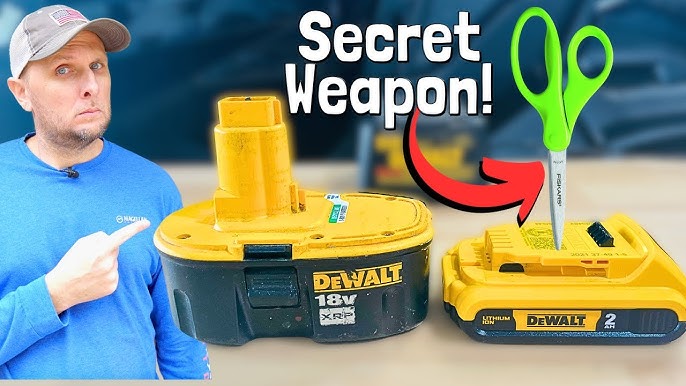
Credit: www.youtube.com
Basic Recharge Steps
Recharging a dead cordless drill battery is simple with the right steps. Follow these basic recharge steps to bring your battery back to life safely and quickly. Proper handling of the charger and understanding charging time help protect your battery and drill.
Properly Connecting The Charger
Start by placing the battery on a flat surface. Connect the charger to a power outlet. Make sure the charger and battery match in type and voltage. Slide the battery into the charger firmly. Check that the battery clicks into place. Avoid forcing the battery if it does not fit. A loose connection can stop charging or damage the battery.
Charging Time Guidelines
Charge the battery for the time the manufacturer suggests. Most batteries take one to five hours. Avoid overcharging; it can reduce battery life. Unplug the charger once the battery is full. Some chargers have a light or indicator to show charging status. If unsure, check your battery or drill manual for exact times.
Reviving Deeply Discharged Batteries
Deeply discharged cordless drill batteries can seem useless. They lose power and stop working entirely. Reviving these batteries saves money and reduces waste. It requires care and the right steps. This section explains how to bring dead batteries back to life safely and effectively.
Jump-starting Techniques
Jump-starting a battery can help if it is deeply discharged. Use a compatible charger designed for your battery type. Connect the charger to the battery terminals carefully. Sometimes, a slow charge over several hours wakes the battery. Avoid quick charging as it may damage cells. Monitor the battery’s temperature during charging. Stop if it becomes hot to touch.
Using A Multimeter To Test Voltage
A multimeter shows the battery’s current voltage level. Set the multimeter to measure DC voltage. Touch the red probe to the battery’s positive terminal. Touch the black probe to the negative terminal. Read the voltage on the display. A fully charged battery reads near its rated voltage. If the voltage is very low, the battery needs charging. This test helps decide if jump-starting can work or if replacement is necessary.
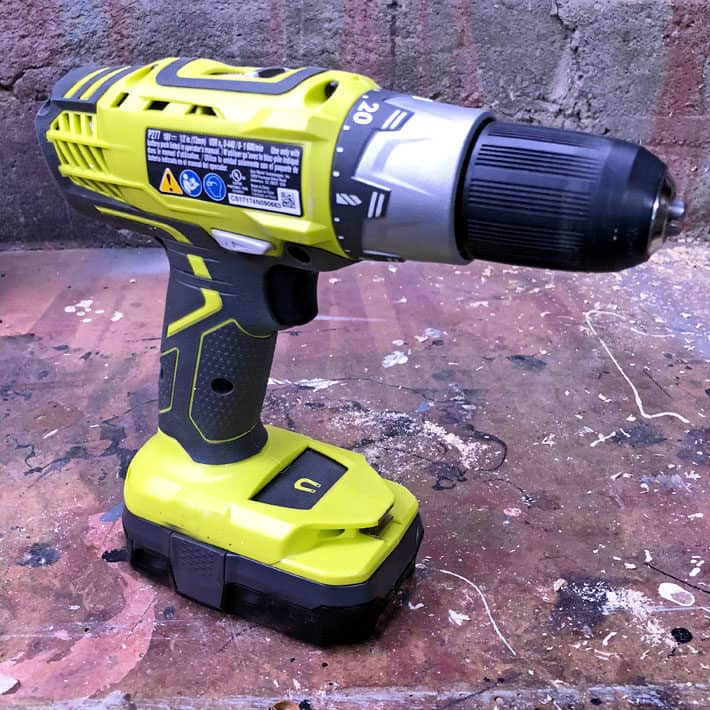
Credit: www.theartofdoingstuff.com
Battery Maintenance Tips
Battery maintenance is key to keeping your cordless drill ready to work. Proper care helps the battery last longer and hold a better charge. Simple habits and storage tips can protect the battery from damage and reduce the risk of it dying quickly.
Taking small steps regularly will save you time and money. Here are some easy tips to maintain your drill battery well.
Regular Charging Habits
Charge the battery soon after use. Avoid letting it drain completely before recharging. Partial charges are better than full discharges. Keep the charger and battery contacts clean. Dirt can stop the battery from charging fully. Use the charger made for your drill only. Fast charging may heat the battery too much. Let the battery cool if it feels hot before charging again.
Storage Recommendations
Store batteries in a cool, dry place. Avoid direct sunlight and extreme temperatures. Heat and cold can damage the battery cells. Remove the battery from the drill if not used for a long time. Charge the battery to about 40-60% before storing. Check stored batteries every few months and recharge if needed. Keep batteries away from metal objects to avoid short circuits.
When To Replace The Battery
Knowing when to replace a cordless drill battery saves time and effort. Batteries lose power after many charges. This affects your drill’s performance. Replacing the battery at the right time keeps your tool working well. It also avoids frustration during projects.
Signs Of Battery Wear
One clear sign is the battery not holding charge long. If your drill stops quickly, the battery may be weak. Another sign is slow charging or no charge at all. Also, if the battery gets hot during use, it might be damaged. Look for cracks or leaks on the battery case. These are signs it needs replacement.
Cost Vs. Benefit Analysis
Compare the cost of a new battery to a new drill. Sometimes a new battery is cheaper and extends tool life. Other times, an old drill with many issues may need full replacement. Think about how often you use the drill. Frequent use justifies investing in a new battery. Rare use might mean waiting longer before replacing it.
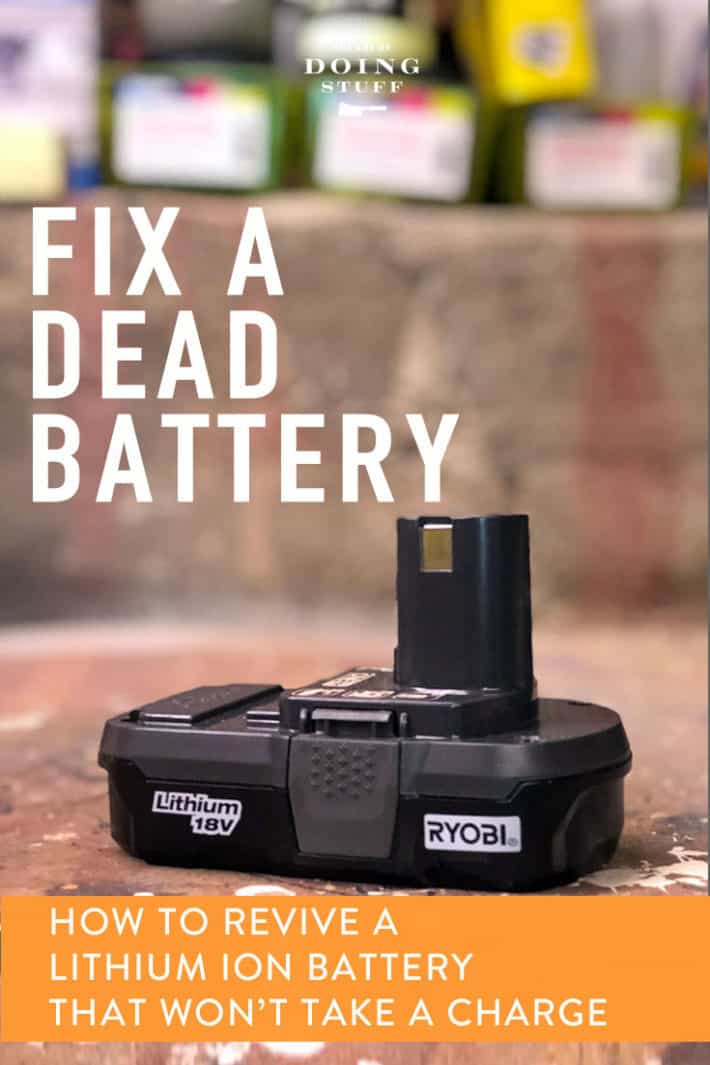
Credit: www.theartofdoingstuff.com
Frequently Asked Questions
How Do I Know If My Cordless Drill Battery Is Dead?
A dead battery won’t power your drill or hold a charge. Check if the drill doesn’t turn on or quickly loses power. Use a multimeter to test voltage. If it reads zero or very low, the battery is likely dead and needs recharging or replacement.
Can I Recharge A Completely Dead Cordless Drill Battery?
Yes, you can recharge a completely dead battery using the original charger. Connect it properly and allow sufficient charging time. Avoid forcing the drill to operate during charging. If the battery doesn’t charge after several attempts, it might be permanently damaged.
What Is The Best Method To Recharge A Dead Drill Battery?
Use the manufacturer’s charger for safe and effective charging. Place the battery firmly in the charger and plug it in. Charge the battery in a cool, dry place to prevent overheating. Avoid quick charging if the battery is old or damaged.
How Long Does It Take To Recharge A Dead Cordless Drill Battery?
Charging time varies between 30 minutes to several hours, depending on battery type and capacity. NiMH batteries generally take longer than Li-ion ones. Always follow the charger’s instructions to avoid overcharging or damage. Patience ensures better battery life and performance.
Conclusion
Recharging a dead cordless drill battery is simple and quick. Follow safety steps to avoid damage or injury. Use the right charger and connect the battery properly. Give it enough time to charge fully for best results. Regular charging keeps your drill ready for any task.
Now, your drill will work like new again. Keep these tips in mind to save time and money. Ready to power up your tools anytime you need.
