


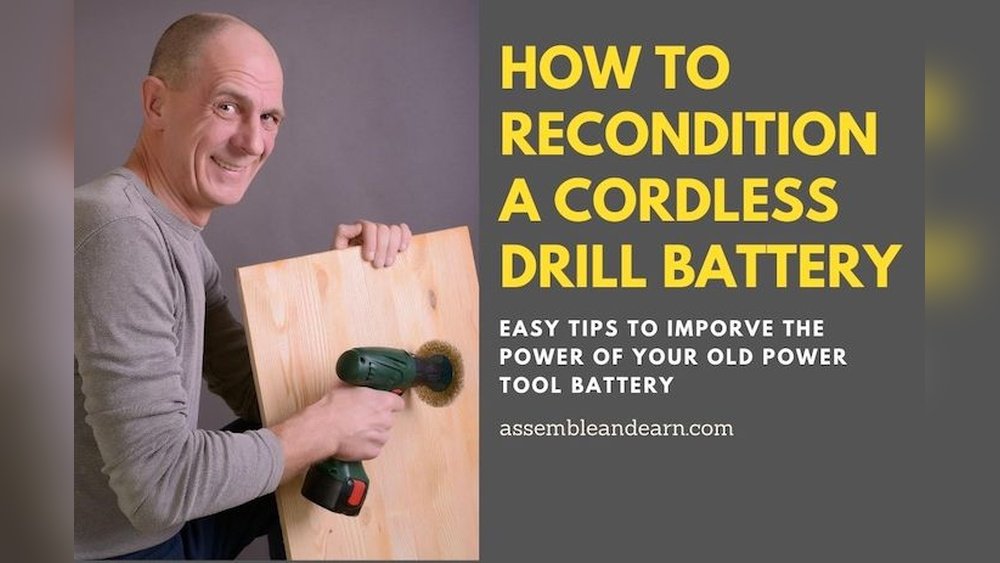
Is your cordless drill battery losing power faster than it used to? You’re not alone.
Many people toss out batteries too soon, thinking they’re beyond help. But what if you could bring your battery back to life without spending money on a new one? Reconditioning your cordless drill battery is easier than you might think.
You’ll discover simple, effective steps to restore your battery’s performance and save both time and money. Keep reading, because your drill—and your wallet—will thank you.
Signs Of A Failing Battery
Recognizing the signs of a failing cordless drill battery helps save time and money. Batteries show clear symptoms before they completely stop working. Knowing these signs allows you to take action early and recondition the battery. This keeps your drill running longer and more efficiently.
Reduced Run Time
The drill runs for a shorter time after each charge. You notice it dies quickly during use. This happens because the battery cannot hold a full charge anymore. Reduced run time is a common sign the battery needs attention.
Slow Charging
The battery takes much longer to charge than before. It may stay plugged in for hours without reaching full power. Slow charging means the battery cells are weakening. This signals the battery is losing its ability to recharge properly.
Overheating Issues
The battery feels hot or gets warm during charging or use. Overheating can damage the battery further and reduce its life. It also indicates internal problems like short circuits or worn cells. Overheating is a clear warning sign to check the battery.

Credit: www.assembleandearn.com
Safety Precautions
Reconditioning a cordless drill battery can restore its power and extend its life. Safety is very important during this process. Batteries hold electrical energy and chemicals that can be dangerous. Follow safety steps carefully to avoid harm and damage.
Handling Batteries Safely
Wear gloves and eye protection before handling batteries. Avoid touching battery terminals with bare hands. Keep batteries away from metal objects to stop short circuits. Do not pierce or open the battery casing. If a battery leaks, avoid contact with the fluid. Dispose of damaged batteries safely at a recycling center.
Proper Work Environment
Work in a dry, well-ventilated area with good lighting. Keep the workspace clean and free of clutter. Avoid working near flammable materials or open flames. Have a fire extinguisher nearby as a precaution. Use insulated tools to reduce the risk of electric shock. Charge and test batteries on a non-conductive surface to stay safe.
Tools And Materials Needed
Before starting to recondition a cordless drill battery, gather all necessary tools and materials. Having the right items makes the process safer and smoother. Prepare a clean workspace with good lighting. This helps avoid mistakes and keeps everything organized.
Basic Tools
- Screwdrivers – both flathead and Phillips for opening the battery casing.
- Wire cutters or pliers to handle wires safely.
- Soldering iron and solder for fixing broken connections.
- Multimeter for checking electrical readings.
- Small plastic or metal container to hold screws and parts.
Cleaning Supplies
- Isopropyl alcohol (at least 70%) to clean battery contacts.
- Cotton swabs or soft cloths for gentle cleaning.
- Brush with soft bristles to remove dust and debris.
- Gloves to protect your hands from chemicals and dirt.
Testing Equipment
- Multimeter to measure voltage and current accurately.
- Battery charger compatible with your cordless drill battery.
- Battery analyzer (optional) for detailed battery health reports.
Step 1: Inspect The Battery
Step 1 in reconditioning a cordless drill battery is to inspect it carefully. This step is crucial because it helps identify any problems that might stop the battery from working well again. A thorough inspection ensures safety and guides the next steps in the reconditioning process.
Check For Physical Damage
Start by looking at the battery’s outer case. Check for cracks, dents, or swelling. Any damage can affect the battery’s performance and may be unsafe to use. Avoid using or repairing batteries with severe physical damage. Small scratches or dirt can be cleaned, but deep damage is a warning sign.
Assess Battery Terminals
Next, examine the battery terminals. These are the metal contacts where the battery connects to the drill. Look for corrosion, rust, or dirt buildup. Dirty terminals can stop the battery from charging properly. Clean the terminals gently with a dry cloth or a small brush. Ensure they are not bent or broken for a good connection.
Step 2: Clean The Battery
Cleaning the battery is a key step in reconditioning a cordless drill battery. Dirt and corrosion can block the battery’s power flow. This reduces its performance and lifespan.
Removing these buildups helps the battery work better. It also prepares the battery for the next steps of reconditioning.
Remove Dirt And Corrosion
Start by wiping the battery with a dry cloth. This removes loose dirt and dust. Check the battery terminals for white or green corrosion. Use a small brush or an old toothbrush to scrub these areas gently.
Be careful not to damage the terminals. Corrosion can stop the battery from charging properly. Cleaning it improves the connection with the drill.
Use Appropriate Cleaning Agents
For tough corrosion, use a mild cleaning agent. A mix of baking soda and water works well. Apply it to the terminals with a cotton swab or brush. This helps neutralize the acid corrosion safely.
After cleaning, wipe the area with a damp cloth. Let the battery dry completely before using it again. Avoid harsh chemicals that can harm the battery or plastic parts.
Step 3: Discharge The Battery
Start by fully using the drill until the battery runs out. This step helps clear old charge and prepares the battery for reconditioning. Make sure the drill stops working before moving on.
Discharging the cordless drill battery is a key step in reconditioning. This process clears old charge cycles. It helps reset the battery’s power capacity. Proper discharge prepares the battery for the next charging phase. Doing this step right extends battery life and improves performance.
Methods To Fully Drain Power
One easy way is to run the drill until it stops working. Use it on a low setting to drain power slowly. Another method is to connect the battery to a small device. Let the device use all the battery power until it turns off. Some people use a resistor to drain power safely. This method requires careful handling to avoid damage. Choose the method that suits your tools and skills.
Precautions During Discharge
Never discharge the battery too fast or too deep. It can damage the battery cells permanently. Avoid leaving the battery fully dead for a long time. Always monitor the battery temperature during discharge. Stop immediately if the battery feels hot or swells. Use safety gloves and glasses to protect yourself. Work in a well-ventilated area. Follow these steps to keep safe and protect your battery.
Step 4: Recharge The Battery
Step 4 is a crucial part of reconditioning your cordless drill battery. This step involves recharging the battery properly to restore its power. A well-charged battery performs better and lasts longer. Take your time to follow the correct charging process for the best results.
Use The Correct Charger
Always use the charger made for your battery type. Different batteries need specific chargers. Using the wrong charger can damage the battery or reduce its lifespan. Check the battery label for voltage and charger compatibility. Connect the charger securely before turning it on. This keeps the charging process safe and effective.
Charging Time Guidelines
Follow the recommended charging time in the battery manual. Overcharging can harm the battery cells. Undercharging leaves the battery weak and less useful. Most cordless drill batteries take 1 to 3 hours to fully charge. Keep an eye on the charger’s indicator light to know when charging is complete. Unplug the charger promptly after the battery is full.

Credit: www.gequip.com
Step 5: Repeat Discharge And Recharge Cycles
Step 5 involves repeating the discharge and recharge cycles several times. This process helps restore the battery’s capacity and improves its overall performance. Each cycle slowly revives the battery cells, making your cordless drill run longer.
Patience is key here. The battery will not recover fully after just one cycle. You need to repeat these cycles to bring the battery back to a better state.
How Many Cycles To Perform
Perform at least three to five full discharge and recharge cycles. Some batteries may require up to seven cycles for noticeable improvement. Stop if you see no progress after several cycles. Overdoing it can stress the battery further.
Benefits Of Multiple Cycles
Multiple cycles help balance the battery cells evenly. This reduces power loss and increases battery life. The process can remove memory effects in older batteries. It also helps the battery hold charge longer than before.
Step 6: Test Battery Performance
Step 6 is about testing the battery’s performance after reconditioning. This step shows if your efforts worked well. Testing helps you see how much power the battery holds now. It also tells if the battery is ready for use again.
Measuring Capacity
To measure capacity, use a battery tester or multimeter. Check the voltage level compared to the original specs. A full charge means the voltage should be close to the battery’s rated voltage. Note the time the battery runs under normal use. Longer run time means better capacity. Short run time means the battery may need more work.
Indicators Of Successful Reconditioning
A good sign is the battery holds charge for longer than before. The drill should run smoothly without power drops. No unusual heat or swelling should appear during use. Consistent voltage during use is a positive sign. If all these happen, the reconditioning was successful.
When To Replace The Battery
Knowing when to replace your cordless drill battery saves time and money. Batteries have a limited life span. Reconditioning can bring them back, but not always. Sometimes the battery no longer holds a charge or performs poorly. Ignoring these signs can damage your drill or slow your work. Watch for clear signals that your battery needs replacement.
Signs Reconditioning Fails
Reconditioning restores some batteries but not all. If the battery still loses power fast, it may be dead. Swelling or leaking battery cases show serious damage. Overheating during use or charging is another warning. The drill may stop working suddenly or not start at all. When these happen, reconditioning no longer works. A new battery is the safe choice.
Disposal Tips
Old drill batteries contain harmful chemicals. Throwing them in the trash can pollute the environment. Take them to a local recycling center or hazardous waste facility. Many stores that sell batteries offer recycling programs. Store old batteries in a cool, dry place until you can recycle them. Proper disposal protects nature and follows the law.
Tips For Battery Maintenance
Maintaining your cordless drill battery extends its life and keeps it working well. Simple care steps help avoid common problems. Follow easy tips to keep the battery healthy and ready for use.
Storage Best Practices
Store the battery in a cool, dry place. Avoid extreme heat or cold, which can damage cells. Remove the battery from the drill if you won’t use it for a long time. Keep it away from metal objects to prevent short circuits. Charge the battery to about 40-60% before storing. Check the battery every few months and recharge if needed.
Regular Usage Recommendations
Use the battery often to keep it active. Avoid letting it fully drain before charging. Partial charges are better than deep discharges. Remove the battery from the charger once fully charged. Use the correct charger designed for your battery. Regular use and proper charging improve battery performance and lifespan.
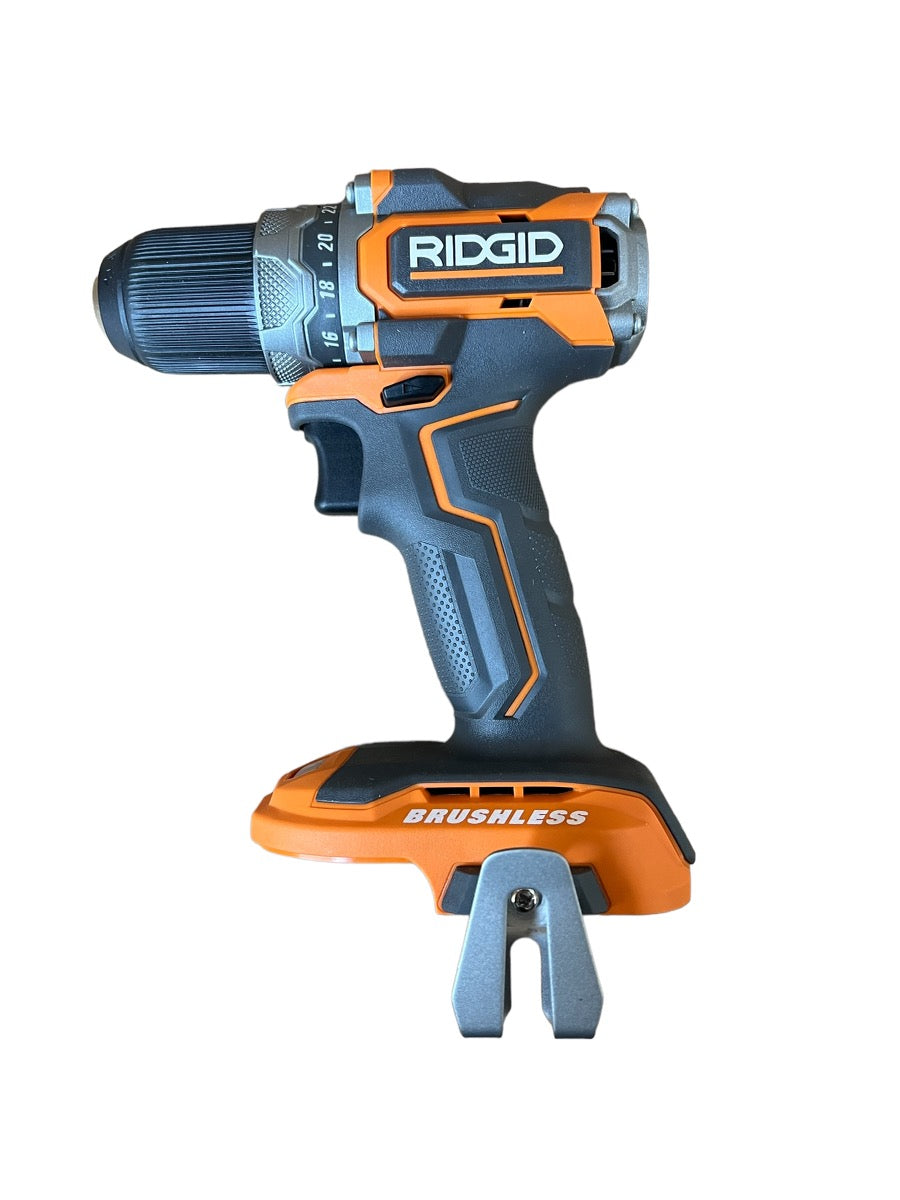
Credit: ryobidealfinders.com
Frequently Asked Questions
How Can I Tell If My Cordless Drill Battery Needs Reconditioning?
If your battery drains quickly or won’t hold a charge, it likely needs reconditioning. Also, check for reduced power or overheating during use.
What Tools Do I Need To Recondition A Cordless Drill Battery?
You’ll need a multimeter, charger, safety gloves, and sometimes a soldering kit. These tools help test, charge, and repair battery cells safely.
Is Reconditioning A Cordless Drill Battery Safe To Do At Home?
Yes, if you follow safety guidelines. Always wear gloves, work in a ventilated area, and handle batteries carefully to avoid hazards.
How Often Should I Recondition My Cordless Drill Battery?
Recondition your battery when you notice performance drops, typically every 6-12 months. Regular maintenance extends battery life and efficiency.
Conclusion
Reconditioning a cordless drill battery saves money and reduces waste. It takes some care but is worth the effort. Follow the steps carefully and stay safe while working. A well-maintained battery lasts longer and performs better. Small actions can keep your tools ready to use.
Try reconditioning before buying a new battery. Keep your drill working strong for many projects ahead. Simple tips make a big difference in battery life. Give it a try and see the results yourself.
