


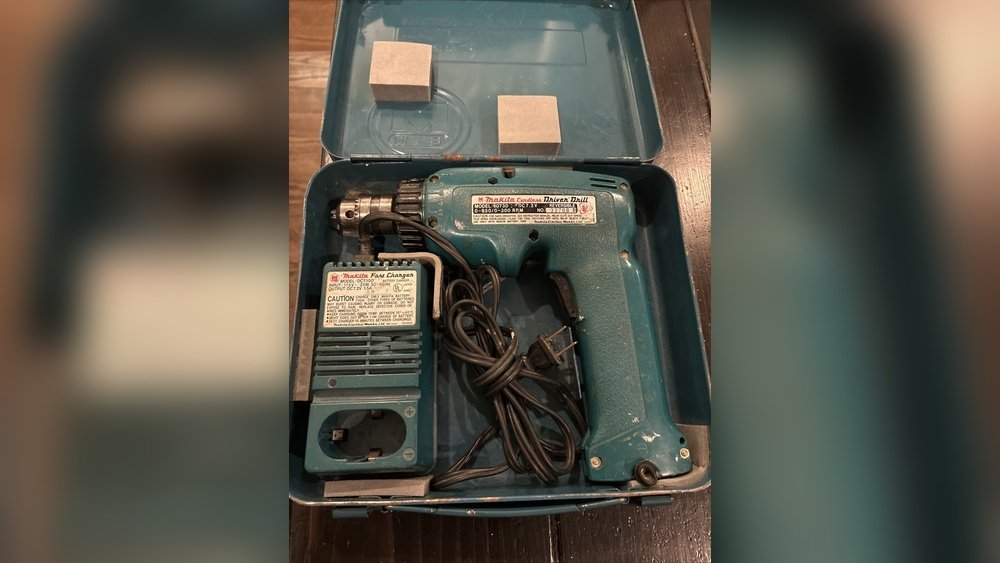
Have you ever grabbed your Makita cordless drill only to find that the battery won’t charge? It’s frustrating when your trusted tool suddenly stops working, especially in the middle of a project.
You might wonder, “Do Makita cordless drill battery chargers go bad? ” The answer isn’t always simple, but understanding what happens to your charger over time can save you money and hassle. Keep reading to discover how to spot the signs of a failing charger and what you can do to keep your drill powered up and ready to go.
How Nakita Chargers Work
Understanding how Nakita cordless drill battery chargers work helps you maintain them better. These chargers have a simple purpose: to refill the battery with power safely and quickly. They use smart technology to keep the battery healthy over time.
Charging Process Basics
The charger connects to the drill’s battery. It sends electric current to the battery cells. This current moves slowly at first, then faster as the battery fills. The charger stops automatically once the battery is full. This prevents overcharging and damage.
The charger also checks battery temperature. If the battery gets too hot, charging slows or pauses. This protects the battery from overheating. The process is designed to keep the battery safe and extend its life.
Key Components
The charger has a few important parts. A power supply brings electricity into the charger. A control circuit manages the charging speed and timing. Sensors monitor battery voltage and temperature. These parts work together to charge the battery correctly.
Some chargers include LED lights to show charging status. Green means full, red means charging, and blinking can mean an error. This simple feedback helps users know when the battery is ready.
Common Signs Of Charger Failure
Battery chargers for cordless drills can fail over time. Knowing the common signs helps you spot problems early. This way, you avoid damage to your drill or battery. Here are some key signs that your Makita cordless drill charger might be going bad.
No Power Indication
The charger usually has a light to show power. If this light does not turn on, the charger may have stopped working. Sometimes, the power cord or plug can cause this issue too. Check those first before replacing the charger.
Overheating Issues
Chargers should stay cool during use. If your charger becomes very hot, it may have a problem. Overheating can damage both the charger and the battery. Stop using the charger if it gets too hot to touch.
Slow Or No Charging
Your battery should charge within a reasonable time. If charging takes much longer or does not start, the charger might be faulty. Slow charging can reduce battery life and affect tool performance.
Unusual Noises Or Smells
Good chargers operate quietly without strange smells. Buzzing sounds or burning odors show electrical problems. These signs mean the charger could be unsafe. Stop using it immediately to avoid hazards.
Reasons Chargers Fail
Battery chargers for cordless drills do not last forever. Over time, chargers can stop working properly. Several factors cause chargers to fail. Understanding these reasons helps in maintaining and replacing them on time.
Wear And Tear
Chargers face constant use. Plugging and unplugging wears out parts. Internal components age and lose efficiency. Wires and connectors can loosen or break. This normal wear reduces charger performance. Eventually, the charger may stop working.
Electrical Damage
Power surges can harm chargers. Sudden voltage spikes damage internal circuits. Short circuits inside the charger cause failure. Using the wrong power source also harms it. Electrical damage often leads to complete charger breakdown.
Environmental Factors
Heat and moisture affect chargers badly. High temperatures can melt or warp parts. Water or humidity causes rust and corrosion. Dust and dirt block ventilation or connections. Poor storage conditions speed up charger failure.
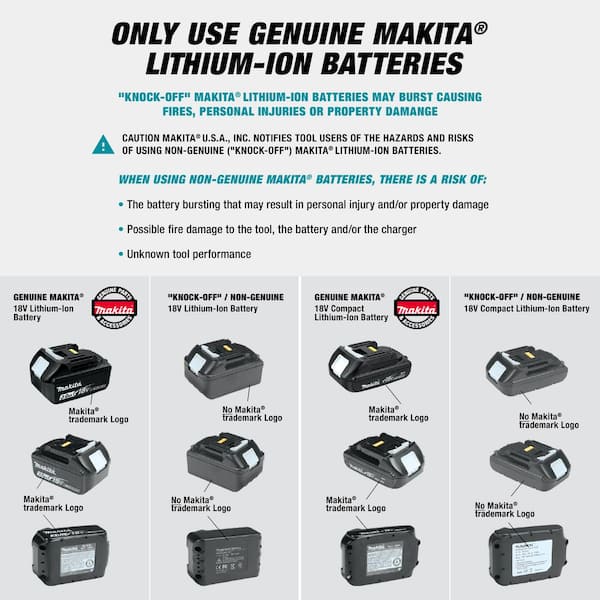
Credit: www.homedepot.com
Troubleshooting Steps
When your Makita cordless drill battery charger stops working, follow some simple steps. These steps help find the problem fast. Troubleshooting saves time and money. It avoids buying new parts unnecessarily.
Inspecting The Charger
Look at the charger carefully. Check for any cracks or damage on the case. See if the charging contacts are dirty or bent. Clean the contacts with a dry cloth if needed. Look at the power cord for cuts or frays. A damaged cord can stop the charger from working.
Testing With Different Batteries
Try charging a different battery with the charger. If the charger works with another battery, the first battery may be bad. If the charger does not work with any battery, the problem is with the charger. Testing with different batteries helps find the faulty part quickly.
Checking Power Sources
Make sure the power outlet works. Plug another device into the same outlet to check. Try using a different outlet if the charger still does not work. Sometimes, power strips or extension cords cause issues. Connect the charger directly to the wall socket for best results.
Repair Vs Replacement
Deciding between repair and replacement for your Makita cordless drill battery charger can be tough. Both options have pros and cons. Understanding these can save you time and money. Knowing when to repair or replace helps maintain your tool’s performance. Here is a clear look at the factors to consider.
When To Repair
Repair your charger if the problem is minor. Simple issues like a damaged cord or a loose connection can be fixed easily. Repairs are worth it when the charger still works but shows small faults. If the charger is relatively new, repairing is a good choice. Also, repairs help reduce waste and extend the charger’s life.
When To Replace
Replace the charger if it stops working completely. Severe damage or internal faults may make repair impossible. When repair costs are close to buying a new charger, replacement is better. Old chargers may not work well with new batteries. A new charger ensures safety and reliable charging every time.
Cost Considerations
Compare the repair cost with a new charger’s price. Small repairs usually cost less and offer good value. Large repairs can be costly and may not last long. Buying new often comes with a warranty, adding peace of mind. Think about how long you plan to use the charger. This helps decide the most cost-effective choice.
Preventing Charger Problems
Preventing problems with your Makita cordless drill battery charger can save time and money. Taking care of your charger helps it last longer and work better. Simple steps can protect the charger from damage and keep it running smoothly.
Proper Usage Tips
Always use the charger with the correct battery type. Avoid forcing the battery into the charger. Plug the charger into a stable power source. Do not use the charger in wet or dusty places. Let the charger cool down if it gets hot during use.
Storage Recommendations
Store the charger in a dry, cool place. Keep it away from direct sunlight and heat sources. Avoid storing the charger with the battery connected. Use a protective case or box to prevent dust and dirt. Do not leave the charger in very cold or very hot areas.
Regular Maintenance
Clean the charger contacts with a dry cloth. Check the power cord for any signs of damage. Inspect the charger for cracks or loose parts. Unplug the charger when not in use. Test the charger regularly to ensure it works properly.
Alternative Charging Options
Sometimes, the original battery charger for your Makita cordless drill stops working. You may not want to buy a new one right away. There are other ways to charge your drill’s battery. These options can save you time and money. They also keep your drill ready for use.
Universal Chargers
Universal chargers work with many battery types. They fit different brands and sizes. These chargers adjust the power to match your battery. This helps avoid damage and keeps the battery healthy. Many universal chargers have safety features like overcharge protection. They are easy to use and often cost less than original chargers.
Third-party Solutions
Third-party chargers are made by companies other than Makita. They often offer good quality at lower prices. Some third-party chargers are designed specifically for Makita batteries. Check reviews to find reliable options. Choose chargers with safety features to protect your battery. Using third-party chargers can be a smart choice if the original is unavailable.

Credit: multipick.com
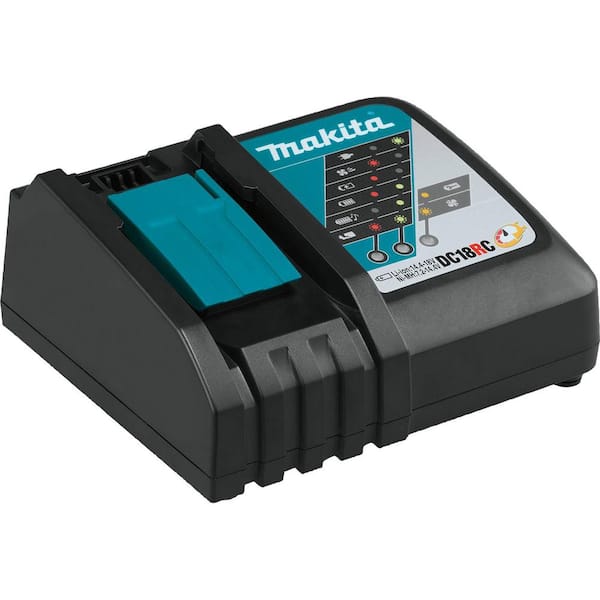
Credit: www.homedepot.com
Frequently Asked Questions
Do Makita Cordless Drill Chargers Wear Out Over Time?
Yes, Makita cordless drill battery chargers can wear out after extended use. Over time, internal components may degrade, causing charging issues or failure. Proper care and avoiding power surges can prolong charger lifespan, but replacement is sometimes necessary for optimal performance.
How To Tell If Makita Charger Is Malfunctioning?
Signs of a malfunctioning Makita charger include no LED indicator, slow or no charging, and unusual noises. If your battery doesn’t charge or the charger overheats, it likely needs repair or replacement to ensure safe and effective battery charging.
Can A Faulty Charger Damage Makita Drill Batteries?
Yes, a faulty charger can damage Makita drill batteries by overcharging or failing to charge properly. This may reduce battery life or cause safety risks. Always use a compatible, functioning charger to maintain battery health and performance.
How Often Should Makita Cordless Drill Chargers Be Replaced?
Makita chargers generally last several years but may need replacement every 3-5 years, depending on usage. Frequent heavy use or exposure to harsh conditions shortens lifespan. Regular inspection ensures chargers work efficiently and safely.
Conclusion
Nakita cordless drill battery chargers can wear out over time. Regular use and age affect their performance. Watch for slow charging or no power at all. Replacing a bad charger keeps your drill ready to work. Proper care and storage help the charger last longer.
Testing your charger now and then saves frustration later. Keep your tools working by paying attention to charger health. It’s simple to keep your drill powered and ready.
