


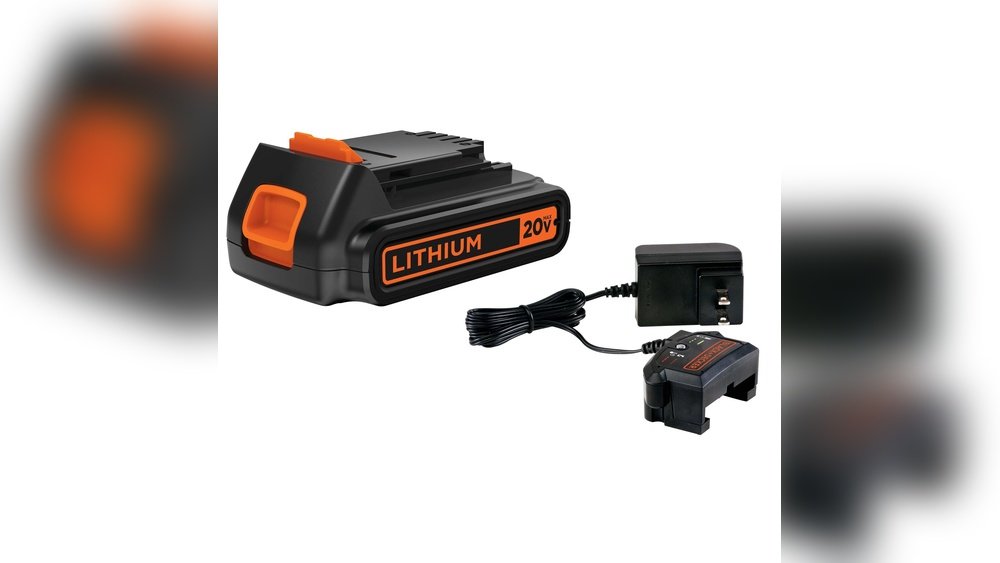
If you own a Black and Decker cordless drill, knowing how to charge it properly can save you time and keep your projects on track. You might be wondering how long to charge it or what steps to follow to get the best battery life.
This guide will walk you through simple, clear instructions so you can power up your drill quickly and safely. Keep reading to make sure your drill is always ready when you need it most.
Choosing The Right Battery
Choosing the right battery for your Black and Decker cordless drill is important. The battery affects how long you can use your drill and how well it works. Picking the correct battery ensures your drill runs smoothly and lasts longer. Understanding the types of batteries and compatibility tips helps you make the best choice.
Types Of Black And Decker Batteries
Black and Decker cordless drills mainly use three battery types. NiCd (Nickel-Cadmium) batteries are older but still reliable. They are heavier and have a memory effect, which reduces their capacity over time.
NiMH (Nickel-Metal Hydride) batteries are lighter than NiCd. They hold charge longer and are better for the environment.
Li-ion (Lithium-ion) batteries are the newest and most popular. They are light, charge fast, and last longer. Li-ion batteries do not suffer from memory effect, making them the best choice for frequent use.
Battery Compatibility Tips
Always check if the battery fits your drill model. Using a battery not designed for your drill can cause damage. Match the voltage of the battery to the drill’s requirements for proper power.
Use batteries made by Black and Decker or approved brands. This helps avoid safety issues and ensures good performance. Avoid mixing old and new batteries in one drill to keep it working well.
Store batteries in a cool, dry place when not in use. Charging batteries at the right temperature helps keep them healthy. Follow the charger instructions to avoid overcharging or undercharging your battery.
Credit: www.youtube.com
Preparing The Drill For Charging
Before charging your Black and Decker cordless drill, some basic steps must be done. Preparing the drill helps keep the battery and charger safe. It also makes sure the drill charges well and lasts longer.
Removing The Battery Pack
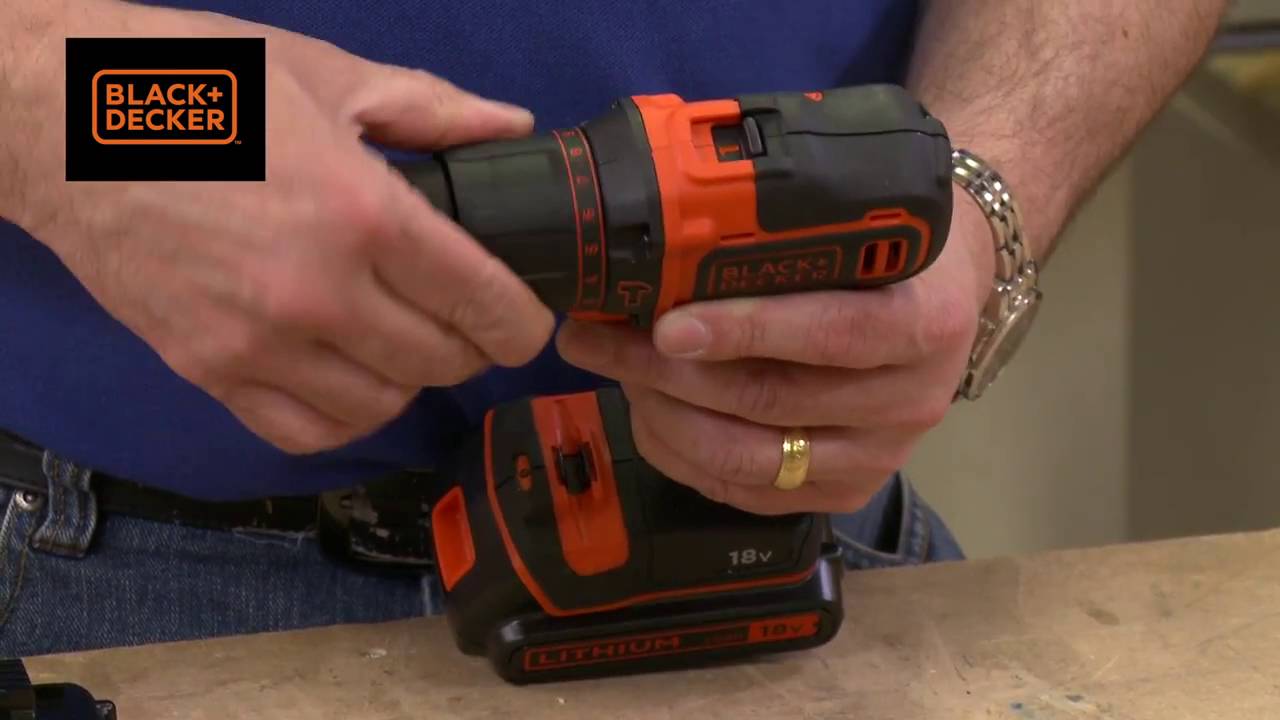
First, take out the battery pack from the drill. Usually, a button or latch holds the battery in place. Press or slide it to release the battery. Pull the battery straight out gently. Avoid forcing it to stop damage.
Inspecting For Damage
Check the battery pack and drill for any cracks or wear. Look closely at the battery terminals for dirt or rust. Clean the terminals with a dry cloth if needed. Do not use water or liquid cleaners. If you find damage, do not charge the battery. Replace it to avoid risks.
Charging Process Steps
Charging your Black and Decker cordless drill is a simple task. Follow clear steps to keep your drill ready to use. Proper charging helps the battery last longer and work better.
Connecting The Charger
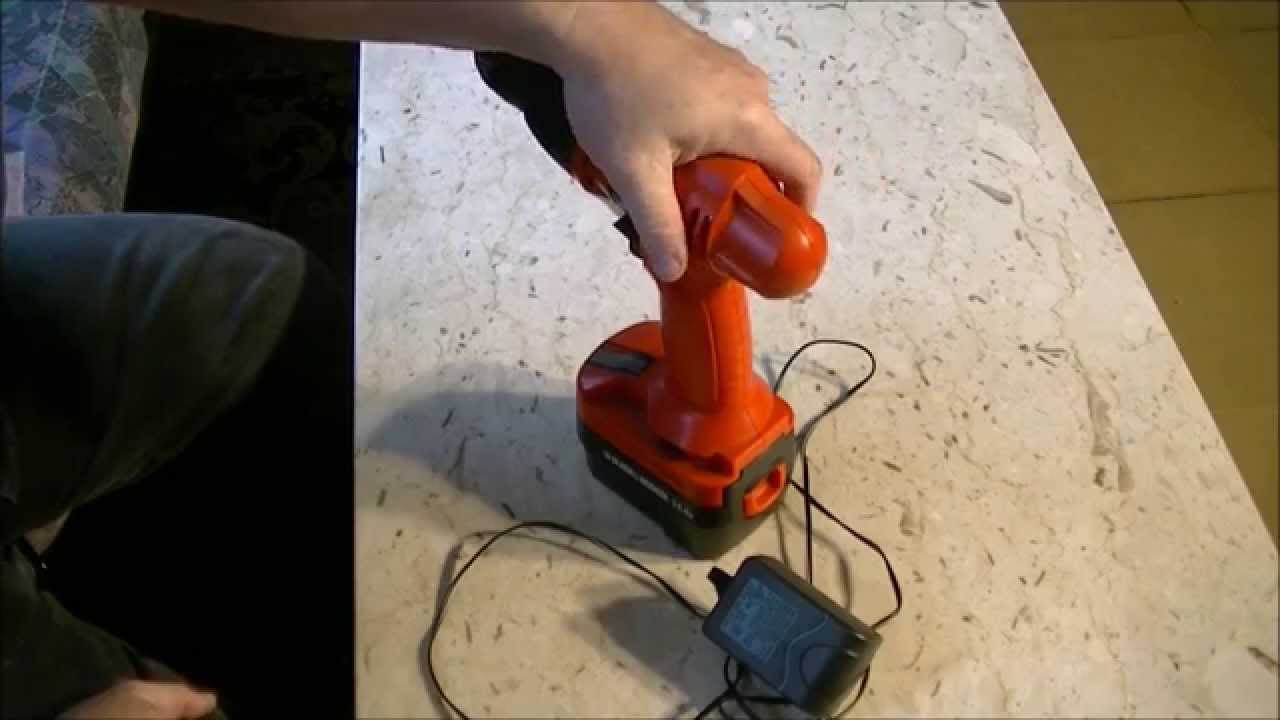
Start by plugging the charger into a power outlet. Next, connect the drill’s battery to the charger. Make sure the battery fits securely. Avoid forcing the battery into the charger to prevent damage.
Charging Indicators And What They Mean
Look at the charger’s light to check the charging status. A red light usually means the battery is charging. A green light means the battery is fully charged. Some chargers blink to show an error or low battery.
Safe Charging Practices
Charge the battery in a cool, dry place. Avoid charging near water or heat sources. Do not leave the battery on the charger for too long after it is full. Unplug the charger when not in use to save energy and prevent accidents.
Troubleshooting Charging Issues
Troubleshooting charging issues with your Black and Decker cordless drill is important. It helps keep your tool ready for work. Many users face problems that stop the drill from charging properly. Understanding these issues saves time and prevents frustration.
Start by checking the charger and battery connection. Dirt or loose contacts can block charging. Also, verify the power source. Sometimes, the outlet might be the problem. Small steps like these fix many common issues quickly.
Common Charging Problems
One frequent problem is the drill not charging at all. This can happen if the charger is faulty or the battery is dead. Another issue is slow charging. It may occur due to a worn-out battery or poor charger performance. Some drills show a blinking light. This often means the battery is too hot or too cold to charge safely.
Check the charger cable for damage. A broken wire stops power flow. Clean the battery terminals with a dry cloth. Dust or rust can cause poor contact. Make sure the battery fits tightly in the charger. Loose fitting can interrupt charging.
When To Replace The Battery
Batteries lose power over time. If your drill runs out of charge quickly, the battery might be old. Another sign is the battery not charging at all. Even after trying different chargers, no power means the battery is dead.
Swollen or leaking batteries are dangerous. Replace them immediately. Also, if the drill’s performance drops despite a full charge, the battery is likely weak. Buying a new battery restores the drill’s power and runtime.
Maintaining Battery Health
Maintaining the battery health of your Black and Decker cordless drill is key for long-lasting power. A well-cared-for battery holds charge longer and works better. Simple habits can extend your battery’s life and save money.
Proper care starts with how you store and charge the battery. Avoid letting the battery completely drain or stay unused for too long. Follow easy tips to keep your battery in good shape.
Storage Tips
Store the battery in a cool, dry place. Avoid direct sunlight or extreme temperatures. High heat can damage the battery’s cells. Cold temperatures can reduce battery performance.
Remove the battery from the drill if you won’t use it for weeks. Keep it about half charged for storage. Check the battery every few weeks and recharge if needed. This keeps the battery healthy.
Charging Frequency Recommendations
Charge the battery before it is fully empty. Avoid letting it drain completely. Lithium-ion batteries last longer with partial charges. Do not leave the battery on the charger for days after it is full.
Charge the battery regularly if you use the drill often. For occasional use, charge before each job. Follow the manufacturer’s charger instructions for best results. Proper charging habits help the battery last longer.

Credit: www.blackanddecker.com
Credit: www.youtube.com
Frequently Asked Questions
How Long Does It Take To Charge A Black And Decker Drill?
Charging time varies by model but typically takes 1 to 3 hours. Always use the original charger for best results. Avoid overcharging to preserve battery life and efficiency.
Can I Use Any Charger For Black And Decker Drill?
No, use only the charger designed for your Black and Decker drill. Using incompatible chargers may damage the battery or reduce performance. Always check the model compatibility before charging.
How To Know When Black And Decker Drill Is Fully Charged?
Most chargers have indicator lights that turn green when charging is complete. Some models beep or stop charging automatically. Always refer to your drill’s manual for specific charging signals.
Is It Safe To Charge Black And Decker Drill Overnight?
Charging overnight is generally safe with modern chargers that prevent overcharging. However, avoid leaving it plugged in for several days. Regularly monitor the charging process to ensure battery health.
Conclusion
Charging a Black and Decker cordless drill is simple and quick. Always use the charger that comes with the drill. Place the battery correctly into the charger slot. Let it charge fully before unplugging. Avoid overcharging to keep the battery healthy.
A well-charged drill works better and lasts longer. Follow these steps each time you charge. Your drill will be ready when you need it most. Easy care extends your tool’s life and performance. Keep charging right, and enjoy smooth work every time.
