


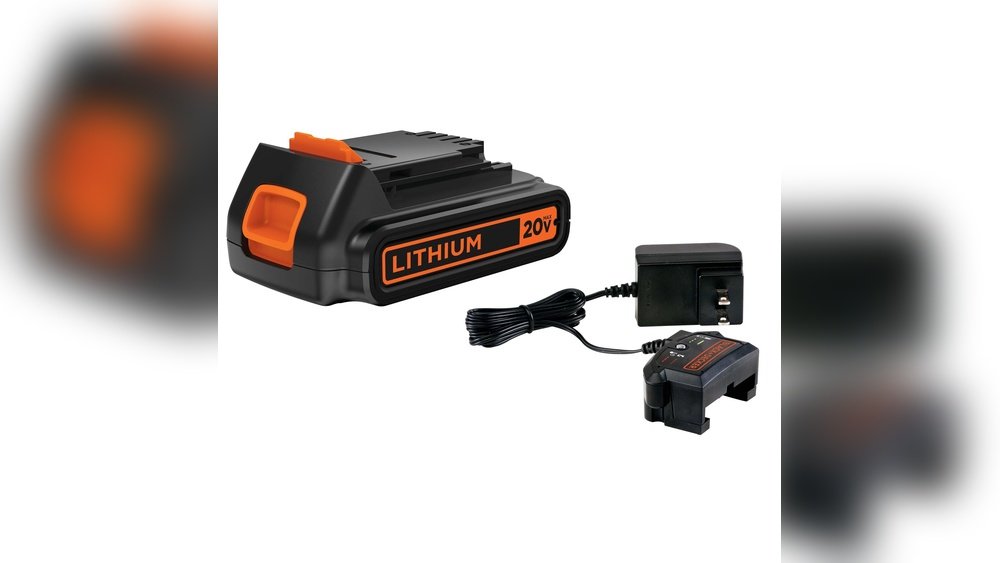
If you own a Black and Decker cordless drill, knowing how to charge it properly can save you time and keep your projects running smoothly. You might think it’s simple, but charging your drill the right way can actually extend its battery life and ensure it’s always ready when you need it.
You’ll discover clear, step-by-step instructions to charge your Black and Decker cordless drill quickly and safely. By the end, you’ll feel confident and ready to power up your drill like a pro. Keep reading to make sure your tool never lets you down.
Choosing The Right Charger
Choosing the right charger for your Black and Decker cordless drill is important. The charger affects how fast and safely your drill’s battery charges. Using the wrong charger can damage the battery or reduce its life. Understanding which chargers work best will help you keep your drill ready for use.
Compatible Chargers For Black And Decker
Black and Decker drills need chargers that match the battery type and voltage. Most chargers are made for either NiCad or lithium-ion batteries. Check the battery label for voltage and type before choosing a charger. Using a charger that does not fit your battery may not work or could cause damage. Always pick a charger designed for your drill’s specific model and battery type.
Oem Vs Third-party Chargers
OEM chargers are made by Black and Decker. They fit perfectly and offer reliable charging. These chargers usually come with a warranty and support. Third-party chargers are cheaper and widely available. Quality varies between brands and models. Some third-party chargers work well, but others may charge slowly or harm the battery. Choose third-party chargers with good reviews and proper specifications.
Preparing The Drill For Charging
Preparing your Black and Decker cordless drill for charging is an important step. It helps keep the battery healthy and the drill working well. Take time to check the drill and battery before charging. This prevents damage and ensures a full charge. Follow these simple steps to get ready.
Removing The Battery Pack
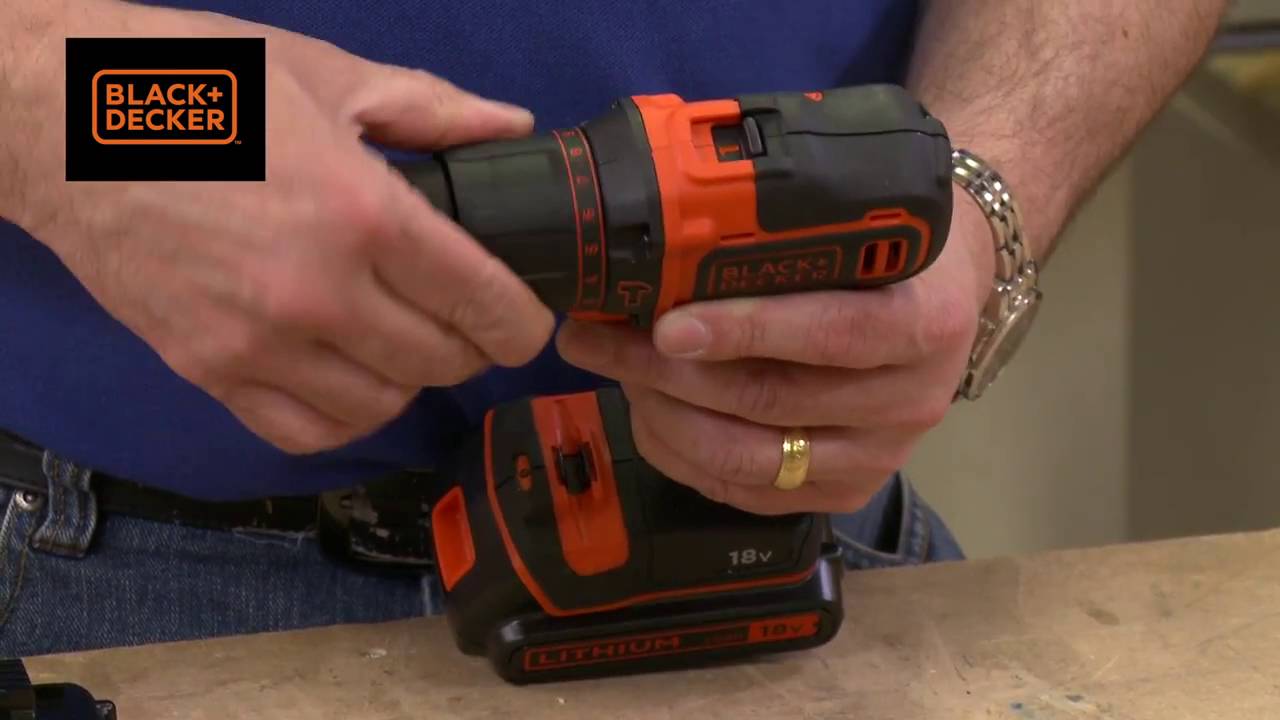
First, find the battery pack on the drill. It is usually at the bottom of the handle. Press the release buttons on both sides of the battery. Pull the battery pack out gently. Do not force it or use sharp tools. Removing the battery safely keeps it from breaking or leaking.
Inspecting The Battery And Charger
Look closely at the battery for cracks or leaks. Check the metal contacts for dirt or rust. Clean contacts with a dry cloth if needed. Next, examine the charger plug and cord for damage. Make sure the charger is dry and free from dust. A clean battery and charger help the drill charge quickly and safely.
Charging Steps
Charging your Black and Decker cordless drill is simple. Follow a few easy steps to get your drill ready for work. Proper charging keeps your tool working longer and safer.
Connecting The Charger To Power
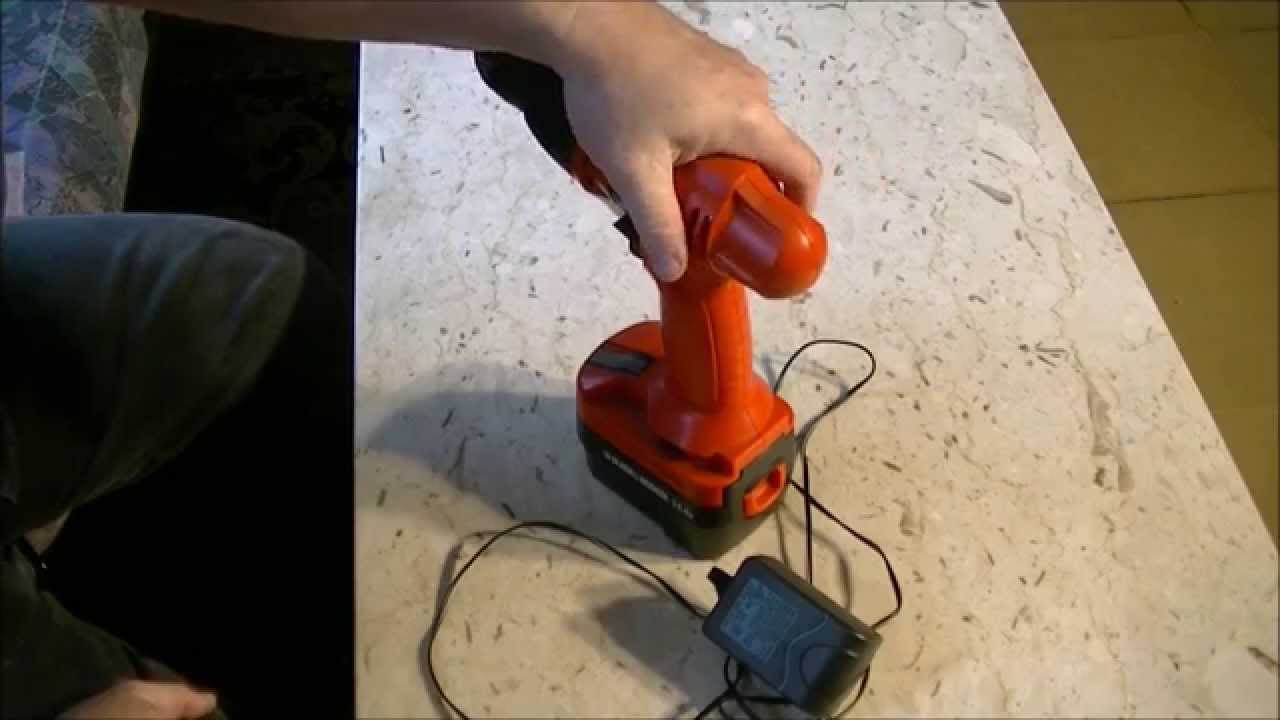
First, plug the charger into a wall outlet. Make sure the outlet has power. Avoid using damaged cords or loose plugs. A steady power source helps the battery charge correctly.
Inserting The Battery Correctly
Next, slide the battery into the charger. Align it carefully to fit the slots. You will hear a click when it locks in place. Incorrect placement can stop charging or damage the battery.
Charging Time And Indicators
Charging usually takes a few hours. Check the charger’s light to track progress. A red light means charging is on. A green light shows the battery is full. Remove the battery once fully charged to avoid overcharging.
Credit: www.youtube.com
Safety Tips During Charging
Charging a Black and Decker cordless drill needs care for safety. Following safety tips helps protect you and your tool. Proper charging keeps the battery healthy and lasts longer. Avoid risky actions that might cause damage or injury.
Avoiding Overcharging
Do not leave the drill charging for too long. Overcharging can heat the battery and reduce its life. Use the charger designed for your drill model only. Unplug the charger once the battery is full. This prevents battery damage and saves energy.
Proper Ventilation
Charge the drill in a place with good airflow. Charging batteries produce heat that needs to escape. Avoid closed or hot areas like boxes or direct sunlight. A cool, open space keeps the battery safe and cool. This lowers the risk of overheating.
Handling Damaged Batteries
Do not charge a battery with cracks or leaks. Damaged batteries can cause fire or chemical burns. Stop using and charging damaged batteries immediately. Replace old or faulty batteries with new ones. Follow local rules to recycle old batteries safely.
Maintaining Battery Health
Maintaining the battery health of your Black and Decker cordless drill is key to its long life. A well-cared battery holds charge longer and works better. Poor care can reduce battery life and performance. Here are simple tips to keep your battery in good shape.
Storing Batteries Properly
Store batteries in a cool, dry place away from direct sunlight. Avoid extreme heat or cold, which can damage the battery cells. Keep batteries away from metal objects to prevent short circuits. Remove the battery from the drill if you won’t use it for a long time. Store it partially charged, around 40-60%, not fully empty or full.
Regular Use And Charging Cycles
Use your cordless drill regularly to keep the battery active. Batteries that sit unused lose capacity faster. Charge the battery after each use instead of waiting for it to die completely. Avoid overcharging by removing the battery from the charger once full. Follow the manufacturer’s instructions for charging times and cycles.

Credit: www.blackanddecker.com
Troubleshooting Charging Issues
Charging issues can be frustrating when using a Black and Decker cordless drill. Troubleshooting these problems helps get your drill back to work fast. Knowing common issues saves time and effort.
Check each part carefully. Sometimes the problem is simple and easy to fix. Other times, parts may need replacement. Understanding these signs keeps your drill ready for any task.
Battery Not Charging
First, make sure the battery is properly connected to the charger. Loose connections stop charging. Clean the battery contacts with a dry cloth. Dirt or dust can block power flow.
Try charging the battery again. If the battery still does not charge, test with another charger. If it charges on a different charger, the issue is with your original charger.
Charger Not Working
Check the power source for the charger. Sometimes the outlet may have no power. Plug in a different device to test the outlet. If the outlet works, inspect the charger cord for damage.
Look for cuts, bends, or frayed wires. These stop the charger from working. Replace the charger if you find any damage. Using a damaged charger is unsafe and ineffective.
When To Replace The Battery
Batteries lose capacity over time. If your drill runs out of power quickly, the battery may be weak. Another sign is the battery not holding a charge at all.
Test the battery with a multimeter if possible. If the voltage is low, replacement is needed. Always use genuine Black and Decker batteries for best results. This ensures safety and performance.
Credit: www.youtube.com
Frequently Asked Questions
How Do I Charge A Black And Decker Cordless Drill?
To charge, connect the drill’s battery to the charger. Plug the charger into a power outlet. Charging usually takes 1-2 hours. Wait until the indicator light shows full charge before use.
Can I Use Any Charger For My Black And Decker Drill?
No, always use the charger made for your drill model. Using other chargers may damage the battery or drill. Check the manufacturer’s instructions for compatible chargers to ensure safety and proper charging.
How Long Does It Take To Fully Charge The Battery?
Charging time varies by model but typically takes 1-2 hours. Newer batteries may charge faster. Always refer to your drill’s user manual for exact charging times to avoid overcharging or undercharging.
Is It Safe To Charge The Drill Indoors?
Yes, charging indoors is safe if you use the correct charger. Ensure the area is dry and well-ventilated. Avoid charging near flammable materials to prevent fire hazards.
Conclusion
Charging a Black and Decker cordless drill is simple and safe. Always use the charger that comes with your drill. Place the battery correctly in the charger. Wait until the light shows it is fully charged. Avoid overcharging to keep the battery healthy.
Store the battery in a cool, dry place when not in use. Following these steps helps your drill work longer and better. Keep your tools ready for any project. Charging right saves time and keeps your drill ready.
