


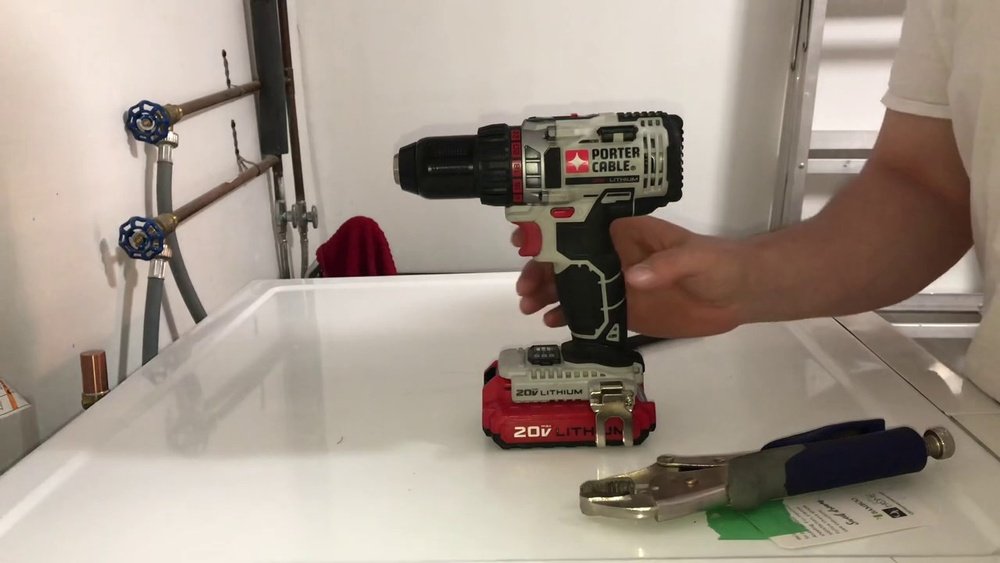
If you’ve ever struggled to remove the chuck from your Porter Cable cordless drill, you know how frustrating it can be. Whether you’re trying to replace it or fix a stubborn part, getting that chuck off quickly and safely is key to keeping your project on track.
In this guide, you’ll discover simple, step-by-step instructions designed just for you. By the end, you’ll feel confident handling your drill like a pro—and save time and effort on every job. Keep reading to learn exactly how to remove the chuck from your Porter Cable cordless drill without hassle.

Credit: www.youtube.com
Identify The Chuck Type
Before removing the chuck from your Porter Cable cordless drill, you must identify the chuck type. This step helps you know the correct way to detach it. Chucks come in two main types. Each type needs a different approach for removal.
Keyless Vs Keyed Chucks
Keyless chucks allow you to tighten or loosen the drill bit by hand. They do not require a tool. You twist the chuck sleeve to open or close the jaws.
Keyed chucks need a special tool called a chuck key. The key fits into holes on the chuck. Turning the key tightens or loosens the jaws.
Knowing if your chuck is keyed or keyless helps avoid damage. It makes the removal process easier and safer.
Visual Inspection Tips
Look closely at the chuck on your drill. A keyless chuck usually has ridges or a textured sleeve for grip. It feels like a rotating ring you can turn by hand.
A keyed chuck has small holes around its body. These holes hold the chuck key for turning. The chuck looks more mechanical and less smooth than a keyless one.
Check the drill manual or model number if unsure. Some models list the chuck type in the specifications. Visual inspection is quick and helps confirm your choice.

Credit: www.pirouette-editions.fr
Prepare Your Drill
Preparing your Porter Cable cordless drill is the first step before removing the chuck. This makes the process safe and easier. It also helps protect your tool from damage. Taking simple steps now saves time later.
Start with making sure the drill is completely off. Then, clean the chuck area. Clean parts work better and last longer. Follow these steps carefully.
Power Off And Battery Removal
Turn off your drill by pressing the power button. Do not try to remove the chuck while the drill is on. Next, remove the battery from the drill. This prevents any accidental starts. It also keeps you safe during the process. Place the battery in a safe spot away from dirt or moisture.
Cleaning The Chuck Area
Check the chuck area for dust and debris. Use a dry cloth or a soft brush to clean it. Avoid using water or harsh chemicals. Dirt in the chuck can make removal hard. Clean parts help the chuck come off smoothly. Take your time to clean thoroughly.
Loosen The Chuck
Loosening the chuck on a Porter Cable cordless drill is the first step to removing it safely. The chuck holds drill bits firmly in place. To take it off, you must loosen this part carefully. This process varies slightly depending on your chuck type.
Using The Chuck Key
Some Porter Cable drills use a chuck key to tighten or loosen the chuck. The chuck key fits into small holes on the chuck’s side. Turn the key counterclockwise to loosen the grip on the drill bit. Keep turning until the chuck opens enough to remove the bit or the chuck itself.
Make sure to hold the drill steady. This prevents slipping and makes turning easier. Use gentle, steady pressure on the chuck key. Avoid forcing it, as this can damage the chuck or the key.
Hand-tightened Chucks
Many newer Porter Cable cordless drills have hand-tightened, or keyless, chucks. These chucks loosen by turning the front part by hand. Grip the chuck firmly. Twist it counterclockwise to open the jaws that hold the bit.
If the chuck is very tight, use a rubber grip or cloth for better hold. Keep turning until the chuck releases the drill bit or can be removed. This type is faster and easier to loosen than keyed chucks.
Remove The Chuck
Removing the chuck from your Porter Cable cordless drill is a simple process. It helps when you want to change or fix the chuck. This guide will show you how to do it step by step. Follow these clear instructions to remove the chuck safely and easily.
Locate The Retaining Screw
Start by finding the retaining screw inside the chuck. Open the chuck jaws fully. Look inside the chuck for a small screw at the center. This screw holds the chuck tightly in place. It often has a left-hand thread, so it unscrews clockwise.
Unscrew The Retaining Screw
Use a screwdriver to turn the retaining screw. Turn it clockwise to loosen. Keep turning until the screw comes out completely. This step frees the chuck from the drill shaft. Do not lose the screw; you will need it later.
Detaching The Chuck
After removing the screw, hold the chuck firmly. Turn the chuck counterclockwise to unscrew it from the drill. You may need to use some force. Use a cloth for a better grip if it is tight. Once loose, pull the chuck off the drill shaft carefully.
Reassemble And Test
After removing the old chuck from your Porter Cable cordless drill, the next step is to reassemble and test the tool. This stage ensures your drill works properly and safely. Proper reassembly keeps your drill in good condition and ready for use.
Installing A New Chuck
Start by placing the new chuck on the drill’s spindle. Make sure it fits tightly without wobbling. Turn the chuck clockwise to secure it. Use the drill’s chuck key or a wrench to tighten it firmly. Do not overtighten, or you may damage the threads. The chuck must hold drill bits firmly without slipping during use.
Final Checks And Operation
Check the drill’s battery charge before testing. Insert a drill bit into the new chuck and tighten it. Turn the drill on at low speed to test the chuck’s grip. Listen for any unusual sounds. Check if the bit spins straight without wobbling. If everything feels secure and smooth, the reassembly is complete. Your drill is now ready for your next project.
Troubleshooting Common Issues
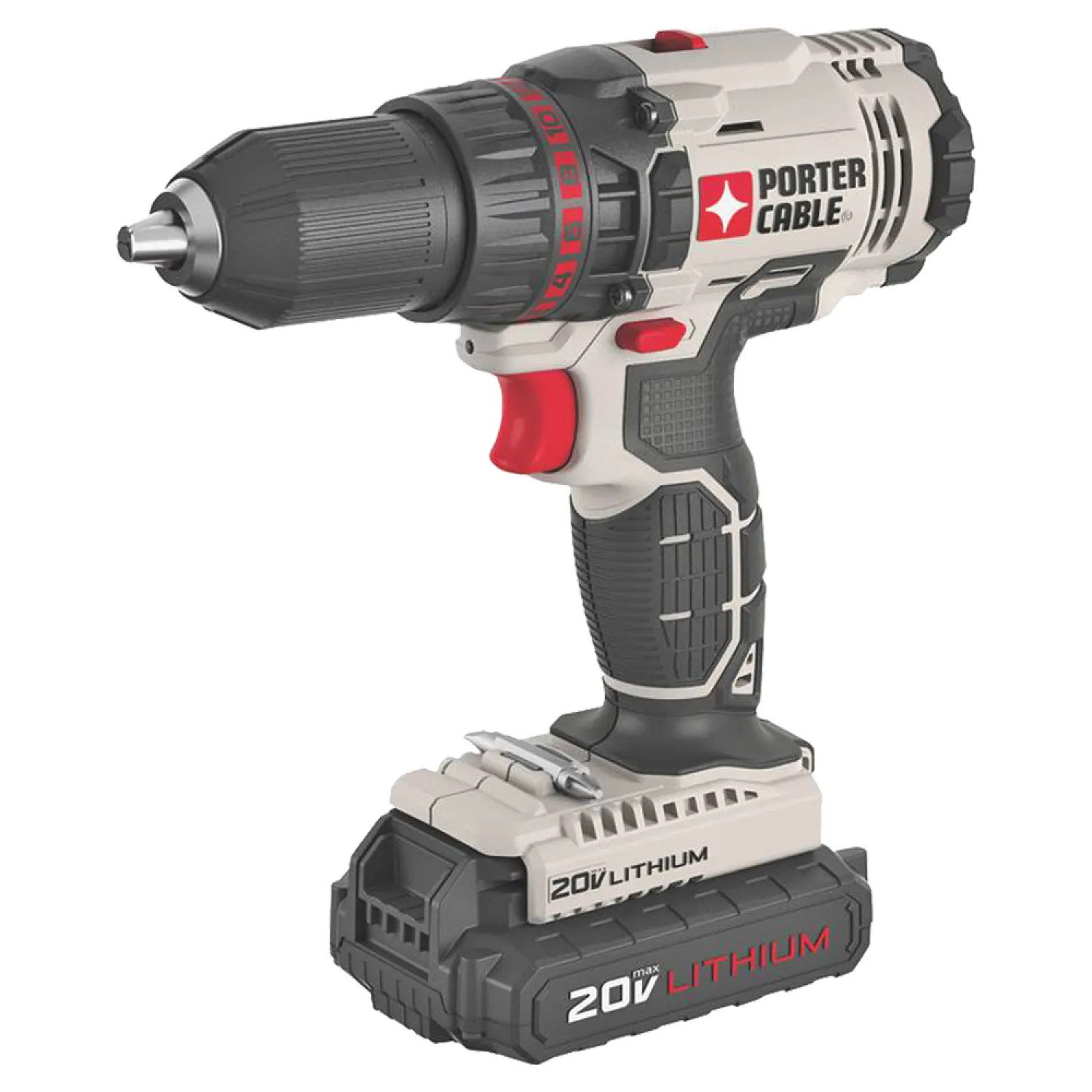
Removing the chuck from a Porter Cable cordless drill can sometimes be tricky. Common problems may stop the process. Knowing how to solve these issues saves time and effort. This section covers two usual problems and easy ways to fix them.
Stuck Chuck Removal
A stuck chuck does not turn easily. Dirt, rust, or tight locking can cause this. First, try to loosen it by hand. Use some oil around the chuck to help. Let the oil sit for a few minutes. Tap gently with a rubber mallet to break the grip. Use a wrench or pliers for more force. Always protect the chuck with cloth to avoid damage. Turn the chuck counterclockwise to remove it. Patience helps in this process.
Damaged Retaining Screw
The retaining screw holds the chuck in place. Sometimes it gets damaged or stripped. Check the screw inside the chuck. Use the correct screwdriver size to avoid stripping. If damaged, remove the screw with a screw extractor tool. Apply some penetrating oil to loosen it. Turn the screw slowly and carefully. Replace the screw if it is worn out. This step keeps the chuck secure after reinstallation.
Credit: www.plumbersstock.com
Frequently Asked Questions
How Do I Remove The Chuck From A Porter Cable Cordless Drill?
To remove the chuck, first loosen it by turning counterclockwise. Then, open the jaws fully. Use an Allen wrench to unscrew the chuck retaining screw inside. Finally, pull the chuck off the spindle carefully.
What Tools Are Needed To Remove A Porter Cable Drill Chuck?
You only need a hex (Allen) wrench to remove the chuck retaining screw. Sometimes, a pair of pliers or a wrench helps to loosen a stuck chuck.
Can I Remove The Chuck Without An Allen Wrench?
No, the Allen wrench is necessary to unscrew the retaining screw inside the chuck. Without it, the chuck cannot be safely removed.
How Do I Prevent Damage When Removing The Chuck?
Always ensure the drill is off and battery removed. Use the correct size Allen wrench. Apply steady, gentle force to avoid stripping screws or damaging threads.
Conclusion
Removing the chuck from your Porter Cable cordless drill is simple. Follow the steps carefully to avoid damage. Use the right tools and apply steady force. Take your time and stay safe during the process. With practice, this task becomes quick and easy.
Now, you can change drill bits without trouble. Keep your drill in good shape for better work results. Small tasks like this help you maintain your tools well. Try it yourself and gain confidence in handling your drill.
