


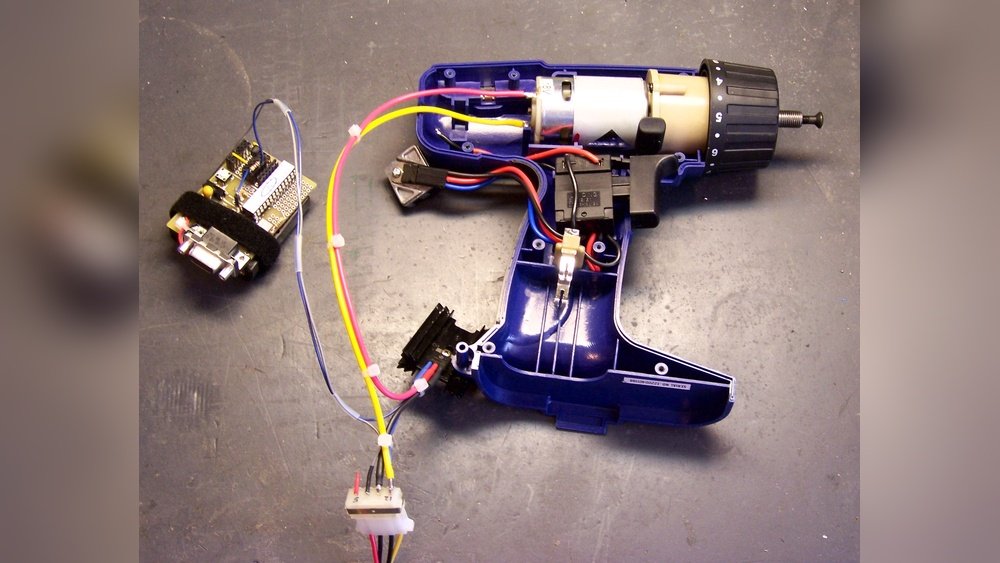
Have you ever struggled to get the perfect speed on your cordless drill? Controlling the speed can make a huge difference in how well your project turns out.
Whether you’re drilling into wood, metal, or plastic, using the right speed helps you work faster, avoid damage, and get cleaner results. You’ll discover simple, practical tips that put you in full control of your drill’s speed—no guesswork, no frustration.
Keep reading, and you’ll learn how to master your cordless drill like a pro.

Credit: www.youtube.com
Cordless Drill Basics
A cordless drill is a handy tool for many tasks. It uses a battery, so no cord limits your movement. You can drill holes or drive screws easily.
Understanding how to control its speed helps you work better. Different jobs need different speeds. Too fast or too slow can cause problems.
Key Components Affecting Speed
The motor controls the drill’s power and speed. A stronger motor means higher speed and torque.
The trigger controls how fast the motor spins. Press lightly for slow speed, press fully for fast speed.
The gearbox changes the speed and torque. Low gear means slower speed but more power. High gear means faster speed but less power.
Types Of Speed Settings
Many drills have two-speed settings: low and high. Low speed is good for driving screws or drilling tough materials.
High speed is better for drilling into soft materials or making quick holes.
Some drills offer variable speed control. This means you can adjust the speed continuously by how much you press the trigger.
Variable speed gives more control and precision for different tasks.
Adjusting Speed Controls
Adjusting the speed controls on a cordless drill helps you work better. Different tasks need different speeds. Slower speeds give more control for delicate jobs. Faster speeds help with drilling into hard materials. Understanding how to adjust speed makes your work easier and safer.
Trigger Pressure Technique
The drill speed changes by how hard you press the trigger. Light pressure starts the drill slowly. Pressing the trigger harder makes it spin faster. This lets you control speed smoothly without stopping. Practice pressing gently to avoid drilling too fast.
Speed Selector Switch
Many cordless drills have a speed selector switch. This switch usually has two or three settings. Lower settings give slower speeds for detailed work. Higher settings increase speed for tougher jobs. Use the switch to pick the best speed before drilling.
Using Variable Speed Dials
Some drills include a variable speed dial. Turn the dial to set the exact speed you want. This helps if you need a very specific speed. It works well for projects that need steady control. Always adjust the dial before starting the drill.
Choosing The Right Speed For Tasks
Choosing the right speed on a cordless drill affects your work quality and tool life. Different materials need different speeds for clean, efficient drilling. Using the correct speed helps prevent damage to the drill bit and the material. It also saves battery power and reduces wear on the drill.
Understanding the right speed for each task makes your work easier and safer. The following sections explain how to select the right speed for common materials.
Drilling Into Wood
Wood is soft and easy to drill through. Use higher speeds for small drill bits. This helps make smooth holes quickly. For large bits, lower the speed to avoid burning the wood. Start slow and increase speed as needed. Keep the drill steady to prevent splintering.
Working With Metal
Metal is hard and requires slower speeds. Use low speed to protect the drill bit from overheating. Apply steady pressure but do not force the drill. Use cutting oil to reduce heat and wear. Slower speed gives cleaner holes and longer bit life.
Handling Masonry
Masonry is very hard and rough. Use the lowest speed setting to prevent damage. Choose a drill bit designed for masonry work. Apply light pressure and let the drill do the work. High speed causes heat and wears the bit fast.

Credit: www.youtube.com
Maintaining Speed Efficiency
Maintaining speed efficiency on a cordless drill is key for smooth work. A drill that runs at the right speed saves time and effort. It also helps the drill last longer. The speed depends on many factors, especially how well you care for the drill. Simple steps can keep your drill running fast and strong.
Proper care of the battery and regular maintenance are important parts. These actions keep the drill’s motor and parts working well. They help the drill keep its power and speed over time. Follow easy tips to maintain your drill’s speed and get the best results every time.
Battery Care Tips
Battery health affects the drill speed a lot. Always charge the battery fully before use. Avoid letting the battery drain completely. Store the battery in a cool, dry place. Heat or cold can reduce battery life and power. Use the charger that came with the drill. Do not use damaged chargers or batteries. Swap batteries if you feel the drill slowing down. A fresh battery keeps the speed strong and steady.
Regular Tool Maintenance
Clean the drill after each use. Remove dust and debris from vents and moving parts. Dirt can block airflow and cause overheating. Check the drill’s chuck for tightness. A loose chuck can slow down the drill speed. Lubricate moving parts with light oil as needed. Inspect the drill for worn or broken parts. Replace parts quickly to avoid further damage. Well-maintained tools run faster and last longer.
Common Speed Control Mistakes
Controlling the speed on a cordless drill is important for good results. Many users make simple mistakes that affect their work. These common speed control mistakes can cause damage to the drill or the material. Avoiding these errors helps you work smarter and safer.
Overloading The Drill
Overloading happens when the drill runs too fast for the job. This puts extra strain on the motor. The drill can heat up and wear out quickly. Overloading can cause the battery to drain fast. Use the right speed to avoid damage and extend the drill’s life.
Ignoring Speed Settings
Many drills have different speed settings for different tasks. Ignoring these settings can lead to poor results. High speed is good for drilling small holes. Low speed works better for driving screws or working with hard materials. Always check and adjust the speed before starting your work.

Credit: www.amazon.com
Frequently Asked Questions
How Do I Adjust Speed On A Cordless Drill?
To adjust speed, use the drill’s variable speed trigger. Press lightly for low speed and fully for high speed. Some models have a speed dial or switch to set a maximum speed limit for better control.
Why Is Speed Control Important For Cordless Drills?
Speed control prevents damage to materials and drill bits. It allows precision in different tasks like drilling wood or metal. Controlling speed improves safety and extends the drill’s lifespan by reducing wear and tear.
Can I Control Speed Without A Speed Dial?
Yes, most cordless drills have a variable speed trigger. The trigger pressure controls speed without needing a dial. Press gently for slow drilling and fully for maximum speed, making it easy to adjust on the fly.
What Affects Cordless Drill Speed Control Accuracy?
Battery charge level, trigger sensitivity, and drill model affect speed control. Low battery may reduce power and speed. Quality drills offer smoother speed control. Regular maintenance ensures consistent and accurate speed adjustments.
Conclusion
Controlling the speed on a cordless drill helps you work better and safer. Start by checking the drill’s speed settings and adjusting the trigger pressure. Use lower speeds for delicate tasks and higher speeds for tougher jobs. Practice adjusting speed to match the material you drill.
This simple skill saves time and prevents damage. Keep your drill steady and stay focused. With these tips, your projects will turn out just right every time.
