


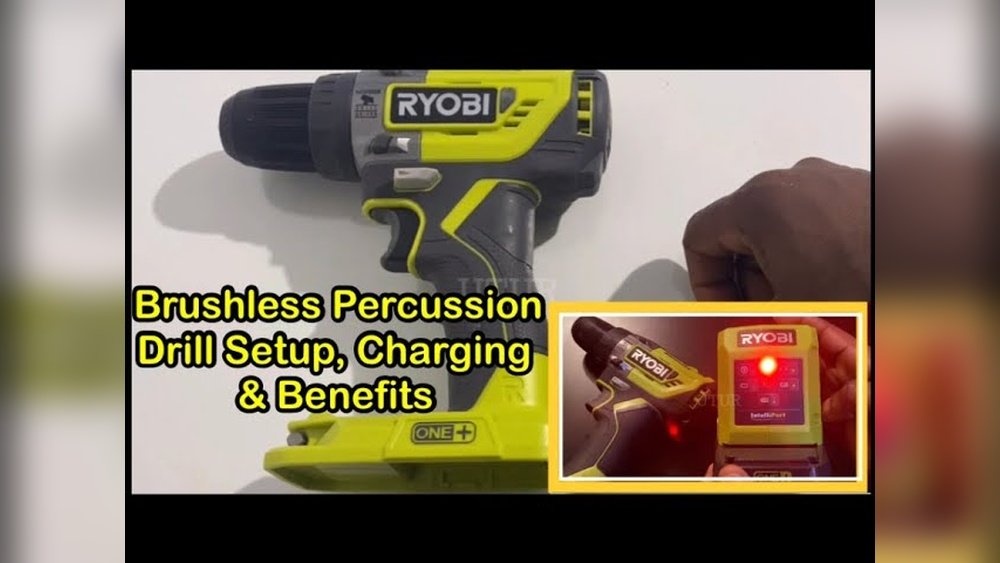
If you’ve just picked up a Ryobi cordless drill, you might be wondering how to charge it quickly and safely. Knowing the right steps to power up your drill means you’ll spend less time waiting and more time getting things done.
In this guide, you’ll discover simple tips to charge your Ryobi drill efficiently, avoid common mistakes, and keep your battery healthy for longer. Ready to make sure your drill is always ready when you need it? Let’s dive in.

Credit: www.amazon.com
Ryobi Drill Battery Types
Ryobi cordless drills use different battery types. Each battery type affects how long the drill runs and how fast it charges. Understanding these batteries helps you charge your drill correctly. It also helps you choose the right battery for your work needs.
Lithium-ion Batteries
Lithium-ion batteries are light and hold charge for a long time. They charge faster than other battery types. These batteries do not lose power when not in use. They are common in newer Ryobi drills. Using lithium-ion batteries can make your drill ready quickly.
Nicd Batteries
NiCd batteries are heavier and older technology. They take longer to charge than lithium-ion batteries. NiCd batteries may lose charge if left unused. They are less common but still work with many Ryobi drills. These batteries are usually cheaper but less efficient.
Battery Compatibility
Not all batteries fit every Ryobi drill model. Check your drill’s manual to find the right battery type. Using the wrong battery can cause damage. Ryobi often designs batteries to fit specific tool lines. Match the battery voltage and style for best results.
Credit: www.youtube.com
Preparing Your Battery
Preparing your Ryobi cordless drill battery is an important step before charging. It helps your battery last longer and work better. Taking a few simple actions ensures the battery is clean and ready. This process keeps your drill running smoothly and safely.
Inspecting The Battery
Start by checking the battery for any damage. Look for cracks, dents, or leaks on the casing. A damaged battery can be unsafe to charge. If you find any problems, do not use the battery. Use only batteries in good condition for charging.
Cleaning The Contacts
Battery contacts can get dirty or dusty over time. Dirty contacts stop the battery from charging well. Use a dry cloth or a soft brush to clean the metal parts. Avoid using water or liquids that may cause damage. Clean contacts help the battery connect properly to the charger.
Checking Battery Charge Level
Check the current charge level before you start charging. Many Ryobi batteries have a built-in indicator light. Press the button to see how much power remains. If the battery shows a low charge, it is ready to be charged. This step helps you know when charging is needed.
Charging Steps
Charging your Ryobi cordless drill is simple and quick. Follow these steps to keep your drill ready for any job. Proper charging helps your drill perform well and last longer. Understanding the charging steps ensures safety and efficiency.
Using The Ryobi Charger
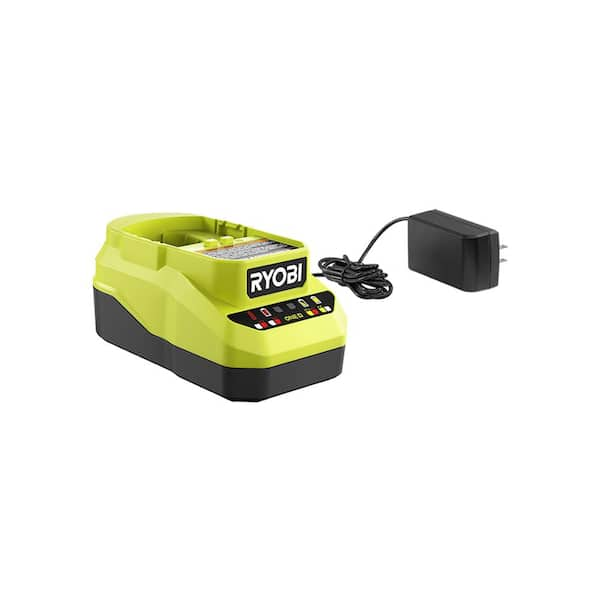
Start by placing the Ryobi charger on a flat surface. Plug the charger into a power outlet. Make sure the outlet is working correctly. Do not use extension cords or power strips. The charger light will turn on to show it is powered.
Connecting The Battery Properly
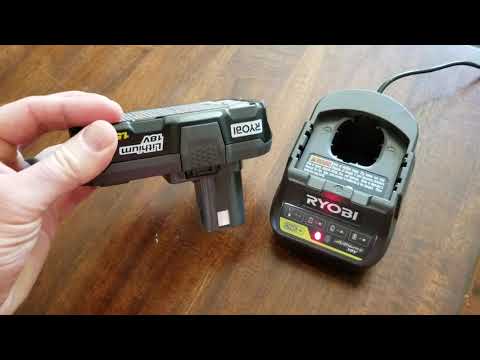
Remove the battery from the drill by pressing the release buttons. Align the battery with the charger slots. Slide the battery into the charger until it clicks. Check that the battery fits securely. A loose connection can stop charging.
Charging Time Expectations
Charging time varies by battery size and condition. Most Ryobi batteries take 30 minutes to one hour. The charger light will change color when charging is complete. Do not remove the battery too soon. Let it charge fully for the best results.
Charging Tips
Charging your Ryobi cordless drill properly is important. Good charging habits keep the battery healthy and last longer. Follow these tips to get the best results from your drill’s battery. Safe and correct charging helps you avoid damage and delays.
Optimal Charging Conditions
Charge the battery in a cool, dry place. Avoid extreme heat or cold. High temperatures can reduce battery life. Cold can slow charging speed. Use the original charger made for your Ryobi drill. It matches the battery’s power needs perfectly. Keep the charger on a flat surface. Ensure good air flow around it. This prevents overheating during charging.
Avoiding Overcharging
Do not leave the battery on the charger too long. Overcharging can harm the battery cells. Most Ryobi chargers stop charging when full. Still, unplug the charger once the battery is done. Avoid charging overnight or for days. Use the battery soon after charging for best performance.
Storing Batteries Correctly
Store batteries in a cool, dry place away from sunlight. Keep them at about half charge if storing for a long time. Avoid fully charging or completely draining before storage. Remove batteries from the drill if not using for weeks. This helps prevent damage and keeps them ready to use.
Troubleshooting Charging Issues
Troubleshooting charging issues with your Ryobi cordless drill can save time and keep your projects on track. Problems often arise from simple causes. Knowing how to identify and fix these problems helps maintain your tool’s performance.
Check the battery and charger carefully. Small details make a big difference. Here are common issues and clear steps to address them.
Battery Not Charging
First, ensure the battery is properly seated in the charger. A loose connection stops charging. Clean battery contacts with a dry cloth to remove dirt or dust.
Try charging the battery with another charger if available. This test shows if the charger or battery is faulty. Avoid charging in extreme temperatures, as cold or heat can block charging.
Charger Indicator Lights
Charger lights give important clues about charging status. A solid green light means the battery is fully charged. A blinking red light often signals a charging error.
Check the charger manual for specific light meanings. If lights do not turn on, confirm the charger is plugged into a working outlet. Replace the charger if lights remain off.
When To Replace The Battery
Batteries lose power over time. If the battery drains quickly or won’t hold a charge, replacement is needed. Swollen or damaged batteries are unsafe and must be discarded.
Test the battery with a voltmeter or compare run times to a new battery. Consistent poor performance means it is time for a new battery. Proper recycling protects the environment.
Credit: www.homedepot.com
Safety Precautions
Safety is the top priority when charging your Ryobi cordless drill. Taking simple precautions protects you and your tools. It keeps the charging process smooth and trouble-free. Follow these safety steps carefully to avoid accidents and damage.
Handling Batteries Safely
Always use the charger made for your Ryobi battery. Do not force the battery into the charger. Keep batteries dry and away from heat. Handle batteries with clean, dry hands. Never drop or strike the battery pack. Store batteries in a cool, dry place when not in use.
Avoiding Electrical Hazards
Charge your battery on a flat, stable surface. Keep the charger away from water and moisture. Do not use damaged cords or plugs. Unplug the charger after the battery is fully charged. Avoid overcharging to prevent overheating. Use the charger indoors and in a well-ventilated area.
Proper Disposal Of Old Batteries
Never throw old batteries in the trash. They contain harmful chemicals that can leak. Take used batteries to a recycling center or hazardous waste facility. Follow local rules for battery disposal. Proper disposal helps protect the environment and your health.
Frequently Asked Questions
How Do I Charge A Ryobi Cordless Drill Battery?
To charge a Ryobi cordless drill battery, insert it into the Ryobi charger. Plug the charger into a power outlet. The LED indicator shows charging progress. Charge until the LED turns green, indicating a full battery. Avoid overcharging to maintain battery health.
How Long Does It Take To Fully Charge A Ryobi Drill?
Charging a Ryobi drill battery typically takes 30 to 60 minutes. The exact time depends on the battery’s capacity and charger model. Using a fast charger reduces charging time. Always follow the manufacturer’s instructions for optimal battery life.
Can I Use Any Charger For My Ryobi Drill?
No, always use the Ryobi charger designed for your battery model. Using incompatible chargers can damage the battery and reduce performance. Ryobi chargers ensure safe, efficient charging and help extend battery lifespan.
Is It Safe To Charge A Ryobi Drill Overnight?
It’s not recommended to charge a Ryobi drill battery overnight. Overcharging can reduce battery lifespan and cause overheating. Always monitor charging times and unplug the charger once fully charged for safety and battery health.
Conclusion
Charging a Ryobi cordless drill is simple and quick. Always use the correct charger for safety. Keep the battery clean and dry before charging. Avoid overcharging to protect battery life. A fully charged battery helps your drill work better. Follow these steps to keep your tools ready.
Ready to tackle your next project with ease. Charging right means longer battery life and better results.
